Every parent filmed it. Now they can actually share it.
At a recital, the parent in row two got the photo you wanted and you got the back of someone's head. One QR code pools what every family caught, so each of them leaves with pictures of their own child.
Pay once · No app for guests · 30-day unused-event money-back guarantee
The private live stream is included with the Event Pass.
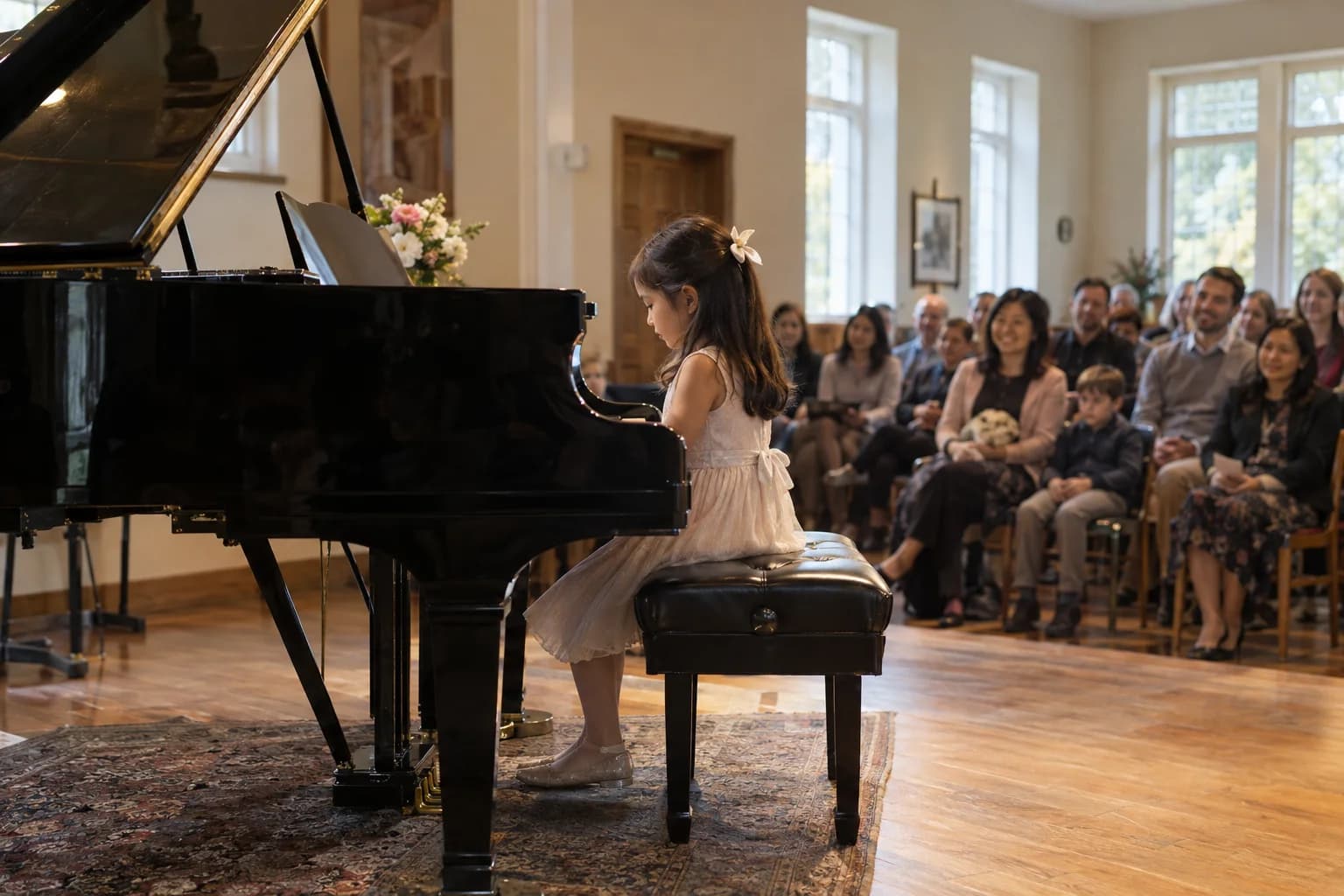
Parents get photos they could not take
You cannot photograph your own child from the middle of row eleven. Somebody nearer the front could, and this is how that photo reaches you.
Moderation, because it is a school
A gallery of other people's children needs a filter. Approval holds every upload until a staff member reviews it.
No app, no school login
Parents scan a code on the program and upload. There is no account to create and nothing tied to a school email system.
Video of the whole routine
Clips upload like photos, so the performance itself is preserved and not just a still of it.
Grandparents can see it that night
One link, viewable and downloadable without an account, for the family who could not fit in the hall.
One purchase per show
Buy it for this recital. Nothing renews on the school or the studio's card.
How it works
- 1
Create the event
The show's name and date, plus a cover photo.
- 2
Print the code on the program
Where every family will already be looking.
- 3
Photos come in during and after
Parents upload from their seats or later at home, into the same gallery.
- 4
Families download their own
Full-quality copies of every photo of their child.
Try uploading as a guest.
Scan this with your phone the way a guest at your event would. Choose a sample photo and upload it from your browser, then open the demo gallery to see it land. In this public demo, photos appear at once and videos wait for a person to approve them; at your own event, you decide.
- Scan the code with your phone camera — it opens straight in the browser.
- Upload a sample photo. Look for the upload confirmation so you know it reached the host.
Use a sample you are comfortable sharing with Picsui. Please keep personal or sensitive photos out of the demo.
M2FDV8LW
This is the same kind of code your guests scan at your event.
Questions
Is it appropriate for photos of other people's children?
That is exactly why approval mode exists. Nothing appears in the shared gallery until a staff member reviews it, and anything can be removed afterwards. Schools should still follow their own photography consent policy.
Can we limit who sees the gallery?
The gallery is reachable only by its link or code, is not listed anywhere, and is not indexed by search engines. You share it with the families in the show and nobody else.
Will parents actually bother?
They upload when the reason is obvious: to get pictures of their own child that they could not take themselves. Because there is no app and no account, it takes about ten seconds.
Does it handle a whole term of shows?
Each show is its own event with its own gallery and code, which keeps the photos from different performances separate.
Every parent filmed it. Now they can actually share it.
Set it up in about ten minutes. Guests scan one code — no app, no accounts, nothing to install.
Get Event Pass for $3930-day unused-event money-back guarantee No subscription
The private live stream is included with the Event Pass.
Explore other use cases
One QR code, every kind of event. See how Picsui fits yours.
More occasions