No equipment needed
The Modern Photo Booth Alternative
Every Guest's Phone Is a Camera.
No equipment to rent, no lines to wait in, no prints to collect. Just a QR code that turns every phone into a photo booth.
Guided demo · Set up in under two minutes
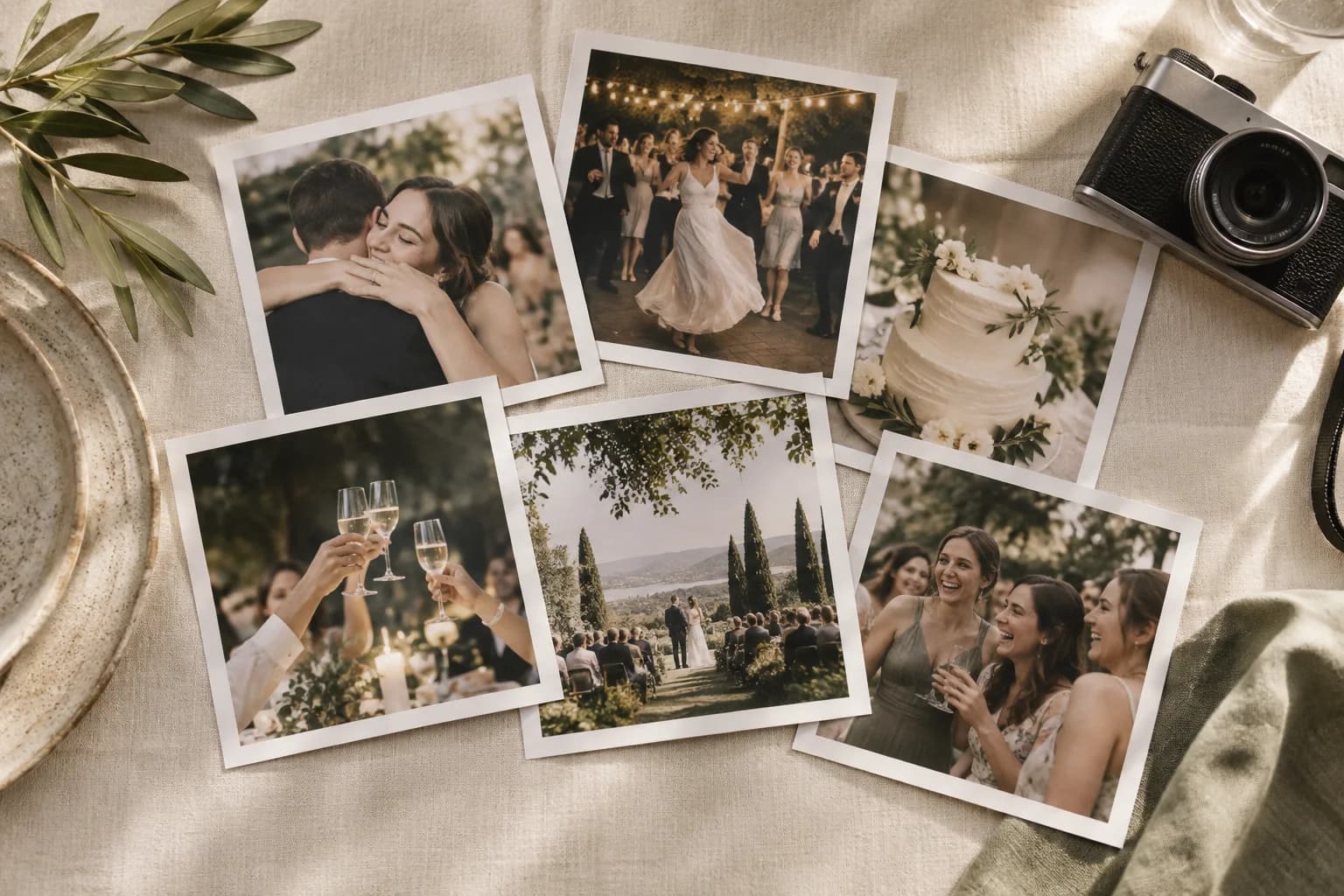
Photo Booth vs Picsui
Why rent a photo booth when every guest already has a camera in their pocket?
Cost
Photo Booth
Varies — get quotes from local vendors
Picsui
From $39 one-time
Photos captured
Photo Booth
One booth, one line
Picsui
Every guest, every moment
Setup
Photo Booth
Equipment delivery and setup
Picsui
60-second QR code setup
Coverage
Photo Booth
One corner of the venue
Picsui
Entire event, every angle
Guest experience
Photo Booth
Wait in line, pose, print
Picsui
Snap naturally, upload from the browser
Results
Photo Booth
Posed shots at the booth
Picsui
Candid photos and videos from every guest
Why Guests Prefer It
A better experience for everyone — no waiting, no posing, no limits.
No Waiting in Line
Everyone shoots at once. No queue, no bottleneck. Fifty guests can upload photos simultaneously.
Natural, Candid Photos
Real moments, real expressions — not just forced poses in front of a backdrop. The photos you actually want to keep.
Videos Too
Guests can upload videos, not just photos. Capture toasts, dances, and spontaneous moments.
Instant Gallery
See every photo in real time on a live slideshow. It's the photo wall experience — powered by every guest in the room.
What You Get
Every guest's phone, one gallery, one price.
QR Code Scanning
Guests scan a QR code and upload photos directly from their phone browser. No app download, no account needed.
Live Slideshow
Display guest photos on any TV, projector, or monitor in real time. The ultimate photo wall — powered by every guest.
Host Approval
Turn on the approval queue and check each upload before it reaches the gallery or the slideshow. Leave it off and photos appear straight away.
Full Resolution
Photos come from each guest's own phone camera, uploaded as the full-resolution original.
Bulk Download
Download every photo in original quality as a single ZIP file after the event. No compression, no quality loss.
Email Capture
Collect guest contact info during upload — perfect for thank-you notes, follow-ups, or lead generation for planners.
Livestreaming
Remote guests can watch the private live stream included with the Event Pass, and the live photo slideshow runs in the room from the same pass.
Custom Branding
On partner events and Photographer Pro: your logo or your client's on the gallery. Custom branded addresses are set up for partners on request.
Perfect For
Any event where guests have phones — which is every event.
Weddings
Capture every moment from every guest — not just posed booth shots. Ceremony, reception, dance floor, and everything in between.
Corporate Events
Branded galleries, lead capture, and a professional look. Perfect for conferences, product launches, and company parties.
Birthday Parties
Fun for all ages, no equipment needed. Kids and grandparents alike can snap photos and upload in seconds.
Conferences
Attendees share moments from every session, keynote, and networking break. One gallery captures the full event.
Already have a photo booth?
Keep it. Booth photos can go into the same gallery and onto the same live slideshow as every guest's phone photos.
- Each event's dashboard gives you a booth link. Open it in Chrome or Microsoft Edge on the booth's Windows or Mac laptop.
- Pick the folder the booth software saves into: dslrBooth, Sparkbooth, or any booth or camera software that saves to a folder.
- Each new photo appears in the gallery and on the slideshow within seconds, credited "Photo booth". No app to install.
- If the Wi-Fi drops, photos wait and send when it is back. The same photo is never sent twice.
- LumaBooth on iPad connects through your fotoShare event instead: paste its link and booth photos arrive about a minute after they reach fotoShare.
Get occasional event photo tips
Join the Picsui newsletter: practical ideas for collecting more guest photos, sent now and then.
No spam, ever. Unsubscribe anytime.
Frequently Asked Questions
How is Picsui different from a photo booth?
A photo booth captures posed shots at one spot, one group at a time. Picsui collects candid photos and videos from every guest's own phone, all event long — plus a live slideshow, a private live stream, and an optional host approval queue. Many hosts like both; see the last question.
What about photo booth props and frames?
Guests take natural photos with their own phones. You can still have a props table if you want — guests will snap those photos and upload them too!
Can I display photos on a big screen like a photo booth?
Yes! Picsui's live slideshow projects guest photos on any screen in real time — it's like a photo wall powered by every guest. Connect any TV, projector, or monitor and photos rotate automatically as guests upload them.
How do guests upload photos?
Guests scan a QR code with their phone camera. It opens a browser page where they upload photos and videos. No app download, no account needed. It works on every iPhone and Android device.
What if I still want a photo booth too?
Use both. The QR code captures what the booth misses: candid moments, the dance floor, getting-ready shots. If the booth runs on a Windows or Mac laptop, open the event's booth link in Chrome or Microsoft Edge on it and pick the folder the booth software saves into. Each new booth photo then appears in the Picsui gallery and on the live slideshow within seconds. It does not work on iPad booths.
Ditch the Photo Booth. Keep Every Memory.
Set up Picsui in a couple of minutes and let every guest capture the moments that matter. No equipment, one price per event.
Guided demo · Set up in under two minutes
Just need it for one event? Get the Event Pass — $39 one-time, no subscription needed.