Every photo of them,
gathered from every phone.
One QR code on the order of service. Family and friends add the photos, old scans, voice messages and short videos they have of the person, into one private gallery you keep. No app, no account, nothing to learn on a hard day.
$39 once for the whole gallery · No subscription · Private by default
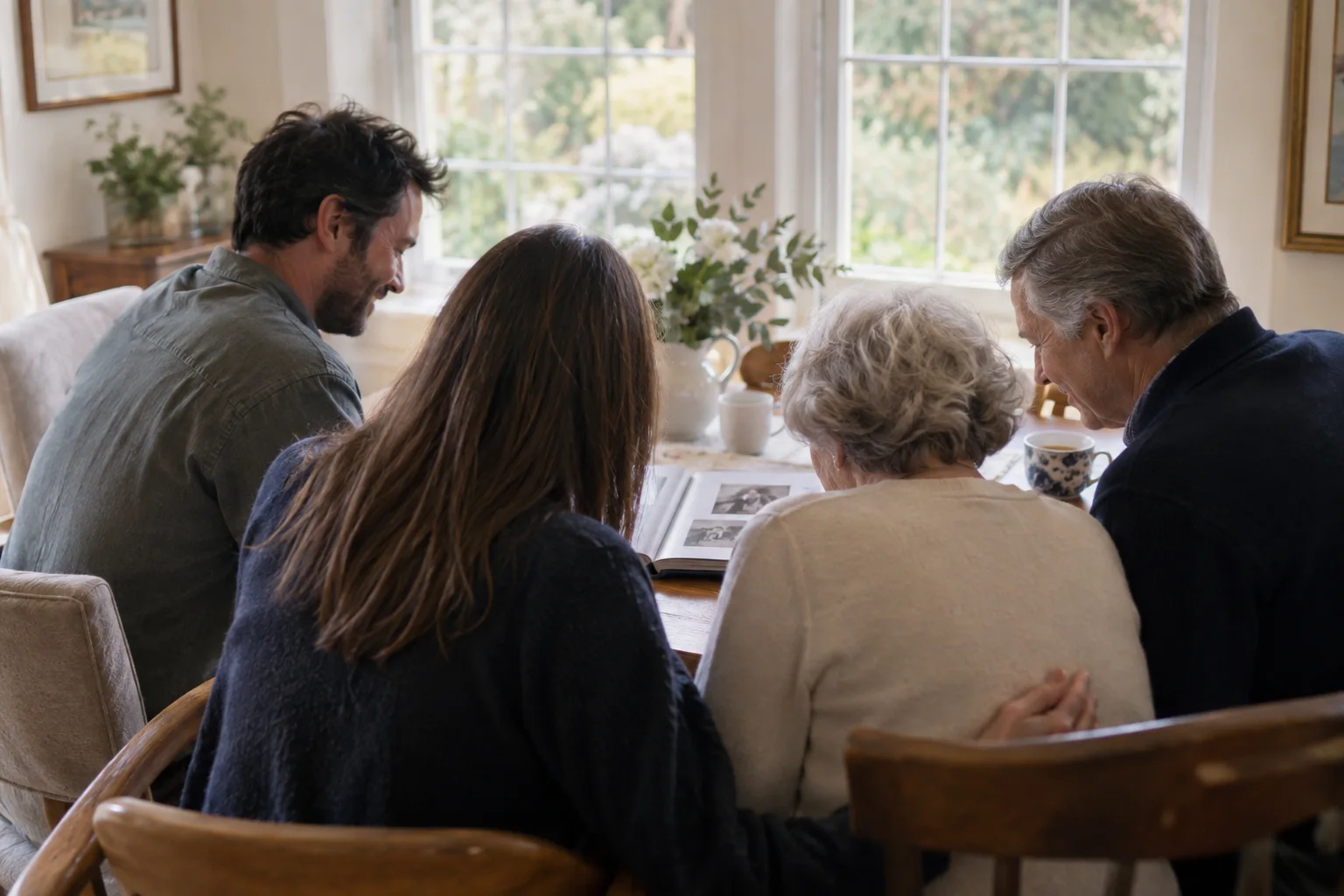
Made for the way a family actually shares photos
Not a slideshow tool with a memorial theme. A quiet way to get the pictures out of thirty camera rolls and into one place.
One code on the order of service
Print the QR on the programme, a card by the guest book, or a small sign near the photo table. Anyone who has a picture of them scans it and adds it. Nothing to install, no account to make.
Photos from decades, not just the day
Most of the photos that matter are already on relatives' phones and in their camera rolls. The gallery accepts old scans and screenshots as readily as pictures from the service itself.
Voices and stories alongside the photos
A guest who cannot find the words on paper can leave a short voice message or a video memory from the same code. It sits in the gallery next to the pictures.
Private, and reviewed before it is shown
The gallery is private by default and never listed on search engines. If you show a slideshow at the reception, only the photos you have approved appear on it.
Everything, in original quality
Download every photo, video and voice note in one archive at any point, and keep it wherever the family keeps things. Nothing is compressed on the way in.
Works for the relative who is not good with phones
Scan, tap, choose photos. The upload page is a plain web page with large buttons. If someone would rather send a photo by text, you can add it for them from your side.
Before, during and long after the service
Before the service
Share the link in the family group chat as soon as the date is set. Photos gathered this way become the slideshow for the service, and the family sees pictures they never knew existed.
At the service and the reception
A small sign by the photo table or the guest book. People who came from far away add the pictures they brought, and the ones they take of each other that afternoon.
In the weeks after
The gallery stays open. A cousin who finds a shoebox of prints in October can still scan the same code. Uploads stay open and the gallery is hosted for 12 months.
For those who could not travel
If some of the family cannot be there, the same code can open a private live stream of the service, and the gallery gives them a place to add their own photos and words.
How it works
Create the gallery
Give it their name and, if you like, a photo. It takes a couple of minutes and can be done by anyone in the family, or by the funeral home on the family's behalf.
Print or share the code
Download a printable card and a plain link. Put the card on the programme or by the photo table, and the link in the family group chat.
The family adds what they have
Photos, old scans, short videos and voice messages arrive in one private gallery. You can review anything before it is shown to others.
Keep it
Show a slideshow at the reception if you wish. Afterwards, download the whole archive in original quality and share the gallery link with anyone who asks.
For the family who cannot be there
The Event Pass includes a private live stream of the service to the same code: one link, any browser, no app. Relatives abroad or in hospital watch in real time and add their own photos and words to the gallery afterwards. It is a separate product and is not needed for photo sharing on its own. How the private stream works.
Questions families ask
Is it appropriate to use a QR code at a funeral or memorial?
When it is done quietly, yes. A small card by the guest book or a line on the order of service reads as an invitation to share a memory, not as technology. Nobody is asked to do anything during the service itself; most photos arrive before and after.
Does anyone need to download an app or create an account?
No. The code opens a plain web page in the phone's browser. A guest chooses photos and taps upload. There is no app, no account and no password for guests.
Who can see the photos?
Only people who have the link or the code. The gallery is private by default and is never listed on search engines. You can add a passcode if you want it tighter, and you can remove any photo at any time.
Can people add old photos, not just ones taken at the service?
Yes, and that is usually the point. Scans of prints, screenshots, photos from years ago: anything on a phone can be added. Uploads stay open for a year, so photos found later can still be gathered in the same place.
How long are the photos kept?
An Event Pass keeps the gallery for 12 months, and you can download the complete archive in original quality at any time during that period. We recommend downloading it once the family has finished adding photos, so a copy lives with you and not only with us.
What does memorial photo sharing cost?
An Event Pass is $39, paid once, with no subscription. It covers unlimited guest photo and video uploads, a slideshow for the reception, voice and video messages, and the full download. Funeral homes that offer this to every family use partner pricing; see the funeral home guestbook page.
Can family who cannot travel watch the service?
Yes. The Event Pass includes a private live stream of the service: a single link that opens in any browser, for family who are far away or unwell. The stream is recorded when recording is available; keep the recording afterwards for $29.
Set it up in a few minutes, or ask us to
If you would rather not do this yourself this week, write to Support@Picsui.com with the person's name and the date, and a person will help you set the gallery up and get the card ready to print.