Powder everywhere. Phones in bags.
Photos afterwards, all in one place.
You are the PTA chair, the youth pastor or the parks department coordinator who signed up to run the color run this year. The problem is not that nobody takes photos; it is that everyone does and then puts the phone straight back into a zip bag because the next powder station is coming. The photos surface that evening, on a hundred separate phones, once the powder is washed off. One QR code at packet pickup and the finish festival gathers them into one gallery.
One-time. No account needed to buy — about a minute.
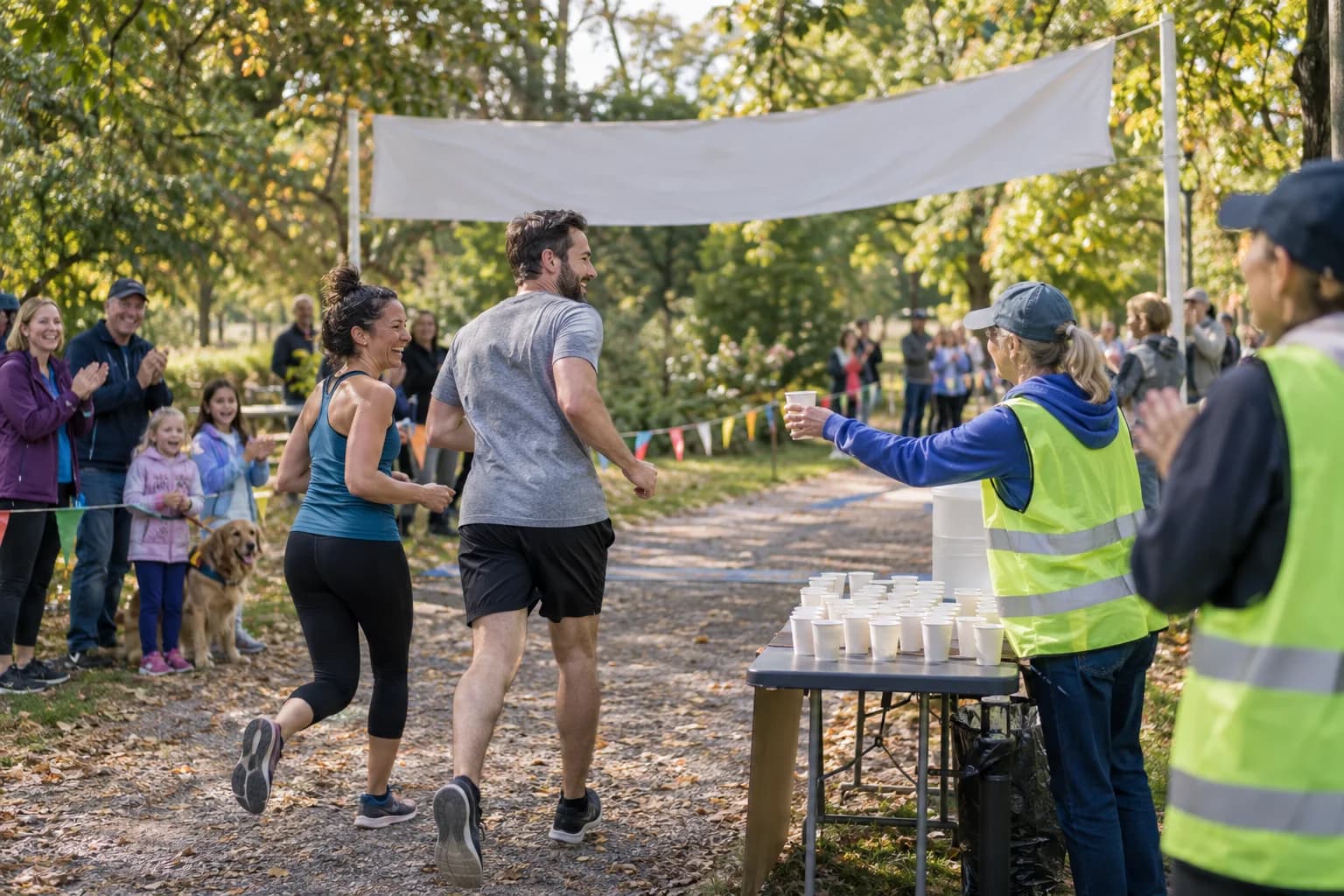
The moments guests actually photograph at color runs
Why color runs work better on Picsui
Written for the person hosting this one, and checked against what the product actually does.
Uploads that come after the powder
Nobody uploads mid-course with a phone in a sandwich bag. Most color run photos are sent that night from the couch, some the next weekend when the shirt comes out of the wash. The gallery stays open to uploads for as long as you leave it and is hosted for 365 days, so the late photos from the family that drove home first still make it in.
Family-friendly by review, not by hope
A color run is a crowd of children, strangers and school families in one field. Turn on host review and every upload waits until an organizer approves it, and nothing is visible to anyone before that. Parents see a gallery that a school or a church is comfortable putting its name on, and nothing else.
Next year's poster is in this year's gallery
The photo on next year's registration page is always from this year's finish line, and it is always on a parent's phone. With host review on and permission asked on the registration form, the organizer downloads the best color throw shots at full resolution and uses them for the flyer, the sponsor deck and the school newsletter.
No app. No account. One scan.
Guests point their camera at a QR code and are uploading in seconds. Nobody installs anything, nobody creates a login, and the grandparents can do it as easily as the teenagers.
You approve before anyone sees
Turn on host review and every upload waits in your queue until you approve it. It is optional, it works from your phone, and anything you never approve is never seen by anyone else.
12 months of hosting
An Event Pass keeps the gallery live for 365 days, so the link on the thank-you card still works long after the event.
Full-resolution downloads
Download any photo, or the whole event as one archive, at original quality. What guests uploaded is what you keep — no compression, no watermark on paid events.
Guest list and RSVPs in the same place
Import your list, send each guest a personal invite link, collect replies and party sizes, and check people in at the door from your phone.
Private by default, never indexed
The gallery is only reachable by the link or code you share. Guest pages are blocked from search engines and named AI crawlers, and you can close the gallery whenever you choose.
How it works
Set up in a minute. Collect for the whole event.
Create the run as an event and import the registration list so every family has the link before race morning.
Print the QR code big at packet pickup, on the powder station tents, and on a banner at the finish festival where phones finally come out.
Families upload from the festival and again that evening once the powder is off. An organizer approves the queue in the days that follow.
Share the gallery with every registered family, and download the finish-line shots you have permission to use for next year's promotion.
Try uploading as a guest.
Scan this with your phone the way a guest at your event would. Choose a sample photo and upload it from your browser, then open the demo gallery to see it land. In this public demo, photos appear at once and videos wait for a person to approve them; at your own event, you decide.
- Scan the code with your phone camera — it opens straight in the browser.
- Upload a sample photo. Look for the upload confirmation so you know it reached the host.
Use a sample you are comfortable sharing with Picsui. Please keep personal or sensitive photos out of the demo.
M2FDV8LW
This is the same kind of code your guests scan at your event.
Getting the most from color runs
Make the finish festival the upload moment, not the course. Runners cannot scan mid-run and will not try. After the final color throw there is a stretch where everyone stands around comparing shirts, waiting for the group they came with and looking for the water table; that is when a banner-sized QR code with a short line like "send us your photos" earns its space. Put a second one beside the hose-down or the photo backdrop if you have one, because families take their cleanest group photo there and it is the one they most want to share.
Tell families before the run what you will do with the photos. A color run at a school or church is mostly children, and parents will upload freely if they know the gallery is private and only reachable by the link, and they will hesitate if they do not. If you want to use photos for next year's promotion, put a plain checkbox on the registration form asking for permission to use photos of their family in the newsletter and the event flyer, and only download for promotion the photos from families who checked it. Host review keeps everything else out of sight until you have looked at it.
Ask the powder station volunteers to be your course photographers. They stand in one spot for the whole event, they are already wearing the sunglasses and bandana, and the shot of a runner disappearing into a cloud of orange is the one everyone wants. A volunteer on each station photographing the busiest waves and uploading afterwards in one batch will produce more usable photos than the whole field combined. Remind them to keep the phone in a bag between shots, because powder gets into everything, and to shoot from upwind of the station so the lens stays clear for the second wave.
Common questions about color runs
Runners keep their phones in bags. When do the photos actually arrive?
Mostly that evening, and some over the following week. A color run is the one race where nobody uploads on the course, because the phone is sealed in a bag against the powder and stays there until the hose-down. The finish festival is the first real upload window, so put the code there, and then expect a second wave once families are home and showered. The gallery stays open to uploads for as long as you leave it and is hosted for 365 days on an Event Pass, so there is no deadline to chase people about.
How do I keep the gallery family-friendly?
Turn on host review before you share the code. Every upload then waits in your queue until an organizer approves it, and approving in small batches from a phone through the day means you are not facing hundreds of photos of powder clouds at the end. Approve in a sitting or two after the event rather than during it. Because the gallery is private and only reachable by the link, the review is the only gate you need; there is no public feed for anything to slip through to.
Can I use the photos for next year's poster?
Only with permission, and it is easy to get. Add a checkbox to the registration form asking whether photos of the family may be used in the school or church newsletter and next year's event promotion. Keep host review on, and when you go through the queue, note which finish-line shots come from families who agreed. Downloads are at full resolution, so the color throw photo that becomes the flyer is sharp enough to print. Families who did not agree still see the gallery; their photos simply stay inside it.
Is the gallery private, given that it is mostly kids?
Yes. The gallery is private by default and reachable only by the link or the QR code you share with registered families. It is never listed anywhere, and guest pages are blocked from search engines and named AI crawlers, so a photo of a child in a powder-stained shirt is not findable by anyone who was not given the link. Combine that with host review and the organizer sees every photo before any other family does. You can close uploads after the event and take the gallery down whenever you choose.
How much does it cost for a school fun run?
An Event Pass is $39, paid once, and covers the whole event: unlimited uploads with a fair-use bound of 25 GB, host review, full-resolution downloads and 365 days of hosting. There is no per-family or per-runner charge, so a run with four hundred registered families costs the same as one with forty. For a PTA that is less than one family's registration fee, and the gallery link is something you can put in the thank-you email to sponsors as well.
Every photo from color runs, in one place
One-time Event Pass, $39. No subscription, no per-guest fee.
Explore other use cases
One QR code, every kind of event. See how Picsui fits yours.
More occasions