Every angle. Every moment. Every guest.
How to Collect Photos from Wedding Guests
Your guests will capture hundreds of candid moments your photographer never sees. Picsui gives you one QR code that collects every photo and video from every phone — no app downloads, no sign-ups, no chasing people after the wedding.
Collect the photos your guests already took
Free to try · 30-day unused-event money-back guarantee
Quick answer
The easiest way to collect wedding photos from guests is a QR code they scan to upload from their phone browser — no app and no account. It beats a group chat or a shared Drive for a reason you can check yourself: nothing has to be installed, nobody has to be added to anything, and the photos land in one place at full resolution instead of compressed into a thread. Put the QR in several spots — table cards, a welcome sign, the bar, a next-morning text — because a guest uploads when the code is in front of them, not when they remember later.
The #1 Regret After Weddings: Missing Photos
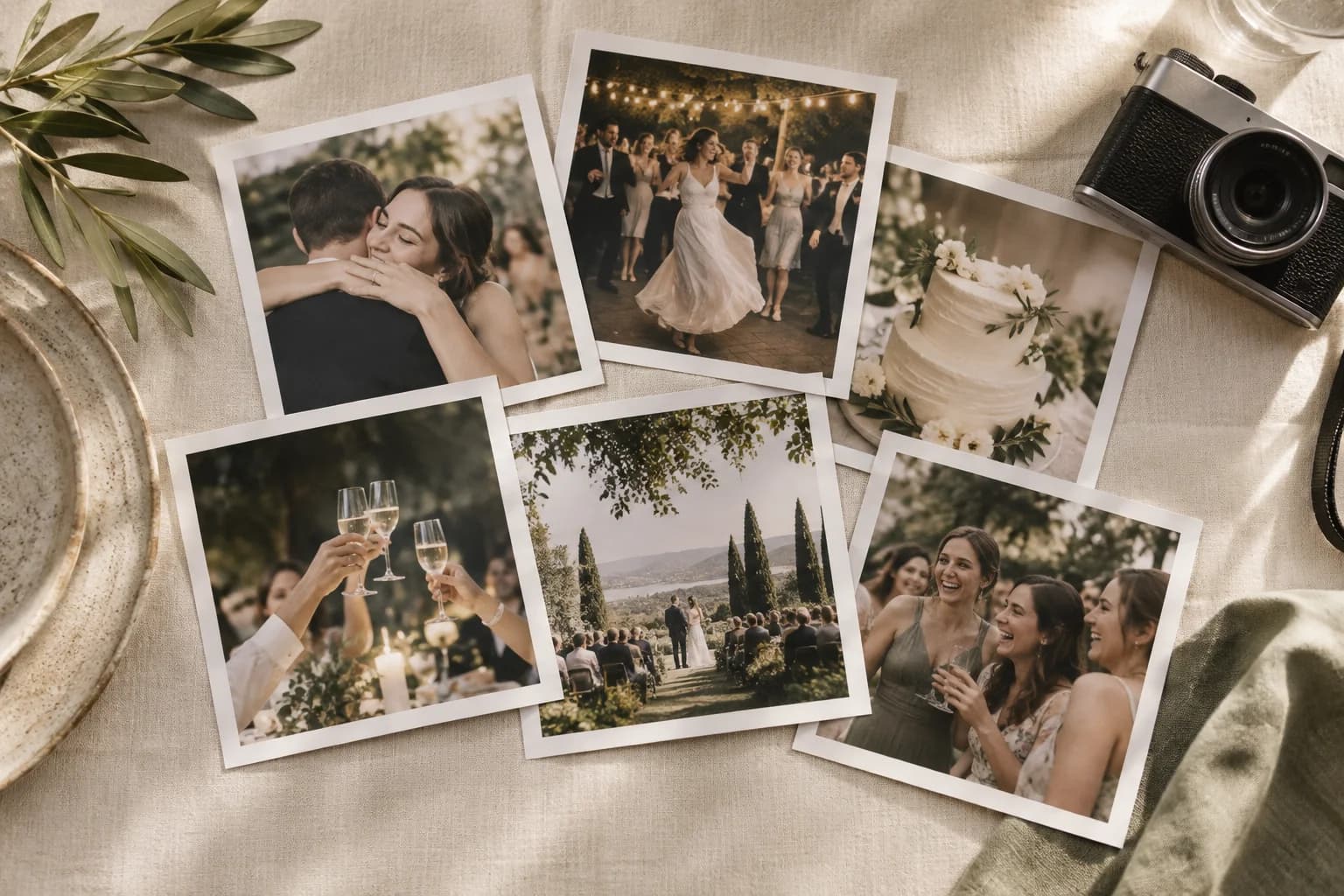
The average wedding guest takes 20–50 photos on their phone. Multiply that by 100 guests and you're looking at thousands of candid moments — the laugh during the toast, the dance floor surprise, grandma wiping away a tear — that your professional photographer never captured.
But here's the problem: most of those photos are never shared. Text chains break down after a few messages. Shared Google Photos albums require everyone to have a Google account. Dropbox links sit unopened in inboxes. Social media hashtags scatter your photos across platforms you don't control.
Weeks later, you realize the moments that mattered most are locked on other people's phones. Picsui makes sure that never happens.
The Modern Way to Collect Guest Photos and Videos
Three steps. Zero friction. Every photo and video collected.
Create Your Wedding QR Code
Sign up, name your event, and generate a custom QR code in under a minute. Print it on table cards, frame it next to the guest book, or add it to your wedding programs and invitations.
Guests Scan & Upload Instantly
Guests point their phone camera at the QR code and land on your upload page. They pick photos or videos from their camera roll or snap new ones — no app download, no login, no account needed. Works on every iPhone and Android.
Collect, View & Download Everything
Every photo lands in your real-time gallery the moment it's uploaded. Display them on a live slideshow at the venue, browse them on any device, or bulk-download every image in original quality after the celebration.
Why QR Code Collection Beats Other Methods
We've seen couples try everything. Here's why a single QR code outperforms every alternative.
Shared Albums (Google Photos, iCloud)
Requires every guest to have the same app and an account. Android users can't easily join iCloud albums. Participation rates are typically under 20%.
Text Message Chains
Break down after 10+ people. Photos get compressed, conversations get noisy, and half your guests never see the message. You end up with scattered photos across dozens of threads.
Email Requests
"Please email your photos to..." asks a guest to do work later, at home, from a laptop. The ones who follow through send compressed attachments over days or weeks.
Social Media Hashtags
Photos are scattered across Instagram, Facebook, and TikTok. You don't own the content, quality is compressed, and private moments become public. Many guests don't use social media at all.
Picsui QR Code Collection
- Works on every smartphone — no app, no account, no friction
- One scan to upload — guests are done in under 10 seconds
- Photos stay in original quality, privately in your gallery
- Optional approval: you decide which uploads appear
- Audio guestbook — guests leave voice messages alongside their photos
- 80%+ guest participation rate at typical weddings
Built to Collect Every Last Photo and Video
Every feature is designed to maximize the number of guest photos and videos you collect — and make the experience effortless for everyone.
Instant QR Code Upload
One scan opens your upload page. No app store, no login, no typing a URL. Guests go from scan to uploaded in seconds — even your least tech-savvy relatives.
Real-Time Photo Gallery
Every photo appears in your gallery the instant it's uploaded. Watch your collection grow throughout the ceremony and reception in real time.
Photo Approval
Switch on approval and every upload waits for you before it reaches the gallery. Remove any photo at any time.
Live Slideshow Display
Project guest photos on any screen at your venue. New uploads rotate automatically, turning your reception into an interactive experience that guests love.
One-Click Bulk Download
After the wedding, download every collected photo in original resolution as a single ZIP file. No compression, no quality loss, no photo left behind.
Private by Default
Your wedding photos are visible only to people with your QR code or direct link. No public galleries, no social media exposure — your memories stay yours.
Guest Email Capture
Optionally collect guest email addresses during upload. Perfect for sending thank-you notes, sharing the final gallery link, or post-wedding updates.
Post-Wedding Reminders
Your upload link stays active for 90 days. Share it after the wedding to collect photos from guests who forgot to upload at the venue — a second wave always comes.
Unlimited Uploads for One Wedding
From an elopement to a large celebration, Event Pass includes unlimited guest photo and video uploads for one wedding. Partner pricing is available for professionals running client events.
How this plays out at four kinds of wedding
No matter your wedding size or style, Picsui captures the photos you'd otherwise lose forever.
Intimate weddings (under 50 guests)
A small guest list still holds two sets of photos: the ones the photographer is standing in the right place for, and the ones nobody is. A father's face during the vows, the children dancing — those are on the phones of the people sitting closest to them, and one QR code is what gets them back.
Large receptions (150+ guests)
Past a certain size, asking everyone individually stops working. A code on every table and one mention from the DJ is the whole ask, and it collects angles from parts of the room the couple never saw.
Destination weddings
When half the family cannot travel, the gallery link is how they attend. Photos appear as the day happens, and guests keep uploading across the welcome dinner, the ceremony and whatever follows — so the trip is collected, not just the wedding.
Multi-day celebrations
Rehearsal dinner, ceremony, reception, brunch the next morning. One gallery spans all four, because uploads stay open for the whole event window rather than one evening.
Frequently Asked Questions About Collecting Guest Photos
What is the easiest way to collect wedding photos from guests?
The easiest method is a QR code that guests scan with their phone camera. Picsui generates a custom QR code for your wedding. Guests scan it, select photos from their camera roll (or take new ones), and upload — all without downloading an app or creating an account. Photos appear instantly in your private gallery.
How many photos can guests upload at a wedding?
With Picsui, guests can upload multiple photos at once. Event Pass includes unlimited guest photo and video uploads for one wedding ($39 one-time). No guest is capped, and there is no upload count to run out of — the only bound is storage. Fair use: 25 GB of media per event. Photographers and planners can apply for Partner pricing at $19 per event or five Event credits for $79.
Do guests need to download an app to share their wedding photos?
No. Picsui is entirely browser-based. Guests simply scan a QR code with their phone camera, which opens a mobile-optimized upload page. They select photos and tap upload. It works on every iPhone and Android device — no app store visit, no login, no friction. This is why QR-based collection has a much higher participation rate than shared album apps.
How do I get photos from guests who forgot to share after the wedding?
Your Picsui QR code and upload link remain active for 90 days after the event. Share the link via text or email to remind guests who haven't uploaded yet. If you enabled email collection during the event, you can send a one-click reminder directly from your dashboard. Most couples see a second wave of uploads in the days following the wedding.
Is it better to use a shared album or a QR code to collect guest photos?
QR code collection consistently outperforms shared albums. Shared albums (Google Photos, iCloud, etc.) require every guest to have the same app and an account, which creates friction — especially for older relatives or guests with Android devices trying to join an iCloud album. A QR code works universally: scan, upload, done. Picsui also adds photo approval, a live slideshow, and bulk download that shared albums don't offer.
Explore More
Related guides and tools to help plan your wedding photo experience.
Wedding Photo Sharing
Collect every guest's wedding photos with one QR code, real-time gallery, and live slideshow.
Learn moreQR Code for Wedding Pictures
Create, print, and display a QR code that collects every guest's photos at your wedding.
Learn moreSame-Day Wedding Slideshow
Display guest photos on venue screens in real time as they upload throughout the reception.
Learn morePrivate Wedding Livestream
Securely stream your ceremony to remote family and friends who cannot attend in person.
Learn morePicsui vs Kululu
Compare features, pricing, and ease of use between Picsui and Kululu.
Learn morePricing Plans
Find the right plan for your wedding — from intimate gatherings to grand celebrations.
Learn moreTry uploading as a guest.
Scan this with your phone the way a guest at your event would. Choose a sample photo and upload it from your browser, then open the demo gallery to see it land. In this public demo, photos appear at once and videos wait for a person to approve them; at your own event, you decide.
- Scan the code with your phone camera — it opens straight in the browser.
- Upload a sample photo. Look for the upload confirmation so you know it reached the host.
Use a sample you are comfortable sharing with Picsui. Please keep personal or sensitive photos out of the demo.
M2FDV8LW
This is the same kind of code your guests scan at your event.
Don't Let Hundreds of Wedding Photos and Videos Stay Trapped on Guest Phones
Every hour that passes after your wedding, the chances of collecting those guest photos drop. Set up Picsui before your big day and make sure every memory finds its way home.
Free to try · 30-day unused-event money-back guarantee
Just need it for one event? Get the Event Pass — $39 one-time, no subscription needed.