Wedding Photo Ideas with
QR Code Magic
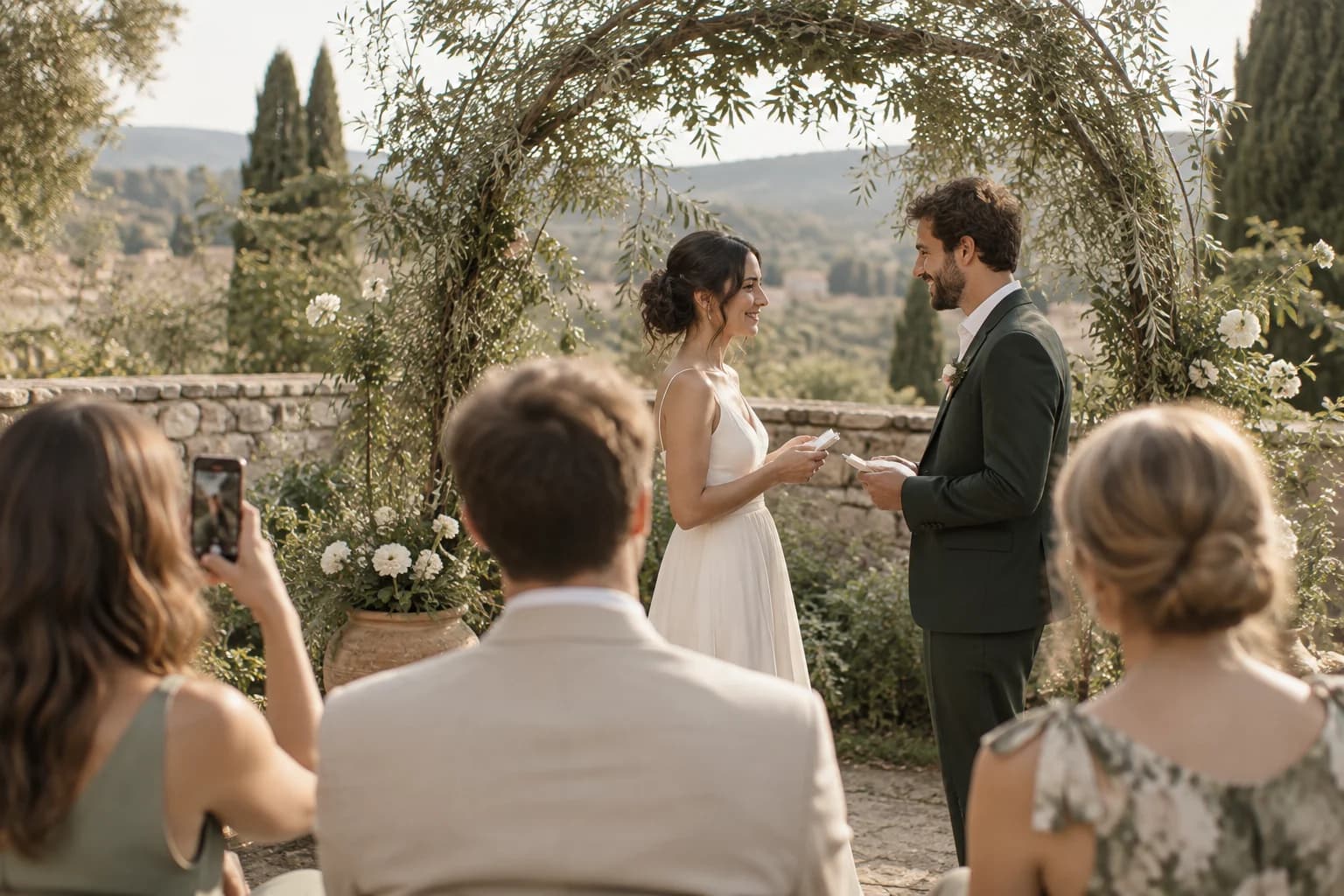
Your photographer captures the big moments. Your guests capture everything else. One QR code brings all the photos and videos together.
Why couples love Picsui
More photos, less stress, zero hassle for your guests.
Every angle covered
200 guests = 200 photographers capturing photos and videos you'd otherwise miss.
No app needed
Guests scan a QR code and upload from their browser. Takes 10 seconds.
Real-time slideshow
Display guest photos live during the reception on any TV or projector.
Easy download
Get all photos and videos in one ZIP file. Full resolution, ready for printing or sharing.
Photo approval controls
Approve what appears in your gallery and slideshow. Approval is included with the Event Pass.
Beautiful galleries
Share a stunning online gallery with guests after the wedding.
Audio Guestbook
Guests record heartfelt voice messages alongside photos. Capture words, not just images.
Multi-Language Support
Guest uploads in English, Spanish, French, and Russian. Perfect for destination weddings and multicultural celebrations.
Live Stream
Included with the Event Pass: stream to remote family and friends on one private link, any device, no app needed.
Keepsake downloads
Download every original in one ZIP after the event, ready for your own album or prints.
How it works
Set up in under a minute. Collect photos all night.
Create your event
Name your wedding, set your date, customize your colors. Takes 60 seconds.
Display the QR code
Print it on table cards, display on screens, or include in your program.
Guests upload
They scan, select photos, and upload. No sign-up, no app download.
Enjoy the memories
Watch photos appear live, then download everything after the celebration.
Try uploading as a guest.
Scan this with your phone the way a guest at your event would. Choose a sample photo and upload it from your browser, then open the demo gallery to see it land. In this public demo, photos appear at once and videos wait for a person to approve them; at your own event, you decide.
- Scan the code with your phone camera — it opens straight in the browser.
- Upload a sample photo. Look for the upload confirmation so you know it reached the host.
Use a sample you are comfortable sharing with Picsui. Please keep personal or sensitive photos out of the demo.
M2FDV8LW
This is the same kind of code your guests scan at your event.
Tips for Wedding Photo Sharing
The key to collecting great wedding photos is making the QR code impossible to ignore. Print it on table cards at every place setting so guests see it the moment they sit down for dinner. Add it to your ceremony program so people can start uploading during cocktail hour. Place a large display near the guest book or at the bar where foot traffic is highest. Some couples print it directly on napkins or coasters. The more touchpoints, the more photos you collect — we have seen couples go from 200 photos with a single poster to 800+ with QR codes on every table.
Coordinate with your professional photographer ahead of time. Let them know you are running a guest photo collection so they can focus on the hero shots (first kiss, first dance, cake cutting, bouquet toss, the couple's exit) while guests naturally capture the candid moments in between. This actually frees your photographer to be more creative because they know the basic coverage is handled by 200 phones in the room. Many photographers love this setup because it fills in the gaps they physically cannot cover, like what was happening at table 12 during the father-daughter dance.
Time your slideshow strategically. The best moment to launch the live photo display is during the reception dinner, once guests have had time to upload their ceremony photos. Put it on a screen near the dance floor or behind the head table. Guests love seeing their own photos appear in real-time, and it creates a natural conversation starter between tables. Turn it off during formal toasts and speeches to keep the focus where it belongs, then bring it back for the dancing portion of the evening when the energy is high and phones are out.
Do not forget the getting-ready photos. Create your Picsui event the morning of the wedding and share the QR code with your bridal party and groomsmen. Some of the best wedding photos come from the hair and makeup session, the nervous moments before the ceremony, and the behind-the-scenes chaos that the professional photographer might not be present for. Bridesmaids and groomsmen are already taking these photos on their phones — Picsui just gives them a single place to put them all so nothing gets lost in group chat threads.
Common questions
How many photos can guests upload?
Free Preview shows your first 60 photos — but guests are never turned away. They keep uploading and every photo is saved; anything past 60 is locked (shown blurred) until you buy a pass, which reveals them all. Event Pass includes unlimited guest photo and video uploads for one wedding. Fair use: 25 GB of media per event. The private live stream for guests who cannot be there is included. Photographers and planners can apply for Partner pricing at $19 per event or five event credits for $79.
Do guests need to create an account?
No, and that is what makes it work so well at weddings. Guests simply point their phone camera at the QR code, tap the link that appears, and start uploading photos from their camera roll. The entire process takes about 10 seconds. There is no app to download, no account to create, and no sign-up form. This is critical for weddings because you have guests of all ages and technical abilities. We have seen 80-year-old grandparents upload photos successfully on their first try. The lower the friction, the more photos you collect from your big day.
Can I moderate what appears in the gallery?
Yes. The Event Pass includes host approval controls so you can review what appears in the gallery and live photo slideshow.
How do I get the photos after the wedding?
Log into your Picsui dashboard and click Download All to receive a ZIP file containing every photo and video in full original resolution. The Event Pass keeps the gallery available for 12 months. We recommend downloading promptly so you also have a local backup.
What is the Audio Guestbook feature?
The Audio Guestbook lets guests record short voice messages alongside their photo uploads. Instead of just a traditional paper guestbook, you get heartfelt spoken wishes from your loved ones — a grandmother's blessing, a best friend's inside joke, a parent's emotional words. These voice messages are saved to your gallery alongside the photos so you can listen back anytime. It adds a deeply personal dimension to your wedding memories that photos alone cannot capture.
Ready to capture every moment?
One $39 payment. No subscription, no trial, no renewal.
Get Event Pass — $39The private live stream for remote family is included.