You cooked all day.
Now see the day.
You are hosting, which means you are the one person who sees the least of it. You are basting at halftime, carving while the cousins take the couch, and plating pie while the kids' table gets loud. Put one QR code on the table and every relative who wanders through your house with a phone becomes the photographer you did not have time to be.
One-time. No account needed to buy — about a minute.
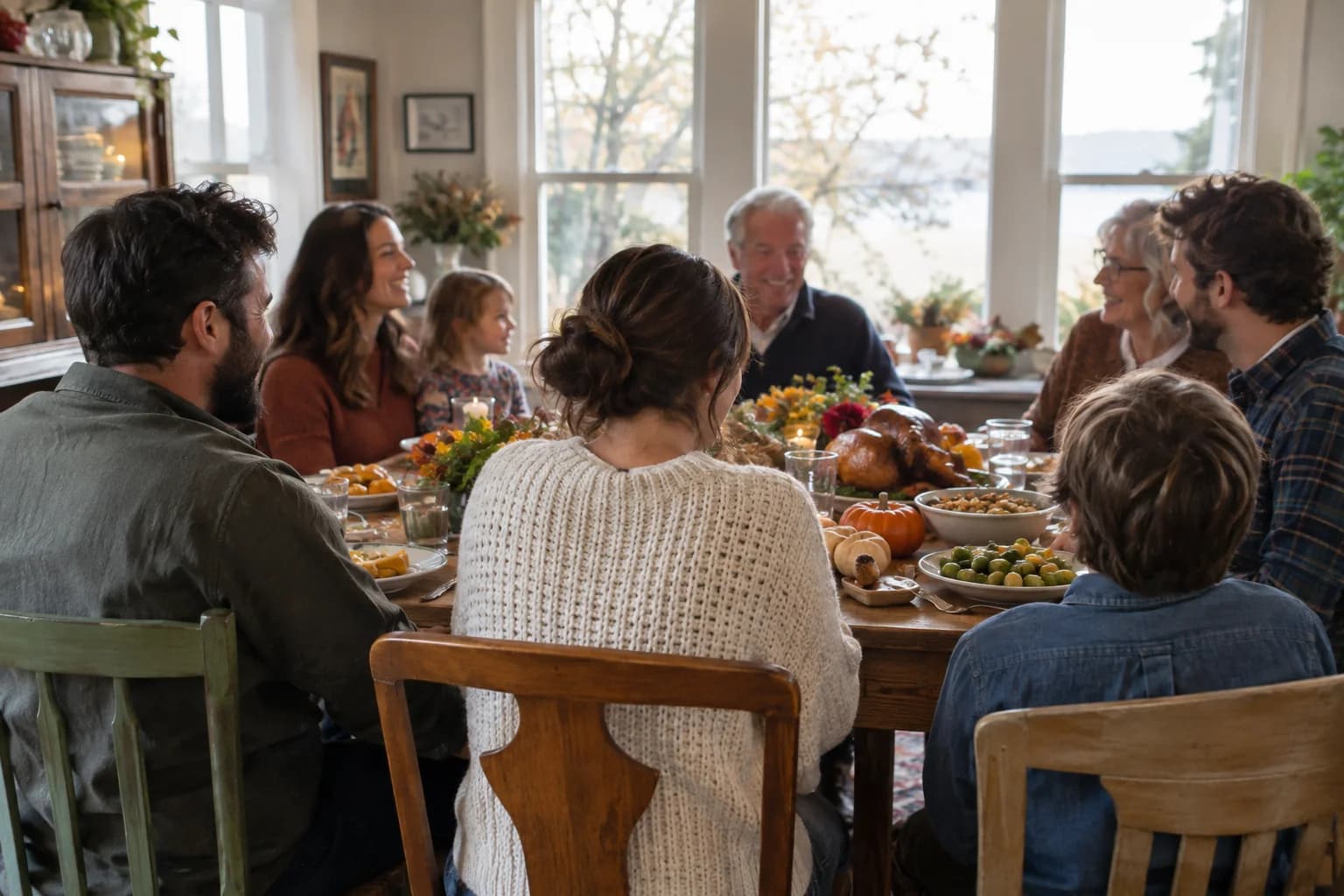
The moments guests actually photograph at Thanksgiving dinners
Why Thanksgiving dinners work better on Picsui
Written for the person hosting this one, and checked against what the product actually does.
Photos from the seats you were not in
The host is in the kitchen for the parts everyone else remembers. Guests upload from their own phones, so the carving, the toast your uncle gave without warning, and the kids' table negotiation over the last roll all end up in one gallery, taken by the people who were sitting right there.
The relatives who could not make the drive
Someone is always missing: a grandparent who cannot travel, a sibling deployed or working the holiday, a student who could not afford the flight home. Live Stream puts the table on a private link with sound, so they hear grace and the argument about the football game as it happens.
This year's gallery, and next year's
Thanksgiving is the one holiday most families repeat in the same house with the same people, which makes it the easiest tradition to build a record of. The gallery stays live for 365 days on an Event Pass, long enough to send the link out with the Christmas cards.
No app. No account. One scan.
Guests point their camera at a QR code and are uploading in seconds. Nobody installs anything, nobody creates a login, and the grandparents can do it as easily as the teenagers.
unlimited photo and video uploads
Every guest can send as much as they like: phone photos, iPhone HEICs, short videos, up to a fair-use bound of 25 GB per event. Originals are kept at full resolution.
Stream it to the people who couldn't come
A private live stream is included with the Event Pass: stream up to 90 minutes to 100 viewers on a private link, with sound. Keeping the recording afterwards is an optional add-on.
Live photo wall on any screen
Open the slideshow on a TV, projector or laptop and new uploads appear as they arrive. Grid and collage layouts, transition presets, and a phone remote to control it from across the room.
Full-resolution downloads
Download any photo, or the whole event as one archive, at original quality. What guests uploaded is what you keep — no compression, no watermark on paid events.
Private by default, never indexed
The gallery is only reachable by the link or code you share. Guest pages are blocked from search engines and named AI crawlers, and you can close the gallery whenever you choose.
How it works
Set up in a minute. Collect for the whole event.
Create the event the week before, named for the year so the galleries stay distinct when you do it again next November.
Print the QR code on a small card by the place settings and one on the fridge, where everyone stops to sneak a bite.
Family scans and uploads through dinner and dessert. Put the slideshow on the TV once the game ends and watch the day play back.
Download the originals over the weekend and send the link to everyone who was there, and everyone who was not.
Try uploading as a guest.
Scan this with your phone the way a guest at your event would. Choose a sample photo and upload it from your browser, then open the demo gallery to see it land. In this public demo, photos appear at once and videos wait for a person to approve them; at your own event, you decide.
- Scan the code with your phone camera — it opens straight in the browser.
- Upload a sample photo. Look for the upload confirmation so you know it reached the host.
Use a sample you are comfortable sharing with Picsui. Please keep personal or sensitive photos out of the demo.
M2FDV8LW
This is the same kind of code your guests scan at your event.
Getting the most from Thanksgiving dinners
Put the code out before the first guest arrives, not after dinner. The best Thanksgiving photos happen in the two hours before anyone sits down: relatives arriving with foil-covered dishes, the cousins meeting the new baby, the kids underfoot in the kitchen. If people already know the code is there, they upload as they go instead of promising to send photos later and forgetting. A card by the door and a second one propped against the centerpiece is enough. Mention it once out loud when you ask people to find their seats, and the whole table will pull out their phones in the same minute.
Take the group photo before dessert, when everyone is still upright and at the table. Ask one person to take it on their phone and upload it, then ask two more to do the same from different ends of the table. You will get three versions with different people blinking, and one of them is the keeper. Turn on the guestbook with a question like "What are you thankful for this year?" and put it on the same card as the code. Most relatives will type a sentence while waiting for pie, and the answers read like a time capsule a year later.
If a grandparent is watching from a care home or a sibling is overseas, tell them in advance what time you plan to say grace and start Live Stream a few minutes before. Set the phone on a stand at the end of the table facing the room, not on a shelf facing a wall. Audio matters more than picture here; they want to hear the toasts and the laughter. After dinner, keep the stream going while the kids do their thing, because that is often what the person far away misses most.
Common questions about Thanksgiving dinners
How do I get Thanksgiving photos from everyone instead of chasing them for weeks?
Give them somewhere to put photos while the day is happening. A QR code on the table opens an upload page in the phone's browser with no app and no account, so a relative uploads in the same motion as taking the picture. Ask out loud once, when people sit down, and again when dessert comes out. Most families find they have the whole day in the gallery before the last car leaves the driveway, which is far more than any group chat ever produces.
Can my parents, who are not good with phones, use it?
Yes. Scanning a QR code with the phone's built-in camera opens the page directly, and from there it is one button to pick photos from the camera roll. There is nothing to install and no password to remember. If a relative struggles, the simplest fix is to have a grandchild scan it for them once and leave the page open. For anyone who prefers not to upload at all, the finished gallery link works the same way: they tap it and browse.
Can family who could not travel watch dinner live?
With Live Stream, yes. It is included with the Event Pass and streams up to 90 minutes to as many as 100 viewers on a private link, with audio, and viewers only need a phone browser. That covers grace, the carving and a good stretch of dinner. Send the link the day before so the person on the other end has it ready, and tell them roughly when you plan to start so they are not waiting on a blank screen.
Who can see our family's photos?
Only people with the link or the code. The gallery is private by default, is never listed publicly and is blocked from search engines and AI crawlers. If you would rather approve photos before the wider family sees them, turn on host review and each upload waits in your queue. Nobody outside the people you invited can find the gallery, and you can close it to new uploads whenever you choose while it stays online for the family to browse.
What does it cost for one dinner?
An Event Pass is $39, paid once. It covers unlimited uploads from any number of guests, host review, full-resolution downloads of everything, and 365 days of hosting. There is no subscription and no charge per relative. If you want to stream to family who cannot attend, Live Stream is included with the Event Pass, there for the years you need it. A Friendsgiving the weekend before is its own event with its own pass, or a sub-event under the same one if the same person hosts both.
Every photo from Thanksgiving dinners, in one place
One-time Event Pass, $39. No subscription, no per-guest fee.
Also planning one of these?
Explore other use cases
One QR code, every kind of event. See how Picsui fits yours.
More occasions