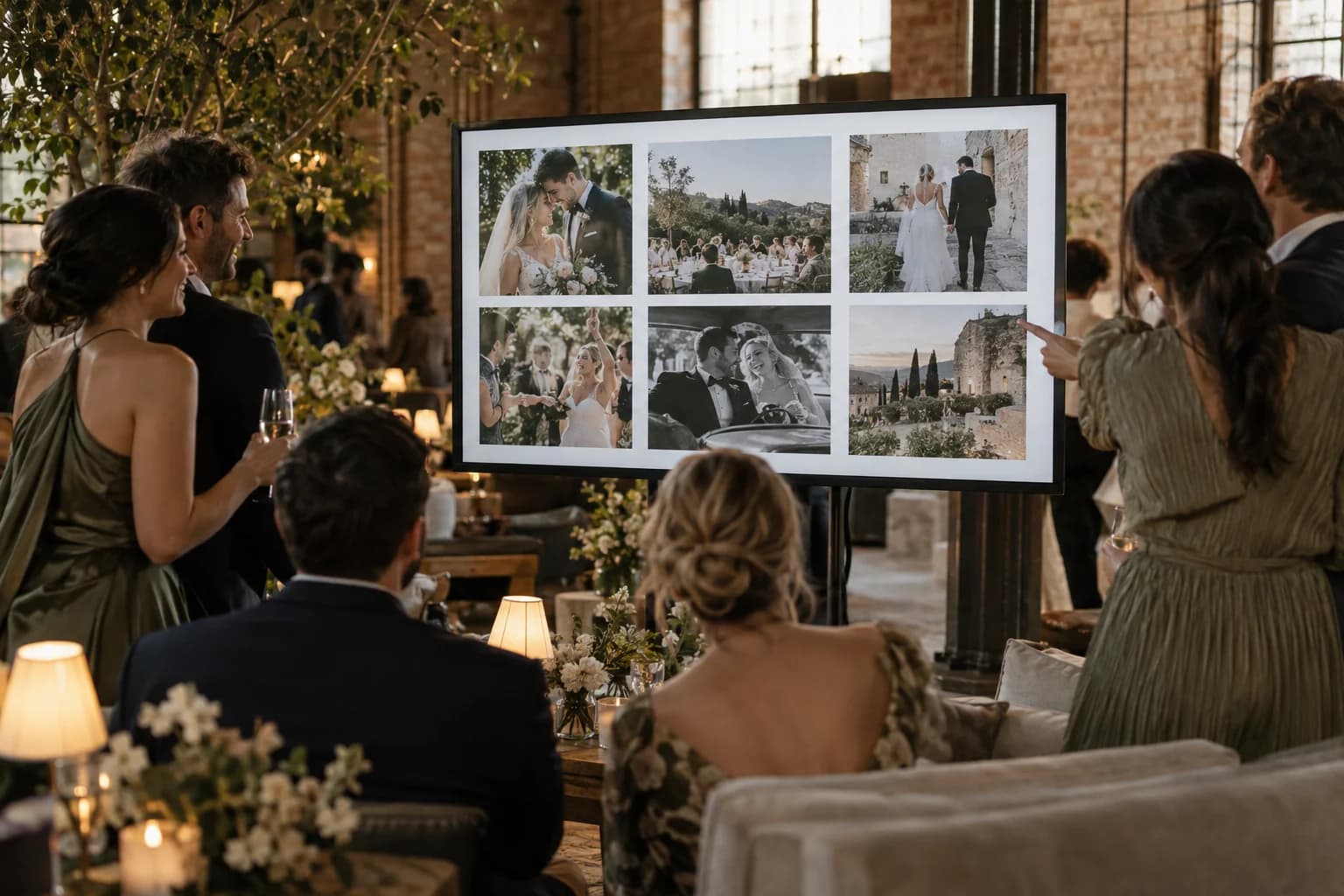
Guest photos on the big screen while the party is still going.
Guests scan a QR code and upload from their phone browser. Each approved photo joins a full-screen slideshow on whatever TV or projector you point at it, seconds later. Nobody installs an app, including you.
Pay once · No app for guests · 30-day unused-event money-back guarantee
The private live stream is included with the Event Pass.
It fills itself
You do not collect anything or build a playlist. A guest uploads, and once the photo is approved it is on the screen within seconds. If the connection hiccups, the screen catches up on its own.
Only approved photos reach the screen
Nothing goes up that has not passed moderation. Hide a photo after the fact and it leaves the slideshow straight away, without restarting anything.
Run it from your phone
The remote works from any phone: play, pause, skip, shuffle, and show or hide the QR code and captions, without walking over to the laptop.
The QR code is on the screen
Put the upload code in the corner of the slideshow and the screen does its own recruiting. The guests who see their friends' photos go up are the ones who add theirs.
Looks like your event
Single photo or a grid of four or six, a mosaic, a range of transitions, a slow pan-and-zoom, your logo, the uploader's name and a heart count from guests.
Video clips play too
Short clips guests upload play in the slideshow alongside the photos, so the first dance or the toast shows up as it happened.
How it works
- 1
Create the event
Name, date, cover photo. The slideshow exists from that moment.
- 2
Open the slideshow on the screen
Any computer connected to the TV or projector, in a browser, full screen.
- 3
Put the QR code where people are
On tables, the bar, the screen itself. Guests scan and upload.
- 4
Keep everything afterwards
Every photo on the screen is also in your gallery, downloadable at full quality.
Try uploading as a guest.
Scan this with your phone the way a guest at your event would. Choose a sample photo and upload it from your browser, then open the demo gallery to see it land. In this public demo, photos appear at once and videos wait for a person to approve them; at your own event, you decide.
- Scan the code with your phone camera — it opens straight in the browser.
- Upload a sample photo. Look for the upload confirmation so you know it reached the host.
Use a sample you are comfortable sharing with Picsui. Please keep personal or sensitive photos out of the demo.
M2FDV8LW
This is the same kind of code your guests scan at your event.
Questions
What do I need at the venue?
A screen, a computer or device with a web browser connected to it, and an internet connection. No special hardware and no software to install.
Can someone put something inappropriate on the screen?
Only approved photos are shown. If something slips through and you hide it, it disappears from the slideshow within seconds.
Our gallery is private. Does the slideshow leak it?
No. When the gallery is private, the slideshow only runs for the signed-in host, so a guest cannot open the slideshow link to see the whole collection.
Is the slideshow extra?
No. It is included with every event, and you can run it on the free preview before you pay. Paid events unlock the full set of transitions and remove watermarks.
Does it work for things other than weddings?
Yes. It is the same slideshow for a birthday, a conference, a fundraiser or a reunion; only the look changes.
Guest photos on the big screen while the party is still going.
Set it up in about ten minutes. Guests scan one code — no app, no accounts, nothing to install.
Get Event Pass for $3930-day unused-event money-back guarantee No subscription
The private live stream is included with the Event Pass.