Delight every couple.
Capture every guest's view.
Add QR photo and video sharing to your wedding packages. Couples get hundreds of candid photos and videos — you get a wow-factor service that sells itself.
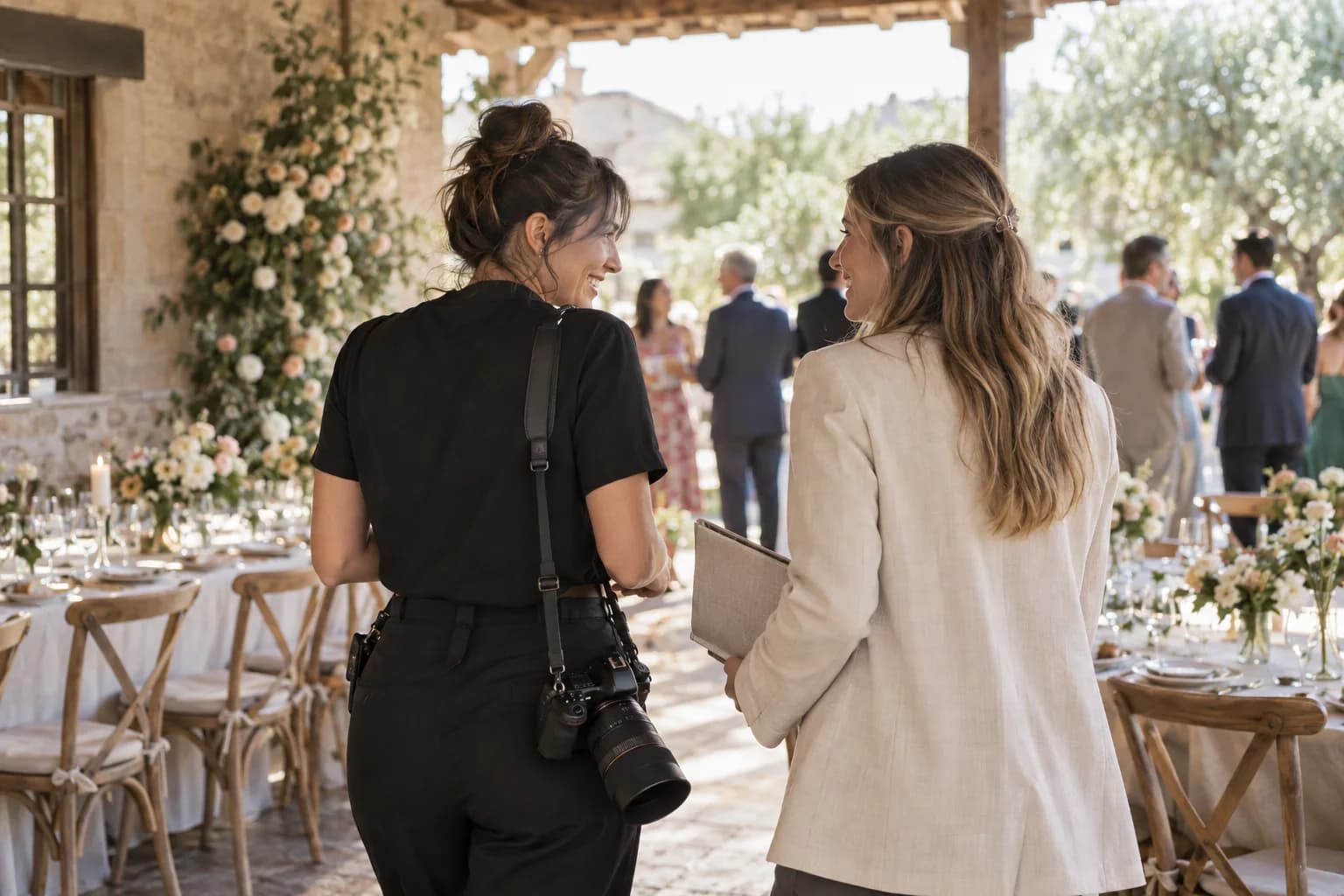
Why wedding planners love Picsui
A premium add-on that delights couples and grows your business.
Upsell to wedding packages
Add photo sharing as a premium add-on or bundled service. Couples love it and it increases your average booking value.
Couples get 10x more photos and videos
Every guest becomes a photographer. Couples walk away with hundreds of candid photos and videos they'd never get otherwise.
Zero guest friction
No app to download. Guests scan a QR code and upload from their browser in seconds.
Live slideshow wows reception guests
Display guest photos in real-time on any screen during the reception. It's a crowd favorite every time.
Custom branding per wedding
Match each event to the couple's colors, logos, and style. Every gallery feels personal and on-brand.
Bulk download for couple's keepsake
Deliver the complete photo and video collection as a polished gallery or ZIP download — a lasting keepsake for every couple.
Audio Guestbook
Guests record heartfelt voice messages alongside photos. A modern guestbook upgrade couples love.
Multi-Language Support
Guest uploads in English, Spanish, French, and Russian. Perfect for destination weddings and multicultural celebrations.
Live Stream
Stream the ceremony to remote family and friends. One link, opens in the browser, no app needed.
Keepsake downloads
Download every original in one ZIP after the event, ready for your own album or prints.
How it works
Set up each wedding in under a minute. Deliver a gallery they can download and keep.
Create an event for each couple
Set up a dedicated photo gallery for every wedding you manage. Takes under a minute.
Brand it with wedding colors and names
Customize the gallery with the couple's colors, names, and your planning brand.
Print QR codes for table cards and signage
Download the QR code and place it on table cards, programs, signage, or welcome boards.
Deliver the complete gallery after the big day
Hand the couple a beautiful gallery with every guest photo — a deliverable they'll never forget.
Try uploading as a guest.
Scan this with your phone the way a guest at your event would. Choose a sample photo and upload it from your browser, then open the demo gallery to see it land. In this public demo, photos appear at once and videos wait for a person to approve them; at your own event, you decide.
- Scan the code with your phone camera — it opens straight in the browser.
- Upload a sample photo. Look for the upload confirmation so you know it reached the host.
Use a sample you are comfortable sharing with Picsui. Please keep personal or sensitive photos out of the demo.
M2FDV8LW
This is the same kind of code your guests scan at your event.
Tips for Wedding Planners Using Photo Sharing
Managing multiple couples simultaneously means you need a system that does not add to your workload on wedding day. The key is setup in advance: create each wedding's Picsui event during the planning phase, customize the branding to match the couple's design aesthetic, and generate the QR code weeks before the event. Include the QR code in your production documents alongside the timeline, vendor contact sheet, and floor plan. On the day of, your coordinator or assistant simply places the pre-printed table cards and signage — there is zero technical setup required at the venue, which is critical when you are managing a tight day-of timeline with dozens of moving parts.
Vendor coordination around photo sharing sets great wedding planners apart. Brief the photographer ahead of time so they know guest photo collection is happening — most photographers welcome it because it means less pressure to capture every candid moment and more freedom to focus on their signature hero shots. Coordinate with the DJ or band to make a quick announcement during dinner encouraging guests to scan the QR code and upload their photos. Work with the caterer to ensure QR code table cards are placed at every setting during the table flip. Each vendor touchpoint reinforces the photo sharing, and the result is a dramatically higher upload rate than simply taping a poster to the wall.
Day-of timeline integration is where photo sharing becomes a differentiator for your planning service. Build the QR code announcement into the reception timeline just after the couple's entrance and before dinner service, when guests are seated, relaxed, and have their phones accessible. Schedule the live slideshow to begin during dinner when guests are looking for entertainment between courses. Plan to pause the slideshow during toasts and speeches, then restart it for the dancing portion of the evening. This intentional pacing ensures the photo feature enhances the wedding flow rather than competing with key moments for attention.
Positioning photo sharing as a premium add-on increases your average booking value without adding significant cost. Some planners include it in their base package as a differentiator from competitors. Others offer it as a $200-$500 add-on in their upgrade tier, positioning it as "guest photo collection and live reception slideshow." Either approach works — the key is framing it as a service you provide rather than a tool the couple would use on their own. When you present the post-wedding gallery to the couple along with 500+ guest photos they would never have received otherwise, it becomes one of the most memorable and appreciated parts of your entire planning service.
Common questions
Can I manage multiple weddings at once?
Yes, and the platform is built for exactly this workflow. The Partner programme prices per wedding rather than per month — $19/event, or 5 credits for $79, 20 for $249 — which matches how wedding work actually arrives: heavy in season, quiet outside it. Each wedding has its own QR code, its own branded gallery and its own settings, managed from a single dashboard where you can switch between couples in one click, and each finished gallery can be handed over to the couple.
Can I brand each wedding differently?
Yes, and this matters because every couple has a unique aesthetic. On the Partner programme you can customise each gallery with the couple's names, wedding date, colour palette and your own logo, matching the gallery to the wedding's design language — the same colours that appear on their invitations and signage. Some planners set up their agency defaults once and then adjust per couple, which keeps setup fast without losing polish. Running galleries on your own domain is scoped as part of a Corporate engagement.
How long do couples keep the photos?
The Event Pass includes 12 months of gallery access plus original-quality ZIP download. Couples should download the full ZIP while the gallery is active so they also have a permanent local copy. Many planners include that handoff in their post-wedding deliverables.
Is there a way to try it before adding to my packages?
Yes. Free Preview lets you test 60 uploads, the QR flow, slideshow, guestbook preview, five originals, and a short Live test. For client work, apply for Partner pricing at $19 per event, five event credits for $79, or twenty for $249; it adds professional branding and client transfer.
What is the Audio Guestbook and how does it work for weddings?
The Audio Guestbook lets wedding guests record short voice messages alongside their photo uploads. Think of it as a modern upgrade to the traditional paper guestbook — instead of a signature and a one-line wish, guests leave heartfelt spoken messages. A grandmother's blessing, a college roommate's favorite story about the couple, a parent's emotional words. These voice recordings are saved to the gallery alongside photos so the couple can listen back anytime. It is a premium feature that adds enormous sentimental value and is a natural upsell for your wedding packages.
Add photo sharing to your packages
One-time passes — no subscription, no trial.
Get startedHave a couple who just needs one event? $39 Event Pass — one-time, no subscription.