Two hundred project boards.
Photographed once each, kept by the school.
This page is for the science teacher who coordinates the fair and the STEM coordinator who has to report on it. The gym is full of trifold boards for one evening, then they go home in the back of the car. Parents photograph their own child's table and nothing else. The teacher wants every board on record for next year's students, the judges want their notes, and the district wants numbers. One QR code collects all of it while the boards are still standing.
One-time. No account needed to buy — about a minute.
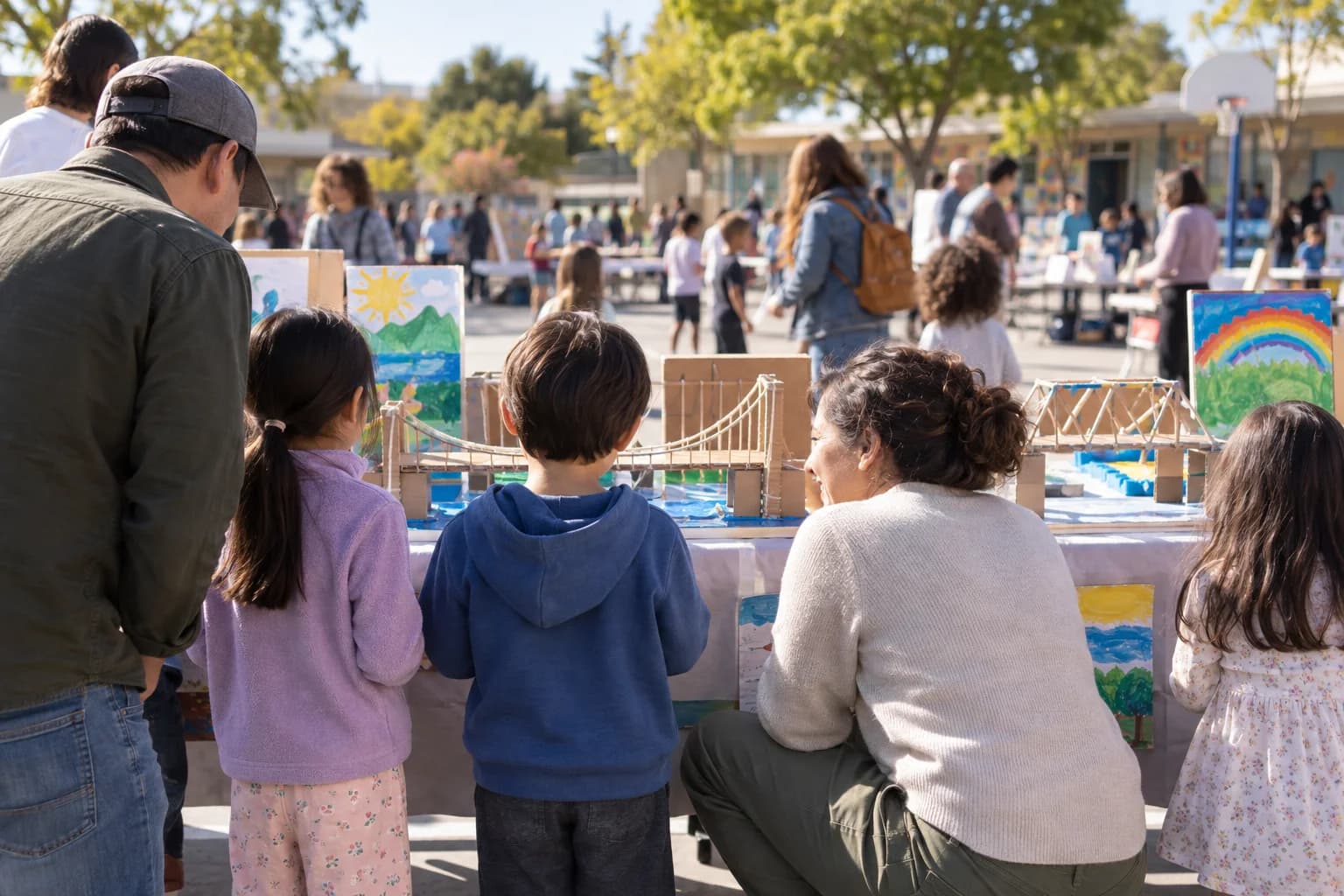
The moments guests actually photograph at science fairs
Why science fairs work better on Picsui
Written for the person hosting this one, and checked against what the product actually does.
A photo of every board, not just the winners
Ask each student to photograph their own board on the way in, and every project is on record before the judges arrive. Next year's students see what a good board looks like, the coordinator has the count the district asks for, and no project disappears because its parents forgot their phone at home.
Judges' notes in the guestbook
Give the guestbook a real question, such as "What did this project do well?", and judges or visiting parents leave a note that lands beside the photos. It is the encouraging comment students never get from a score sheet, and the teacher reads them all in one place afterward instead of on scraps of paper.
A gallery per grade under one code
A fair that spans kindergarten to eighth grade is really several fairs. Create a sub-event per grade under one code on the gym door, and parents find their child's grade at once while the coordinator still downloads the whole school as a single archive at the end of the night.
No app. No account. One scan.
Guests point their camera at a QR code and are uploading in seconds. Nobody installs anything, nobody creates a login, and the grandparents can do it as easily as the teenagers.
unlimited photo and video uploads
Every guest can send as much as they like: phone photos, iPhone HEICs, short videos, up to a fair-use bound of 25 GB per event. Originals are kept at full resolution.
A guestbook with your own question
Replace the generic prompt with one that fits the day. Written messages are collected alongside the photos and kept with the gallery.
You approve before anyone sees
Turn on host review and every upload waits in your queue until you approve it. It is optional, it works from your phone, and anything you never approve is never seen by anyone else.
Several days, one gallery
Multi-day celebrations get sub-events under one code: the rehearsal, the ceremony and the brunch each have their own time and RSVP, every photo lands in one shared gallery, and one link covers the lot.
Full-resolution downloads
Download any photo, or the whole event as one archive, at original quality. What guests uploaded is what you keep — no compression, no watermark on paid events.
How it works
Set up in a minute. Collect for the whole event.
Create the fair as one event with a sub-event per grade, or one event per grade if different teachers want their own review queue.
Print the QR code on each table number card and the judges' clipboards, and add it to the setup instructions so students photograph their own board on arrival.
Students, parents and judges upload through setup, judging and the awards. The coordinator approves the queue between rounds if host review is on.
Download the full archive for the department drive before the boards go home, and send families the link that evening.
Try uploading as a guest.
Scan this with your phone the way a guest at your event would. Choose a sample photo and upload it from your browser, then open the demo gallery to see it land. In this public demo, photos appear at once and videos wait for a person to approve them; at your own event, you decide.
- Scan the code with your phone camera — it opens straight in the browser.
- Upload a sample photo. Look for the upload confirmation so you know it reached the host.
Use a sample you are comfortable sharing with Picsui. Please keep personal or sensitive photos out of the demo.
M2FDV8LW
This is the same kind of code your guests scan at your event.
Getting the most from science fairs
Make the board photo part of setup. When students check in, the instruction is: set up your board, take one straight-on photo with your name card in frame, and upload it with the code on your table number. A minute or two per student, and the entire fair is documented before a single parent arrives, in the flat, even light of a gym with the boards still tidy. That set is the one you will use for next year's how-to slides and the district report. Everything the parents upload later is a bonus on top of a complete record rather than the only record you have.
Turn host review on if the fair is open to the public or if any grade includes students without photo consent, and off if it is a closed evening for enrolled families and you want photos to appear on the gym screen as they arrive. A school-wide fair usually needs review; a single-class fair usually does not. If you do review, share the host login with one teacher per grade so the queue is split, and set a rule that board photos without students in them are approved without a second look. That keeps the review to the photos that actually need judgment.
Give the judges a reason to use the code. Judges rarely photograph anything, but a guestbook question on the upload page, such as "One thing this student should be proud of", turns the walk between tables into a comment the student will keep. Print the code on the judges' clipboards with that instruction. Then download the whole archive to the science department's shared drive before the 365 days end. The gallery is the only copy of the boards, and the teacher planning next year's fair will want it in September, not the night it happened.
Common questions about science fairs
Can we have a separate gallery for each grade?
Yes, two ways. Create one event for the fair and add a sub-event per grade, so the single code on the gym door leads to the right grade and the coordinator downloads everything as one archive. Or create one event per grade if each grade's teacher wants to run their own review queue and send their own link home. Sub-events are simpler for parents, who only learn one code; separate events are simpler for teachers who do not want to share a login. Either way, the board photos for a given grade are in one place.
Can parents find a photo of their own child's project?
Yes. Once the link goes home, a parent scrolls their child's grade and downloads any photo at full resolution. There is no tagging by name, so it works best when students have photographed their own board with the name card in frame on the way in; a parent then finds the board first and the photos of their child at it nearby. Uploads keep the original file, so the photo a judge took on a phone is as sharp as the one the parent would have taken themselves.
Is the gallery private, and can we review photos first?
The gallery is private by default: only people with the link or code can open it, it is never listed publicly, and guest pages are blocked from search engines and named AI crawlers. If the fair is open to the public or any student lacks photo consent, turn on host review and a teacher approves each upload before it is visible. Photos of boards with no students in them are quick to approve. A family can ask for any photo to be removed at any time.
We want the photos for next year's fair. How long is the gallery kept?
An Event Pass keeps the gallery online for 365 days, which reaches next year's planning but not necessarily the fair itself. Download the whole archive at full resolution to the department's shared drive once the fair closes, and the record is the school's to keep for as long as it likes. The download is one archive of everything, or any single photo, at the original resolution the phone captured. Treat the gallery as the collection point and the drive as the permanent archive.
What does it cost the science department?
An Event Pass is $39 one time for the fair, including sub-events for every grade, unlimited uploads with a 25 GB fair-use bound, the guestbook, host review, full-resolution downloads and 365 days of hosting. There is no subscription and no charge per student or per family. If a fair is run per grade as separate events, each needs its own pass, which is why most coordinators use one event with sub-events instead.
Every photo from science fairs, in one place
One-time Event Pass, $39. No subscription, no per-guest fee.
Also planning one of these?
Explore other use cases
One QR code, every kind of event. See how Picsui fits yours.
More occasions