Every costume walks in once.
Keep all of them.
You are hosting the Halloween party, which means you spent October building the haunted garage and the night itself running the door. Costumes are the whole point and they are the thing nobody gets a decent photo of: the entrance is dark, the good ones arrive late, and by the time the contest happens half the masks are off. A QR code at the door, under a light, gets every costume photographed on the way in and every trick-or-treat group before it leaves.
One-time. No account needed to buy — about a minute.
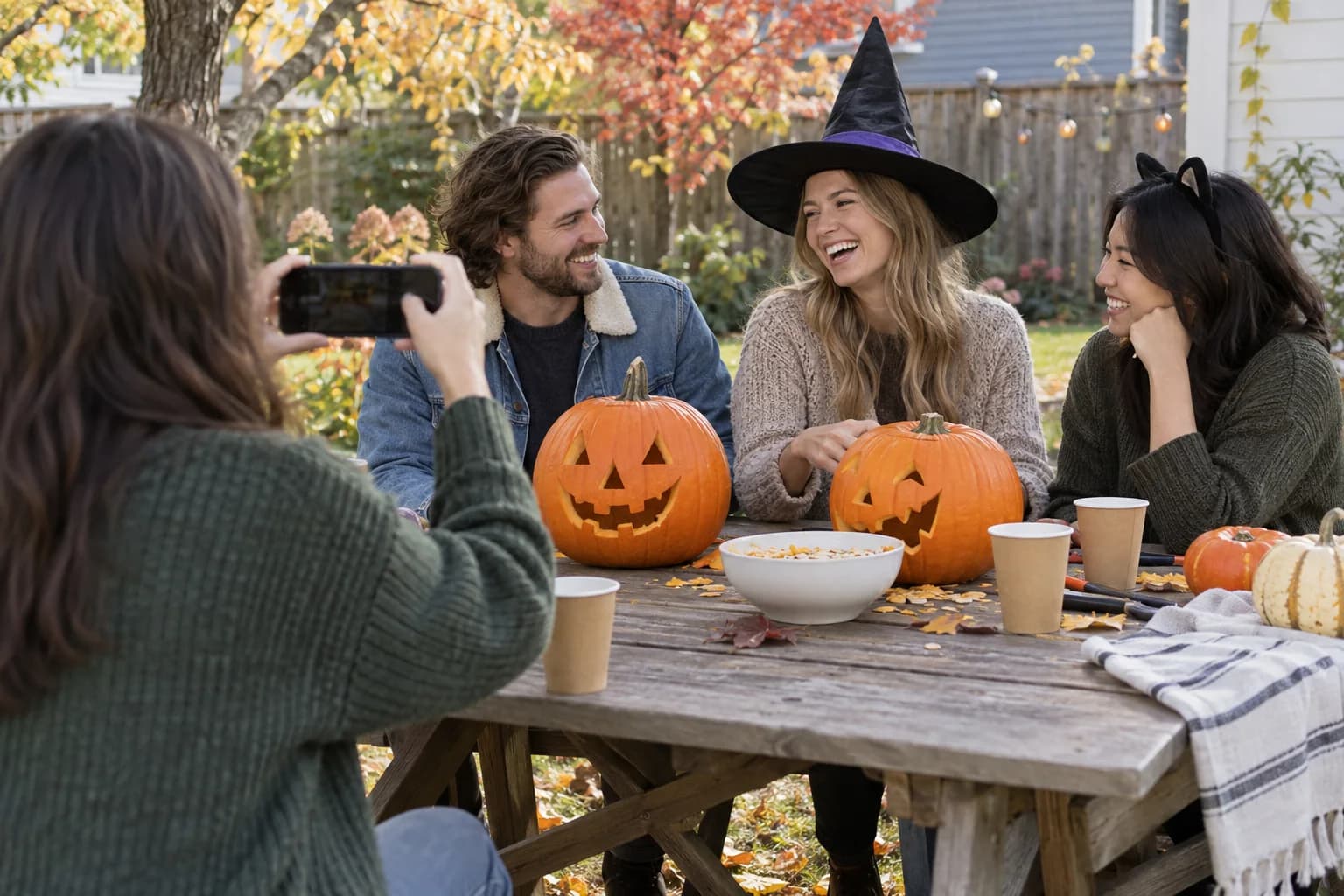
The moments guests actually photograph at Halloween parties
Why Halloween parties work better on Picsui
Written for the person hosting this one, and checked against what the product actually does.
A costume archive, year over year
The costume you spent a month on exists for one night. Guests upload their arrival photo from the doorstep, and the gallery becomes the record of what everyone wore, which is the thing people argue about the following October. Name the event for the year and next year's party gets its own gallery beside it.
Host review for a party that spilled past your guest list
Halloween parties grow. Friends bring friends, the neighbors come by with kids, and someone's costume is a joke that does not travel. Turn on host review and every upload waits in your queue, before the gallery shows it to the rest of the crowd.
The contest and the games from the guest page
Set a photo scavenger hunt through the haunted rooms, or run a guess-who round from childhood Halloween photos. Games run from the same page guests upload to, and every entry lands in the gallery, so the games make the photos rather than competing with them for attention.
No app. No account. One scan.
Guests point their camera at a QR code and are uploading in seconds. Nobody installs anything, nobody creates a login, and the grandparents can do it as easily as the teenagers.
You approve before anyone sees
Turn on host review and every upload waits in your queue until you approve it. It is optional, it works from your phone, and anything you never approve is never seen by anyone else.
Games that get phones out for the right reason
Photo challenges, caption contests, guess-who rounds and table battles run from the guest page, and every game entry lands in the gallery as another photo.
Song requests for the DJ
Guests request tracks from the same page they upload photos to. The host or DJ sees the queue and plays what the room actually wants.
Live photo wall on any screen
Open the slideshow on a TV, projector or laptop and new uploads appear as they arrive. Grid and collage layouts, transition presets, and a phone remote to control it from across the room.
Private by default, never indexed
The gallery is only reachable by the link or code you share. Guest pages are blocked from search engines and named AI crawlers, and you can close the gallery whenever you choose.
How it works
Set up in a minute. Collect for the whole event.
Create the event named for the year, so the costume archive stays separate when you do it again next October.
Print the QR code on an orange sign and put it under the porch light, so it can be scanned in the dark, and again by the drinks.
Guests upload their costume at the door and the trick-or-treat groups before they head out. Run the slideshow on the TV during the contest.
Download the originals and send the link the next morning, with the contest results.
Try uploading as a guest.
Scan this with your phone the way a guest at your event would. Choose a sample photo and upload it from your browser, then open the demo gallery to see it land. In this public demo, photos appear at once and videos wait for a person to approve them; at your own event, you decide.
- Scan the code with your phone camera — it opens straight in the browser.
- Upload a sample photo. Look for the upload confirmation so you know it reached the host.
Use a sample you are comfortable sharing with Picsui. Please keep personal or sensitive photos out of the demo.
M2FDV8LW
This is the same kind of code your guests scan at your event.
Getting the most from Halloween parties
Light the code. Halloween parties are dark by design and a QR code in the gloom does not scan. Put the sign under the porch light or beside a lamp inside the door, and make it the first thing guests do: arrive, get photographed in costume by whoever is on the door, upload. The person working the door for the first hour has the most important camera at the party, because the arrival photo is the one time every costume is complete, the mask is on and the makeup is fresh. By midnight none of that is true.
Use the gallery for the costume contest. Ask guests to upload their costume photo on arrival, put the slideshow on the TV, and judge from the screen when the contest starts, so the whole room sees every entry side by side rather than the judges wandering the party with a notepad. A photo scavenger hunt through the haunted rooms keeps the early crowd moving. Add the song request queue, because a Halloween playlist is an argument waiting to happen and the queue lets the room settle it without the host in the middle.
Trick-or-treat groups leave in a hurry and come back sugared. Get the group photo on the porch before they go, from the parents' phones, and have one parent upload it right there. The neighbors who dropped by with kids but are not staying for the party will still want that photo, so share the link with them the next day. Keep host review on if the adults' costumes get more adult as the night goes on; you can approve the family half of the gallery that evening and go through the rest with coffee.
Common questions about Halloween parties
How do I get a photo of every costume?
Photograph them at the door, on the way in. The arrival is the one moment every costume is complete and the person is standing still. Put the QR code under a light beside the entrance, have whoever is working the door take the photo, and have the guest upload it from their own phone before they go in. Scanning opens an upload page in the browser, with no app and no account, so it takes the time it takes to say hello. By the time the contest starts, every costume is already in the gallery.
Can I check photos before the whole party sees them?
Yes. Turn on host review and every upload waits in your queue until you approve it, and nothing is visible to anyone else before that. This is worth doing at a Halloween party, where the guest list grows during the evening and the costumes get less family-friendly after the kids go home. Approve the contest and the group photos as they come in so the slideshow has something to show, and go through the rest the following morning.
Can guests request songs?
Yes. Song requests run from the same page guests upload photos to, and the host or whoever is running the music sees the queue. It is a small thing that keeps the party out of the argument over the playlist, and it is one more reason for guests to open the page, which means more photos land in the gallery. The queue is there for you to play from or ignore, and nobody but the host sees who asked for what.
Is the gallery private? Some of these costumes should not end up online.
The gallery is private by default. It is only reachable by the link or code you share, it is not listed anywhere, and guest pages are blocked from search engines and AI crawlers. With host review on, nothing appears until you approve it. You can close uploads at the end of the night and the gallery stays online for 365 days on an Event Pass, for the people who were there and nobody else.
What does it cost for one party?
An Event Pass is $39, paid once for one event, with unlimited uploads, host review, full-resolution downloads and 365 days of hosting. There is no subscription and no fee per guest, so it costs the same whether ten people come or a hundred and ten. Games and song requests are included, and next October is a new event with a new pass, so this year's costume archive stays where it is and the new one starts clean.
Every photo from Halloween parties, in one place
One-time Event Pass, $39. No subscription, no per-guest fee.
Explore other use cases
One QR code, every kind of event. See how Picsui fits yours.
More occasions