One QR code.
The whole event.
Every guest's phone becomes a camera, a guestbook, and a screen — the moment they scan. No app to download. Here's everything that runs off that one code.
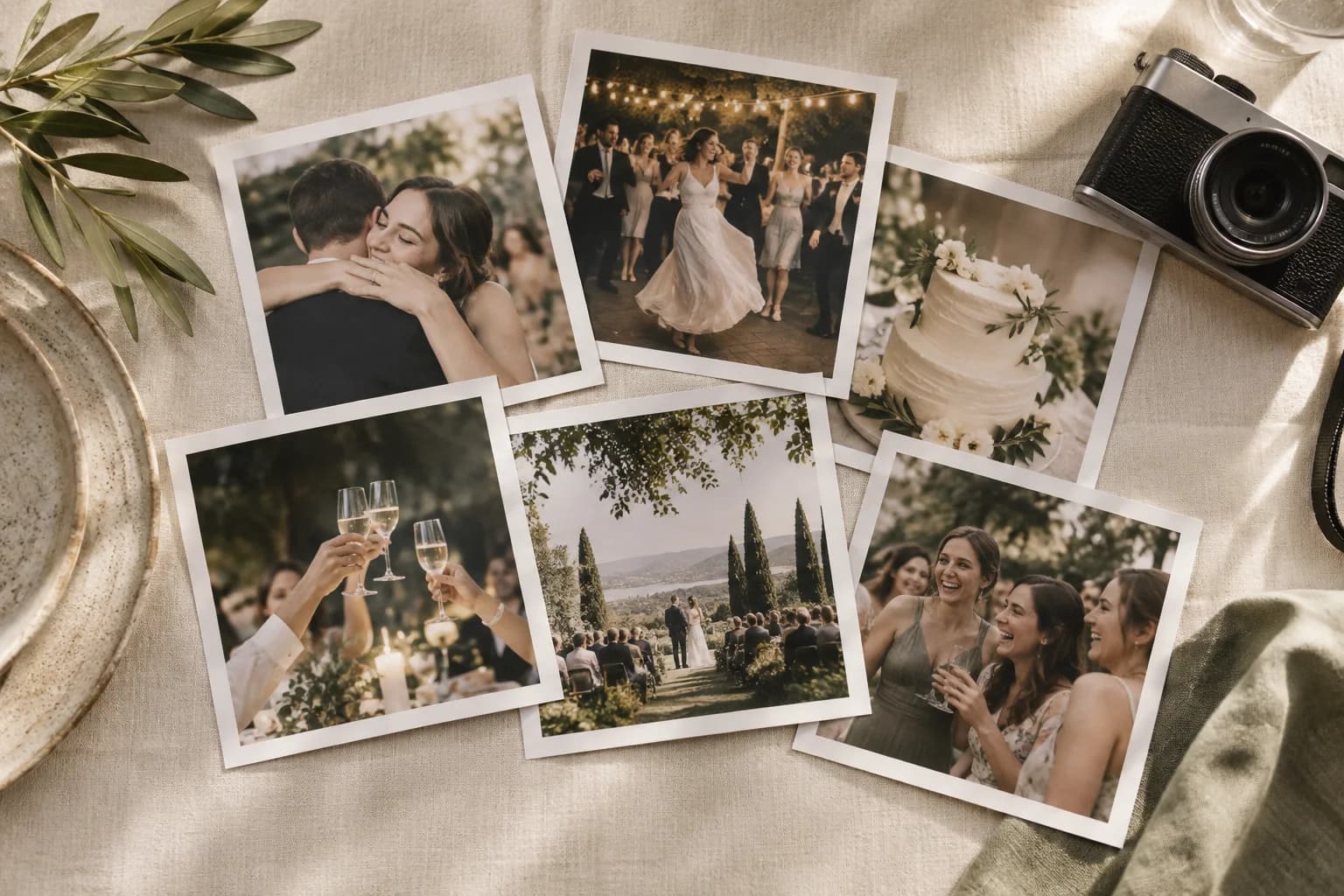
Every phone in the room becomes a camera
Guests scan one QR code and upload from their browser. No app, no account, no login — the reason people who never sign up for anything still send you their photos.
QR photo & video upload
One code on a table tent, screen, or invite. Guests scan and upload straight from the camera roll — photos and videos both.
Learn moreLive slideshow
Approved photos appear on the big screen in real time, so the room watches the night build itself. Runs on any browser you can cast.
Learn moreLive gallery
A shared, real-time wall of every upload — or keep it host-only. You choose per event who gets to browse the collection.
Learn morePhoto booth sync
Open the booth link on the booth's Windows or Mac laptop and pick its save folder. dslrBooth or Sparkbooth prints reach the gallery and slideshow in seconds.
Learn moreA guestbook people actually fill out
Paper guestbooks get three signatures and a doodle. Picsui's is on the same QR — a message takes ten seconds and lands with the photos.
Voice messages
Guests record a spoken note right in the browser. The ones who'd never write a paragraph will happily say a sentence.
Learn moreVideo toasts
A short recorded toast from the people who couldn't get to the mic — or couldn't be there at all.
Learn moreWritten messages
The classic guestbook note, typed on a phone and kept beside the photo it belongs to.
Learn moreBring in everyone who couldn't make it
Stream the ceremony, the service, or the keynote to anyone with a link. Browser-based — nothing for you or your viewers to install.
Live video stream
Go live from a phone or a real camera rig. Viewers watch in a phone or computer browser, no install — with optional password protection.
Learn moreStream recording
The stream is recorded when recording is available. The replay is not included in the pass; it is $29 one-time, bought after the stream: watch the replay, download the MP4, share a replay link — kept for 12 months.
Learn moreTurn the gallery into keepsakes and revenue
The event ends; the photos shouldn't. Hand guests high-res downloads and keep the follow-up list.
Full-resolution downloads
Bulk ZIP of every original, watermark-free on any paid pass. The whole collection, not phone-screenshots of it.
Learn moreWatermark & branding
Stamp every preview with your logo. For photographers and venues, the gallery markets you to everyone who opens it.
Learn moreLead capture
Optional email collection turns every guest who uploads into a name on your follow-up list.
Learn moreSponsor links & click counts
A “Sponsored by” link on the gallery, upload page and slideshow, with every guest tap counted per event. Partner events and Photographer Pro.
Learn moreYour event, your rules
You decide who sees what, whose brand is on it, and how the room competes for the best shot.
Photo approval
Switch on approval and every upload waits for you before it reaches the gallery or the big screen. Approve or remove from your phone.
Learn morePrivate galleries
Keep the full collection host-only, or open it to guests — a per-event switch, with optional password protection.
Learn moreWhite label
Your colors, your logo, your client's logo per event. On partner events, no Picsui in titles, tab icons or error pages.
Learn moreYour own web address
Run QR codes, galleries and share links on photos.yourcompany.com with one DNS record. Partner programme and Photographer Pro.
Learn morePhoto leaderboardRolling out
Reactions and a most-loved leaderboard turn a passive gallery into a little friendly competition.
Learn moreQuestions
Do guests need to download an app?
No. Everything runs in the phone's browser. Guests scan the QR code and upload, record a message, or watch the stream — no app, no account, no login.
Which features come with which pass?
For a host there is one pass and no subscription. Event Pass ($39 one-time) includes QR upload, the live slideshow, the guestbook, optional photo approval and full-resolution downloads for one event. The private live stream for remote guests is included as well. The pricing page lists exactly what each pass includes. (Photographer Pro, a monthly or yearly subscription, is for professionals who run many events.)
Can I use just one feature?
Yes. Most hosts start with QR photo upload and the live slideshow. The guestbook, streaming, and the rest are there when you want them — you're never forced to turn anything on.
Is this only for weddings?
No. The same features run corporate events, conferences, churches, sports days, funerals, trade shows, and more. Our use-case pages show how each one is set up.
Try it on your next event
Set up a free event, print the QR code, and watch the first photo land. You only pay when you're ready for a real one.
Start free