Three days, one link.
Every phone, every day.
You are planning a wedding in a place you do not live, for guests who booked flights to be there and for family who could not. The weekend is long: a welcome dinner on Thursday, the ceremony on Saturday, a brunch before the airport. The photographer covers one of those days. The guests, who are on holiday with their phones out constantly, cover all of them.
One-time. No account needed to buy — about a minute.
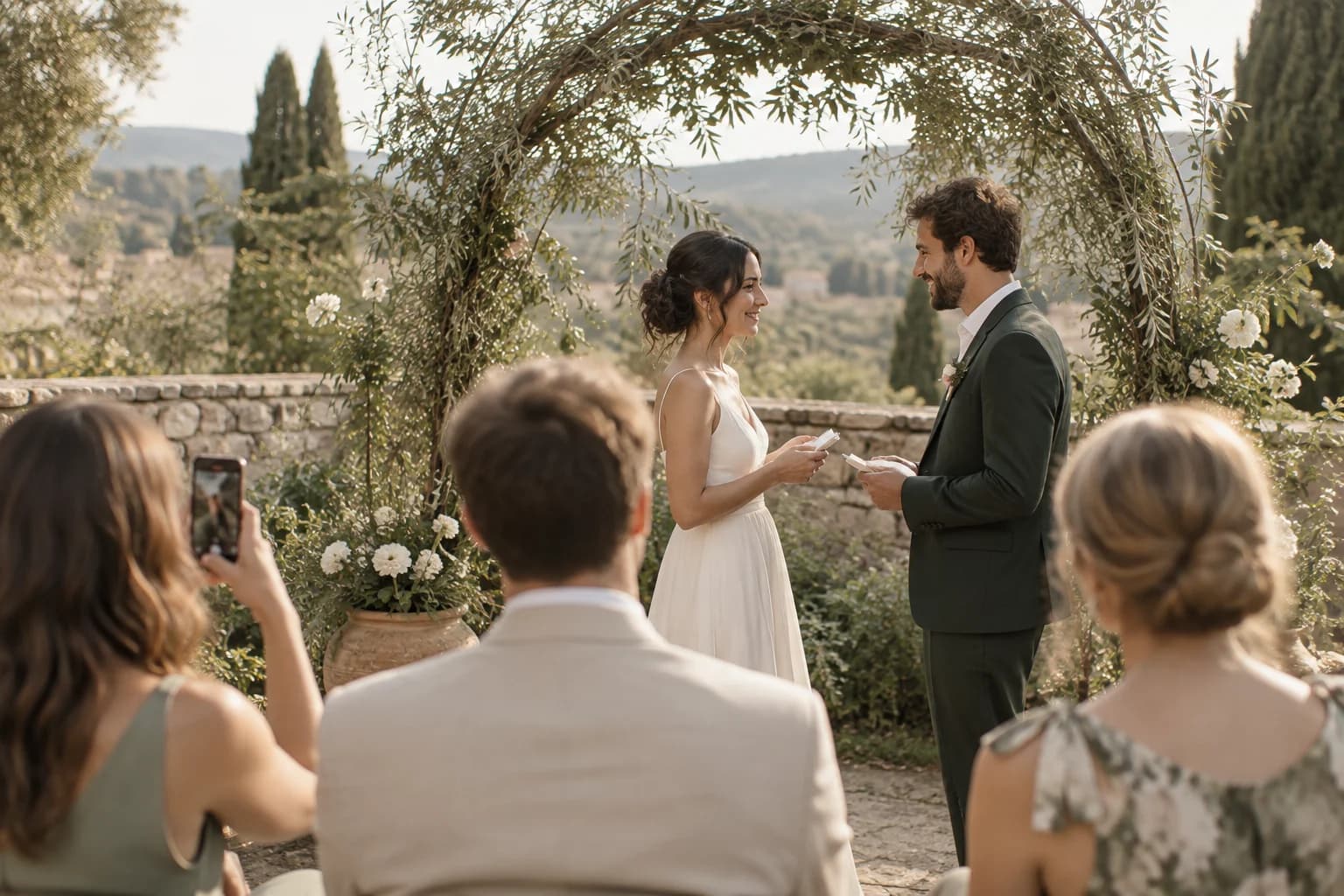
The moments guests actually photograph at destination weddings
Why destination weddings work better on Picsui
Written for the person hosting this one, and checked against what the product actually does.
One code for the whole weekend
Set the welcome party, the ceremony and the farewell brunch as sub-events under one wedding, and the QR card in the welcome bag works all weekend. Every upload from every day lands in the same gallery, and there is a single link to send when everyone is home and unpacked.
The relatives who could not travel
A destination wedding always leaves some family behind: a grandparent who cannot fly, a cousin who could not get the time off, a friend with a newborn. Live Stream gives them a private link with sound for up to 90 minutes, so they see the ceremony as it happens instead of a highlight reel a month later.
Guests from two countries, one upload page
A wedding in Mexico or the south of France usually means guests, and a partner's family, who are more comfortable in Spanish or French than in English. The upload page follows each phone's own settings across 4 languages, so nobody is asking the person next to them what a button does.
Several days, one gallery
Multi-day celebrations get sub-events under one code: the rehearsal, the ceremony and the brunch each have their own time and RSVP, every photo lands in one shared gallery, and one link covers the lot.
Stream it to the people who couldn't come
A private live stream is included with the Event Pass: stream up to 90 minutes to 100 viewers on a private link, with sound. Keeping the recording afterwards is an optional add-on.
Guest pages in 4 languages
The upload page speaks English, Spanish, French, and Russian, chosen from the guest's phone settings, so a mixed-language crowd is never guessing what a button does.
Guest list and RSVPs in the same place
Import your list, send each guest a personal invite link, collect replies and party sizes, and check people in at the door from your phone.
No app. No account. One scan.
Guests point their camera at a QR code and are uploading in seconds. Nobody installs anything, nobody creates a login, and the grandparents can do it as easily as the teenagers.
Full-resolution downloads
Download any photo, or the whole event as one archive, at original quality. What guests uploaded is what you keep — no compression, no watermark on paid events.
How it works
Set up in a minute. Collect for the whole event.
Create the wedding, then add the welcome party, the ceremony and the brunch as sub-events. One event, one code, one gallery.
Print the QR card for the welcome bags and the tables at every meal, and email the link with the travel details so guests have it before they land.
Guests upload all weekend, wherever they are on the property. Family at home watch the ceremony on the private live link.
Download everything when you are back, and send the gallery link to both families with the thank-you notes.
Try uploading as a guest.
Scan this with your phone the way a guest at your event would. Choose a sample photo and upload it from your browser, then open the demo gallery to see it land. In this public demo, photos appear at once and videos wait for a person to approve them; at your own event, you decide.
- Scan the code with your phone camera — it opens straight in the browser.
- Upload a sample photo. Look for the upload confirmation so you know it reached the host.
Use a sample you are comfortable sharing with Picsui. Please keep personal or sensitive photos out of the demo.
M2FDV8LW
This is the same kind of code your guests scan at your event.
Getting the most from destination weddings
Send the upload link with the travel details, a week or two before anyone flies. Guests at a destination wedding open one email repeatedly, the one with the hotel name and the shuttle times, so put the link in that email rather than in a separate one. They will have photos from the flight and the first drink by the pool before you have seen any of them, and the welcome party fills the gallery before the ceremony starts. Resort wifi is often slow at the beach and fine in the rooms, so ask guests to upload from their rooms overnight rather than from a sun lounger, especially the longer videos.
Assign the stream to one specific person and put them on the aisle. Live Stream runs from a phone, so the best operator is someone who is not in the wedding party and can stand still: an uncle, a planner's assistant, a friend of a parent. Send the private link to the family at home the day before, with the ceremony time converted to their time zone, and remind them that morning. The stream carries audio, so ask the operator to stand where the officiant can be heard rather than where the view is best. Grandparents want to hear the vows more than they want to see the flowers, and a beach ceremony is windier than it looks.
Put the QR card on the brunch tables and play the slideshow there. The farewell brunch is the moment guests have the most photos and the least to do, and a screen showing what everyone else uploaded prompts the rest of the room to add theirs. Then close uploads a week after you get home, download the archive, and send one link out with the thank-you note. Guests who spent real money and vacation days to be there want the photos more than most wedding guests do, and a single link is the easiest thank-you you will send all year.
Common questions about destination weddings
How do we handle a wedding that runs for several days?
Create the wedding once and add each day as a sub-event: the welcome party, the ceremony and reception, the beach day, the farewell brunch. They all share the one QR code you have printed for the welcome bags, so nobody learns a new code each morning, and every upload from the whole trip goes into the one gallery. You can also give a sub-event its own guest list if, say, the rehearsal dinner is a smaller group than the reception. Afterward there is one gallery and one link to send, covering the whole trip.
Can family who could not travel watch the ceremony?
Yes, with Live Stream, included with the Event Pass, which streams up to 90 minutes with audio to as many as 100 viewers on a private link. Someone at the ceremony holds a phone; the family at home open the link in a browser on any device, with no app and no account. It is intended for the ceremony and the speeches rather than the whole reception, so plan which part matters most to the people watching. The recording of the stream can be kept with the gallery afterward, so a relative in a distant time zone who slept through it can still see it.
Our guests speak different languages. Will they manage the upload page?
The guest upload page is available in English, Spanish, French, and Russian, and it picks the language from each guest's phone settings automatically, so a French-speaking aunt and an American college friend see the same page in their own language without choosing anything. If the wedding is somewhere those languages are spoken, the venue staff and local guests are covered as well. The host dashboard, where you manage the event and review uploads, is in English. Guest pages in other languages are not offered yet, so for a crowd outside those three the page is in English.
How much does it cost for a whole wedding weekend?
One Event Pass at $39 covers the wedding and all of its sub-events, so the welcome party, the ceremony and the brunch are included under one payment, with unlimited uploads and a fair-use bound of 25 GB for the whole thing. Hosting runs for 365 days from the event, which comfortably covers the honeymoon and the thank-you notes. If you want the ceremony streamed for family at home, Live Stream is included with the Event Pass. Nothing is charged per guest or per day.
Who can see the gallery? Some of our guests are private people.
Only people you give the link or code to. The gallery is private by default, it is not listed anywhere, and guest pages are blocked from search engines and AI crawlers, so a guest's photo from the pool is not going to turn up in a search. If you want a say over what appears, turn on host review and each upload waits for your approval before other guests can see it. You can also close the gallery to new uploads once the weekend is over and keep it viewable only for the people you have already sent it to.
Will uploading work on slow hotel wifi?
Uploads happen in the browser over whatever connection the guest has, so they work on hotel wifi and on a local SIM alike, but a large video over a weak beach signal will take a while. Photos are quick; videos are the ones to send from the room. Originals are kept at full resolution, so there is no loss from uploading later. Ask guests in the welcome note to upload overnight from their rooms, and remind them again at brunch, when most people are back on a decent connection and have the time.
Every photo from destination weddings, in one place
One-time Event Pass, $39. No subscription, no per-guest fee.
Also planning one of these?
Explore other use cases
One QR code, every kind of event. See how Picsui fits yours.
More occasions