Seven functions, one week.
One code for all of it.
You are the bride's mother, the groom's brother or the cousin appointed to run things, and the wedding is not a day but a week: the mehndi in the family home, the haldi in the garden, the sangeet in a banquet hall, the baraat down the street, the pheras at the mandap, the vidaai and then the reception at a different hotel. Guests fly in from Delhi, Toronto, Leicester and Singapore, and each function's photos end up on the phones of whoever was there for that one. One QR code covers every function as a sub-event under one gallery, and Live Broadcast lets the grandparents in India who could not fly sit through the pheras.
One-time. No account needed to buy — about a minute.
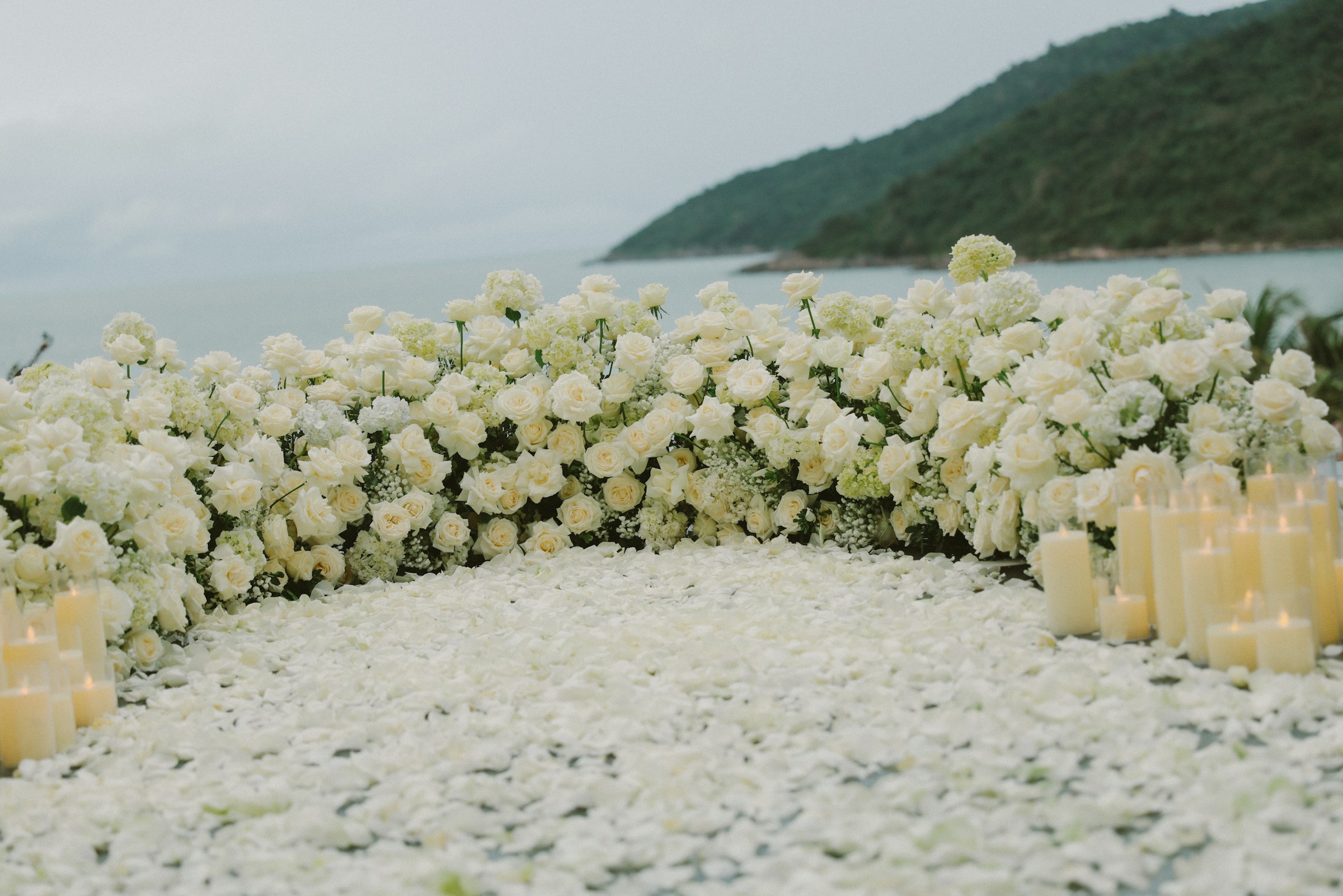
The moments guests actually photograph at Indian weddings
Why Indian weddings work better on Picsui
Written for the person hosting this one, and checked against what the product actually does.
Every function under one code
A wedding week has a different guest list at each function: close family at the haldi, everyone at the sangeet, the groom's side at the baraat. Sub-events put each function in its own section under a single code, so a guest who came only for the reception uploads there, while the family sees the whole week in order from the first mehndi cone to the last dance.
The pheras, watched from India
There is always a grandparent whose knees will not take the flight, or an uncle whose visa did not arrive. Live Broadcast is included with the Event Pass and streams the mandap on a private link with sound, so the elders hear the pandit's mantras and the seven vows as they are spoken, and can bless the couple by name from the other side of the world.
Guests from three continents, one link
After an Indian wedding the photos scatter across the WhatsApp groups of two families, the cousins' Instagram stories and the phones of guests who flew home to three different countries. One gallery link carries the whole week to all of them, and both families download the originals for the album they will have made.
No app. No account. One scan.
Guests point their camera at a QR code and are uploading in seconds. Nobody installs anything, nobody creates a login, and the grandparents can do it as easily as the teenagers.
Several days, one gallery
Multi-day celebrations get sub-events under one code, so the rehearsal, the ceremony and the brunch stay organised but reachable from a single link.
unlimited photo and video uploads
Every guest can send as much as they like: phone photos, iPhone HEICs, short videos, up to a fair-use bound of 25 GB per event. Originals are kept at full resolution.
Broadcast it to the people who couldn't come
A private live broadcast is included with the Event Pass: stream up to 90 minutes to 100 viewers on a private link, with sound, and keep the recording afterwards.
Live photo wall on any screen
Open the slideshow on a TV, projector or laptop and new uploads appear as they arrive. Grid and collage layouts, transition presets, and a phone remote to control it from across the room.
Full-resolution downloads
Download any photo, or the whole event as one archive, at original quality. What guests uploaded is what you keep — no compression, no watermark on paid events.
How it works
Set up in a minute. Collect for the whole event.
Create the wedding as one event and add each function as a sub-event: mehndi, haldi, sangeet, baraat and pheras, reception, each with its own date and venue.
Print the QR code on the welcome cards in the hotel rooms, on a sign at each venue and on the sangeet tables, and put the link on the wedding website.
Guests upload across the week and the slideshow plays the earlier functions on the reception screens. Stream the pheras with Live Broadcast for the family in India.
After the vidaai, download the full-resolution originals for both families and send the gallery link to every guest, on every continent.
Try uploading as a guest.
Scan this with your phone the way a guest at your event would. Choose a sample photo and upload it from your browser, then open the demo gallery to see it land. Photos pass a quick AI check first; videos wait for a person.
- Scan the code with your phone camera — it opens straight in the browser.
- Upload a sample photo. Look for the upload confirmation so you know it reached the host.
Use a sample you are comfortable sharing with Picsui. Please keep personal or sensitive photos out of the demo.
M2FDV8LW
This is the same kind of code your guests scan at your event.
Getting the most from Indian weddings
Print the code for the reception and the sangeet, not just the pheras. The ceremony is the function guests are most careful about and photograph least, because the pandit is speaking and the couple's own photographer is at the mandap. The sangeet and the reception are where the guests' phones come out, and where the dance performances the cousins rehearsed for weeks actually get filmed. Put a card on every table at both, ask the DJ or the emcee to mention it before the first performance, and the family will have the sangeet from every angle by midnight.
Give the two families a way to see each other's functions. The bride's side hosts the mehndi and the groom's side hosts its own sangeet, often in different cities, and each only hears about the other second-hand. With every function under one code, the groom's aunts can watch the mehndi photos arrive from another city while they set up their own hall. Name each sub-event clearly, with the family and the city in it, so a guest who joins late knows exactly where a photo belongs.
For the elders in India who cannot travel, plan the stream around the muhurat and the time difference. Send the private link to the family there a week ahead with the time written in Indian Standard Time, and start Live Broadcast before the baraat arrives so they see the milni as well as the pheras. Put the phone on a stand with a clear line to the mandap, away from the photographer's flash. Have a cousin on the family WhatsApp group in India relay the link again an hour before, because a link sent a week ago is buried under a hundred forwards by then.
Common questions about Indian weddings
Our wedding is five functions across three venues in one week. Is that five events?
One event with five sub-events. Each function gets its own section, date and venue under the same code, so the mehndi photos never mix with the reception and a guest who attends only the sangeet uploads there. The families see the whole week in order in one gallery. Because it is one event, it is one Event Pass, paid once for the wedding rather than per function, however many days it runs.
Can my grandparents in India watch the pheras if they cannot fly?
Yes. Live Broadcast is included with the Event Pass and streams up to 90 minutes to as many as 100 viewers on a private link with sound. Your grandparents open it in a phone browser with nothing to install; a cousin in India can help them the first time. Because the muhurat sets the time, tell them the hour in Indian time, start the stream at the baraat, and leave the phone on a stand with a clear view of the mandap through the pheras and the sindoor.
We have guests from the UK, Canada, the US and India. Does everyone use the same page?
Yes. The code opens the upload page in any phone browser, with no app and no account, wherever the guest's phone is from. Guest pages are available in English, Español, Français; a guest who reads only Hindi or Punjabi still manages because uploading is one button that opens the camera roll, and the host can write the welcome message in any language. After the wedding the same gallery link works for a guest in Leicester or in Ludhiana.
Will the guest photos replace our wedding photographer?
No, and they are not meant to. Your photographer covers the couple, the rituals and the portraits; the guests cover everything the photographer was not looking at, which at an Indian wedding is most of the room, from the cousins' sangeet rehearsal to the dhol player warming up outside. Many families ask the photographer to upload a first set of edited photos to the same gallery so guests have one link, not a studio site and a group chat.
Our families are private about photos. Who can see the gallery?
Only the people you give the link or the code to. The gallery is private by default, never listed, and blocked from search engines and AI crawlers. If either family would rather approve photos before the wider circle sees them, turn on host review and uploads wait in your queue. You can close uploads after the reception and keep the gallery for guests to browse for 365 days on an Event Pass, then download every original.
When should we set the event up? Our dates depend on the muhurat.
Set it up as soon as the pandit has confirmed the muhurat and the venues are booked, which for most families is a few months out. The sub-event dates can be edited later if a function moves. The wedding season runs through the autumn and winter, so hotels and halls are busy and cards get printed early; having the code ready when the invitations go to print means it can go on the welcome card rather than on a sign taped up on the day.
Every photo from Indian weddings, in one place
One-time Event Pass, $29. No subscription, no per-guest fee.
Explore other use cases
One QR code, every kind of event. See how Picsui fits yours.
More occasions