The morning after the wedding.
They see everything for the first time.
You are the parents, or the family friend, who offered to host the brunch, and you may be the only people at the wedding who were awake for all of it. The couple arrives late, a little wrecked, and has not seen a single photo. Play the gallery on a screen while the coffee goes around, and the brunch becomes the first viewing of their own wedding, narrated by the people who were there.
One-time. No account needed to buy — about a minute.
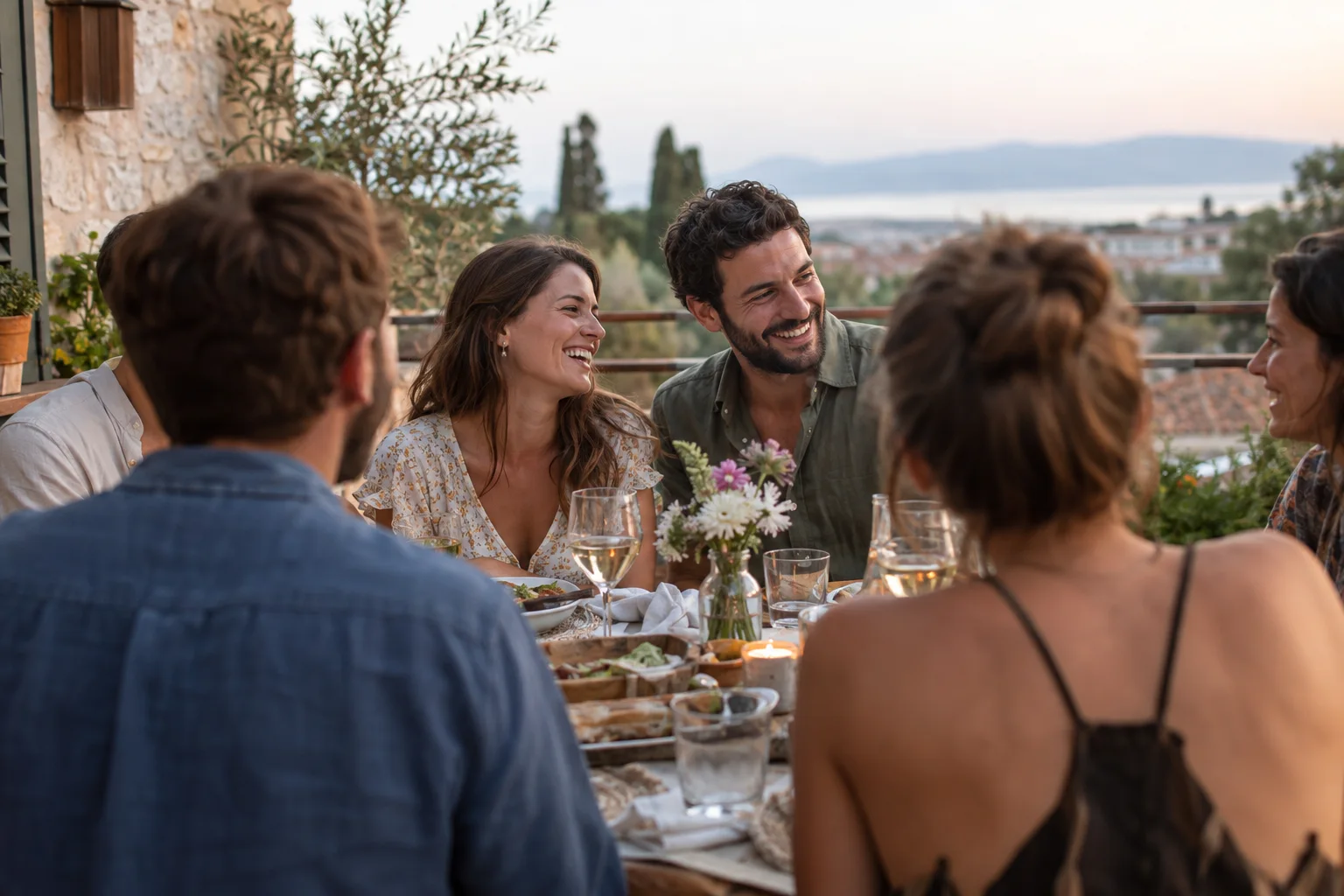
The moments guests actually photograph at post-wedding brunches
Why post-wedding brunches work better on Picsui
Written for the person hosting this one, and checked against what the product actually does.
Last night, on the screen this morning
The wedding gallery is already full of what the guests uploaded during the reception. Open the slideshow on the television before the couple walks in and the room does the rest: guests point at themselves, the couple sees the dance floor they were in the middle of, and the phone remote lets you pause on the one everyone is laughing at.
Hosted by the parents, delivered to the couple
You are hosting, but the photos are theirs. Name the couple as recipients with a delivery date after the honeymoon and the finished gallery, brunch included, is emailed to them the week they are home, on a private link with no account to make. It arrives when they finally have time to look at it, not while they are packing.
A guestbook for what they missed
Set the guestbook question to what the couple could not have seen: what happened at your table, what the grandparents said during the toasts, who was last off the dance floor. Brunch guests are rested and unhurried, and the written and voice messages they leave now are fuller than anything written at the reception.
Live photo wall on any screen
Open the slideshow on a TV, projector or laptop and new uploads appear as they arrive. Grid and collage layouts, transition presets, and a phone remote to control it from across the room.
Deliver the finished gallery to someone else
Name a recipient and the completed gallery is emailed to them on a private link on the date you choose. They browse and download without an account.
Several days, one gallery
Multi-day celebrations get sub-events under one code: the rehearsal, the ceremony and the brunch each have their own time and RSVP, every photo lands in one shared gallery, and one link covers the lot.
A guestbook with your own question
Replace the generic prompt with one that fits the day. Written messages are collected alongside the photos and kept with the gallery.
No app. No account. One scan.
Guests point their camera at a QR code and are uploading in seconds. Nobody installs anything, nobody creates a login, and the grandparents can do it as easily as the teenagers.
Full-resolution downloads
Download any photo, or the whole event as one archive, at original quality. What guests uploaded is what you keep — no compression, no watermark on paid events.
How it works
Set up in a minute. Collect for the whole event.
Add the brunch as a sub-event of the wedding, or create it on its own if you are hosting separately and want to control the guest list and the delivery.
Put the QR code by the coffee and the buffet, where people stand and wait. Nobody sits for long at a brunch.
Open the slideshow on the television before the couple arrives, so last night is already playing when they walk in.
Set the couple as recipients with a delivery date after the honeymoon, and the full gallery lands in their inbox the week they are home.
Try uploading as a guest.
Scan this with your phone the way a guest at your event would. Choose a sample photo and upload it from your browser, then open the demo gallery to see it land. In this public demo, photos appear at once and videos wait for a person to approve them; at your own event, you decide.
- Scan the code with your phone camera — it opens straight in the browser.
- Upload a sample photo. Look for the upload confirmation so you know it reached the host.
Use a sample you are comfortable sharing with Picsui. Please keep personal or sensitive photos out of the demo.
M2FDV8LW
This is the same kind of code your guests scan at your event.
Getting the most from post-wedding brunches
Open the slideshow before anyone arrives and leave it running. The wedding gallery will already be full from last night, and a screen in the corner playing it does the hosting for you: guests drift toward it, point at themselves, and tell the couple what they missed while they were doing portraits or the receiving line. Use the phone remote to pause on a good one when the room laughs, and switch to the collage layout if the gallery is large, so more photos are on screen at once. If the photographer sends a few preview photos that morning, upload them into the gallery so they appear in the same rotation as the guests' pictures rather than on someone's phone being passed around.
Give the guestbook a morning-after question. "What did you see last night that the couple did not?" gets stories the couple genuinely cannot get anywhere else, because they were on the dance floor or in the receiving line for all of it. The written messages and voice notes sit with the photos in the gallery. Brunch is also when the older relatives are rested and unhurried, which makes it the best moment of the weekend to hand a grandparent a phone and ask them to record something for the couple, up to 60 seconds. The good ones are short, and they are very different from what gets said into a microphone at a reception.
Decide before the weekend whether the brunch is a sub-event or its own event. If the couple set up the wedding, ask them to add the brunch as a sub-event so your guests use the same code that is already on the reception tables and the photos stay in one gallery. If you are hosting it separately, or want to surprise them, create your own event: you control the guest list, the review queue and the delivery date, and you can name the couple as recipients so the finished gallery reaches them after the honeymoon. Either way, put the code where people stand, by the coffee and the buffet, because nobody at a brunch sits still.
Common questions about post-wedding brunches
Should the brunch be its own event or part of the wedding?
It depends on who set the wedding up and who is hosting the brunch. If the couple created the wedding, the simplest thing is for them to add the brunch as a sub-event: one code already printed, one gallery, and the brunch photos land next to the wedding's. If the parents are hosting separately and want to decide the guest list, review the uploads and choose when the couple receives everything, a separate event gives them that control and their own link to send. Both routes end with the couple getting one link that covers the morning after.
Can we show the wedding photos from last night at the brunch?
Yes. The slideshow runs in a browser on any screen, so a television in the living room, a laptop on the sideboard or the projector at the venue all work. It shows everything guests have uploaded so far, and new uploads from brunch appear as they arrive. There are grid and collage layouts and transition presets, and a phone remote to pause, skip or restart from across the room. If the brunch is a sub-event of the wedding, the slideshow can show the whole weekend; if you created a separate event, it shows what was uploaded to yours.
Can we send the finished gallery to the couple after the honeymoon?
That is what recipient delivery is for. Name the couple as recipients, pick a delivery date, and on that date they receive an email with a private link to the completed gallery. They browse and download the originals at full resolution without creating an account. Choose a date a few days after they are home rather than the day they land, so it arrives when they have time to sit down with it. You can also add a parent or grandparent as a second recipient, and the gallery stays online for 365 days after the event.
What does the brunch cost?
If the brunch is a sub-event of a wedding that already has an Event Pass, it costs nothing extra; sub-events are included. If you are creating a separate event to host it yourself, an Event Pass is $39 one time, with unlimited uploads, host review, the slideshow, recipient delivery, full-resolution downloads and 365 days of hosting. There is no subscription and nothing charged per guest, so a brunch for thirty people is the same price as a wedding for three hundred.
Who can see the photos from the brunch?
Only the people you give the link or code to. The gallery is private by default, is not listed anywhere, and guest pages are blocked from search engines and AI crawlers, so a photo of the groom asleep on the porch is not going to surface in a search. If the brunch is a sub-event of the wedding, the wedding guests who have the code can see it too, which is usually what you want. If you would rather it be smaller, create a separate event with its own guest list and turn on host review so you approve each upload first.
Every photo from post-wedding brunches, in one place
One-time Event Pass, $39. No subscription, no per-guest fee.
Also planning one of these?
Explore other use cases
One QR code, every kind of event. See how Picsui fits yours.
More occasions