Everyone has a photo of them.
Now the family has them all.
You are the one arranging it: the son or daughter, the spouse, the sibling who took the calls. In the same week you are choosing readings and a casket, someone asks you for photos for the slideshow, and you realize the best ones are not yours. They are in a cousin's album, on an old friend's phone, in a shoebox two states away. One QR code, shared in the notice and at the service, asks everyone who knew them for what they have, and keeps it in one private place the family controls.
One-time. No account needed to buy — about a minute.
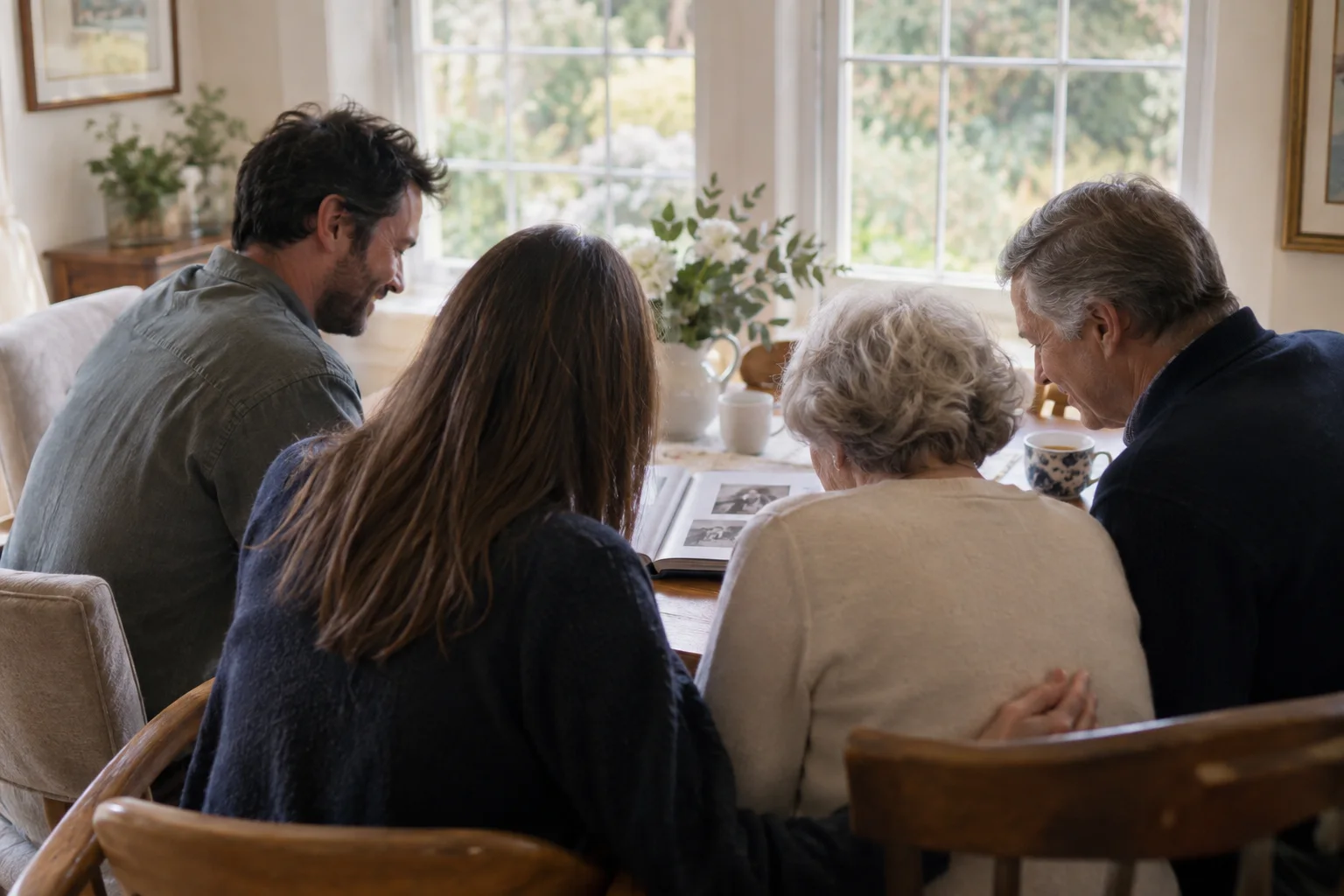
The moments guests actually photograph at funeral services
Why funeral services work better on Picsui
Written for the person hosting this one, and checked against what the product actually does.
The photos only other people have
A life is photographed by dozens of people, and most of it never reaches the family. Guests scan the code and upload the old prints they photographed on the kitchen table, the scans from a school reunion, the picture from a fishing trip in the nineties. Nobody emails attachments, nobody needs an account.
The eulogies, kept
Eulogies are written in grief, delivered once, and rarely heard again. A relative in the front pew can record each one from the upload page, and the aunt who could not stand up and speak can record what she wanted to say in her own time, at home, in her own voice.
Nothing appears until the family says so
Turn on host review and every upload waits in a queue until someone in the family approves it. That means no surprise photo, no wrong caption, and no scrolling at midnight to check. Hand the queue to a niece or a close friend so the people closest to the loss do not have to.
No app. No account. One scan.
Guests point their camera at a QR code and are uploading in seconds. Nobody installs anything, nobody creates a login, and the grandparents can do it as easily as the teenagers.
unlimited photo and video uploads
Every guest can send as much as they like: phone photos, iPhone HEICs, short videos, up to a fair-use bound of 25 GB per event. Originals are kept at full resolution.
Voice messages
Guests record up to 60 seconds of audio right from the upload page: a blessing, a toast, a story. It is saved next to the photos in the same gallery.
Stream it to the people who couldn't come
A private live stream is included with the Event Pass: stream up to 90 minutes to 100 viewers on a private link, with sound. Keeping the recording afterwards is an optional add-on.
You approve before anyone sees
Turn on host review and every upload waits in your queue until you approve it. It is optional, it works from your phone, and anything you never approve is never seen by anyone else.
Private by default, never indexed
The gallery is only reachable by the link or code you share. Guest pages are blocked from search engines and named AI crawlers, and you can close the gallery whenever you choose.
How it works
Set up in a minute. Collect for the whole event.
Create the event as soon as the date is set, and turn on host review before you share anything.
Put the link in the death notice and the online obituary, and print the QR code on the back of the order of service and at the sign-in book.
Family and friends upload the photos they already have in the days before, and photos from the service, the graveside and the reception on the day.
Download the full archive afterward and send the gallery link to the family who could not be there.
Try uploading as a guest.
Scan this with your phone the way a guest at your event would. Choose a sample photo and upload it from your browser, then open the demo gallery to see it land. In this public demo, photos appear at once and videos wait for a person to approve them; at your own event, you decide.
- Scan the code with your phone camera — it opens straight in the browser.
- Upload a sample photo. Look for the upload confirmation so you know it reached the host.
Use a sample you are comfortable sharing with Picsui. Please keep personal or sensitive photos out of the demo.
M2FDV8LW
This is the same kind of code your guests scan at your event.
Getting the most from funeral services
Ask for the old photos in the notice itself, in one plain sentence: "If you have photos of her, we would love to have them," with the link underneath. People find photos in the days before a funeral, when they are already looking through albums and thinking about the person, and that is when they will upload. Tell them that a phone photo of a print is fine. Lay the print flat near a window, no flash, straight on, and the result is good enough for the slideshow and for the family to keep. Scanned photos can be uploaded too. A gentle reminder from one family member to the wider circle two days before the service brings in the last and often best batch.
At the service, put the code where people already stop: the sign-in book, the photo boards, and the back page of the order of service. Ask one steady person to record the eulogies from a seat near the front, either as a video message from the upload page or by filming with their phone camera and uploading the clip afterward. Check with the officiant and the funeral director first; most are used to this and will tell you where to sit. Photos from the graveside and the reception afterward usually arrive without asking, because that is where people are already holding their phones.
Do not moderate the gallery yourself in the first week. Turn on host review, so nothing is visible until it is approved, and give the queue to someone one step removed from the loss: a cousin, an in-law, a close family friend. They can approve in batches once a day. Keep the gallery private to the people you send the link to, and wait until the immediate family has seen it before sharing it more widely. Some photos will be hard to see. It is better that a sister sees them first, on her own time, than in front of a room.
Common questions about funeral services
How do I ask people for the old photos they have of my parent?
Put the request and the link in the death notice, the online obituary, and the message you send to the wider family. Keep the ask simple: you would love any photos they have, old or recent, and a phone photo of a print is fine. When someone scans the code or opens the link they land on a plain upload page with no login and no app, so an older friend can send a photo as easily as a grandchild. Photos arrive in the gallery as they are sent, and with host review on, you see each one before anyone else does. Most families find that the photos they did not know existed are the ones they treasure most.
Can family who cannot travel watch the service?
Yes, with Live Stream, included with the Event Pass, which streams up to 90 minutes to as many as 100 viewers on a private link, with audio. Someone in the room streams from a phone; the family abroad opens the link on any phone or laptop, with nothing to install. Ask the funeral home or church first, since some have their own camera and some have rules about filming, and tell the officiant so they are not surprised. The link is not listed anywhere, so only the people you send it to can watch.
Can the eulogies be recorded?
In two ways. From the upload page a guest can record a video message of up to 30 seconds or a voice message of up to 60 seconds, which suits a short tribute or a relative recording what they could not say aloud. For a full eulogy, one person films it with their phone camera and uploads the clip afterward; video uploads are included on an Event Pass, within the 25 GB fair-use limit for the event. Ask the speaker's permission beforehand. Most are glad to know it will be kept.
Who can see the photos?
Only the people you give the link or code to. The gallery is private by default, it is never listed publicly, and guest pages are blocked from search engines and AI crawlers. With host review on, each upload waits for approval before it appears to anyone, and you can close the gallery to new uploads whenever you choose. If a photo should not be there, remove it and it is gone from the gallery. The family decides who sees what, and when.
What does it cost?
An Event Pass is $39, paid once for one event. It includes unlimited uploads from any number of guests within a 25 GB fair-use bound, optional host review, voice and video messages, full-resolution downloads of everything, and 365 days of hosting. There is no subscription and nothing is charged per guest. Live Stream for family watching from far away is included with the Event Pass.
How long do we have to gather the photos and keep them?
The gallery stays open for uploads and viewing for 365 days on an Event Pass, so photos that turn up weeks or months later still have somewhere to go. At any point you can download the whole gallery as one archive at original quality, and we suggest doing that once the service is over and again before the hosting period ends. What guests uploaded is what you keep, with no compression and no watermark.
Every photo from funeral services, in one place
One-time Event Pass, $39. No subscription, no per-guest fee.
Also planning one of these?
Explore other use cases
One QR code, every kind of event. See how Picsui fits yours.
More occasions