A slideshow of their life.
Built by everyone in it.
A celebration of life usually comes weeks or months after the funeral, when the shock has passed and there is room to remember the person rather than the loss. You are organizing it the way they would have wanted: a garden, a favorite restaurant, a hall with a memory table and their music playing. The photos for it are scattered across fifty years and fifty phones. Share one code in the invitation, and the gallery, and the slideshow that plays from it, are ready before anyone arrives.
One-time. No account needed to buy — about a minute.
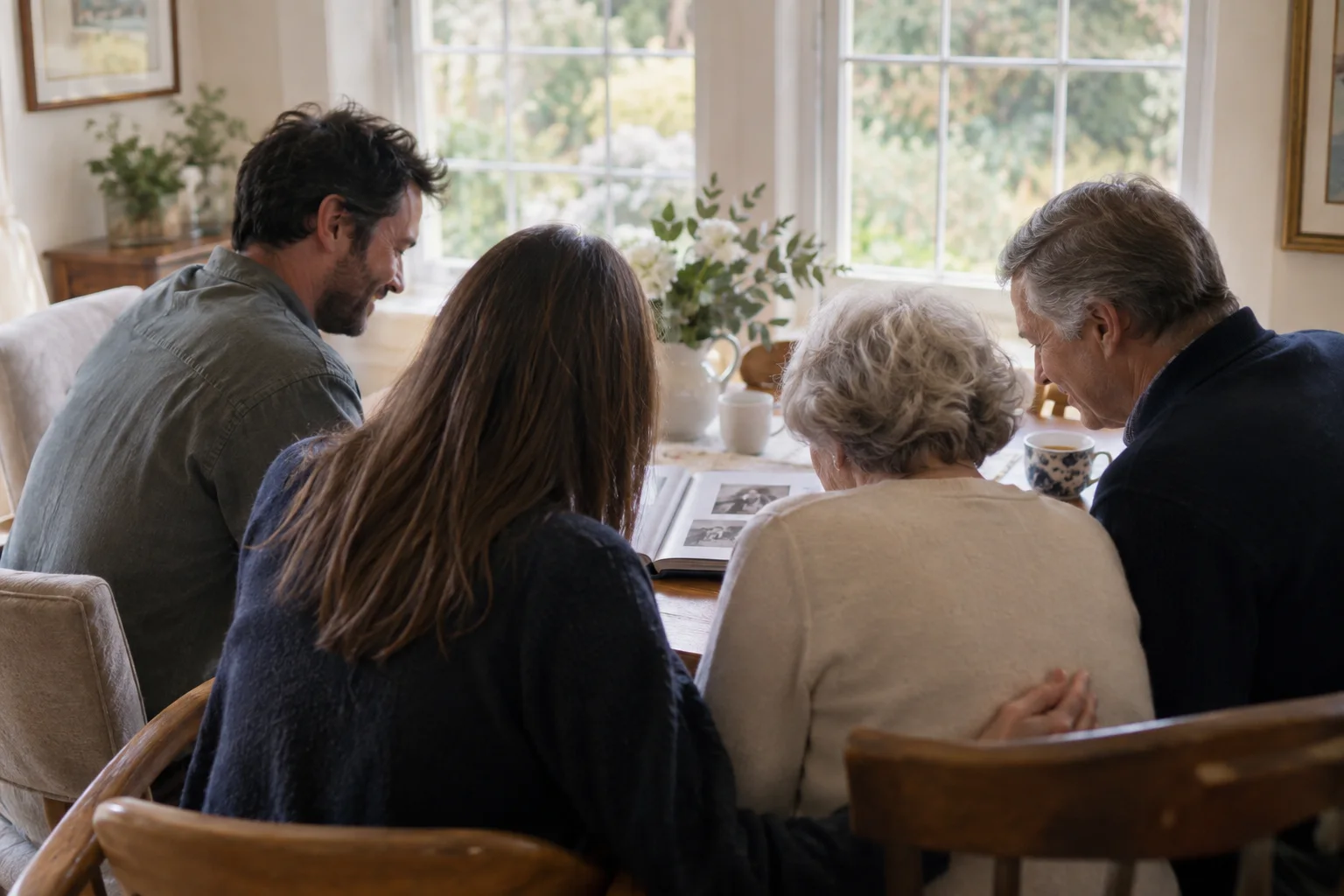
The moments guests actually photograph at celebrations of life
Why celebrations of life work better on Picsui
Written for the person hosting this one, and checked against what the product actually does.
The slideshow exists before the service does
Put the code in the invitation and ask for photos when you send it. Everything guests upload in the weeks before is already in the gallery, so on the day you open the slideshow on the venue screen and it plays what the whole circle sent, with new uploads appearing as people arrive.
Stories, told in the voice that tells them best
Not everyone will take the microphone, and the best stories are often the quiet ones. From the same page guests record up to 60 seconds of a memory, a story from work, a thing they always said. Saved with the photos, and heard again years later by the grandchildren.
Delivered to the person it is really for
Often the organizer is a friend or a sibling, and the person who most needs the finished gallery is the widow, the widower, or the children. Name them as the recipient and the completed gallery is emailed to them on a private link on a date you choose, with no account to set up.
No app. No account. One scan.
Guests point their camera at a QR code and are uploading in seconds. Nobody installs anything, nobody creates a login, and the grandparents can do it as easily as the teenagers.
unlimited photo and video uploads
Every guest can send as much as they like: phone photos, iPhone HEICs, short videos, up to a fair-use bound of 25 GB per event. Originals are kept at full resolution.
Live photo wall on any screen
Open the slideshow on a TV, projector or laptop and new uploads appear as they arrive. Grid and collage layouts, transition presets, and a phone remote to control it from across the room.
Voice messages
Guests record up to 60 seconds of audio right from the upload page: a blessing, a toast, a story. It is saved next to the photos in the same gallery.
A guestbook with your own question
Replace the generic prompt with one that fits the day. Written messages are collected alongside the photos and kept with the gallery.
Deliver the finished gallery to someone else
Name a recipient and the completed gallery is emailed to them on a private link on the date you choose. They browse and download without an account.
How it works
Set up in a minute. Collect for the whole event.
Create the event when you send the invitations, and add the code and a line asking for photos to the invitation itself.
Guests upload in the weeks before: old prints photographed on a table, phone photos, short clips. Approve them as they come in.
On the day, open the slideshow on the venue screen and put the code on the memory table and near the microphone.
Afterward, download everything and deliver the gallery to the family on the date you choose.
Try uploading as a guest.
Scan this with your phone the way a guest at your event would. Choose a sample photo and upload it from your browser, then open the demo gallery to see it land. In this public demo, photos appear at once and videos wait for a person to approve them; at your own event, you decide.
- Scan the code with your phone camera — it opens straight in the browser.
- Upload a sample photo. Look for the upload confirmation so you know it reached the host.
Use a sample you are comfortable sharing with Picsui. Please keep personal or sensitive photos out of the demo.
M2FDV8LW
This is the same kind of code your guests scan at your event.
Getting the most from celebrations of life
The single most useful thing you can do is put the code on the invitation with a specific request: "Please add a photo of Dad and a story to go with it." A vague "share your memories" gets very little. A specific ask gets a photo of him at a barbecue in 1987 and the story of the barbecue. Give people three weeks if you can. Send one reminder ten days before, and another a few days out to the people who said they would but have not. Everything that arrives before the day is already in the slideshow when the screen goes on, which means the slideshow is made by the whole circle rather than by whoever had the albums.
Give the memory table its own small sign with the code and a written question in the guestbook, something like "What did they teach you?" or "Finish this sentence: they always said...". Written messages and voice messages are collected in the same gallery as the photos. If there is an open microphone, ask one person to record the stories with their phone camera and upload the clips afterward, and let speakers know so they can say no. The people who never speak in public will often record a private voice message afterward, standing outside, and those are frequently the ones the family plays most.
Set the tone of the gallery deliberately. A celebration of life is lighter than a funeral, and photos of the person laughing, badly dressed in 1979, or asleep on a beach are exactly what you want. Say so on the invitation, so guests do not only send formal portraits. Keep host review on anyway, because a photo that is funny to one branch of the family can land differently with another, and it is easier to hold one back than to explain it later. Share the finished gallery with the whole guest list in a follow-up note, so the people who could not come see what they missed.
Common questions about celebrations of life
Can guests send photos before the celebration of life, not just on the day?
Yes, and that is the best way to use it. The event exists from the moment you create it, so the code in your invitation works weeks before the gathering. Guests upload whenever they find something: an old print they photographed, a phone picture, a short clip. Everything is in the gallery by the day, and the slideshow plays what is there, so the screen at the venue shows the collection the whole circle built rather than one family's albums. Uploads on the day and afterward join the same gallery.
How does the slideshow work at the venue?
Open the slideshow on any screen with a browser: the venue TV, a projector, or a laptop turned toward the room. It plays the photos and clips in the gallery in grid or collage layouts with gentle transitions, and new uploads appear as they arrive. A phone works as the remote, so whoever is running the afternoon can pause or change the layout from wherever they are standing. There is no file to build and nothing to export beforehand; if the venue has a screen and Wi-Fi or a phone hotspot, it is ready.
Can people record stories instead of writing them?
Yes. From the upload page, a guest can record a voice message of up to 60 seconds or a video message of up to 30 seconds, in the browser, with no app. Both are saved alongside the photos in the same gallery. Many people who would never write in a guestbook, or stand at a microphone, will happily talk to their phone for a minute in a quiet corner. You can also set a written guestbook question of your own, so the prompt fits the person rather than a generic template.
Is the gallery private?
It is private by default and only reachable by the link or code you share. It is never listed anywhere, and guest pages are blocked from search engines and AI crawlers. Turn on host review and every photo, clip and message waits for your approval before anyone else sees it. If you are organizing on behalf of the family, you can name them as the recipient and have the finished gallery delivered to them privately on a date you choose, and you can close the gallery to new uploads whenever you like.
What does it cost for one gathering?
An Event Pass is $39, paid once. It covers unlimited uploads within a 25 GB fair-use bound, the slideshow, voice and video messages, a written guestbook, host review, full-resolution downloads and 365 days of hosting. There is no subscription and no charge per guest, however many people you invite, and the pass covers the weeks of collecting before the day as well as the day itself. If you want to stream the gathering to people who cannot travel, Live Stream is included with the Event Pass.
Every photo from celebrations of life, in one place
One-time Event Pass, $39. No subscription, no per-guest fee.
Also planning one of these?
Explore other use cases
One QR code, every kind of event. See how Picsui fits yours.
More occasions