Forty confirmands, one Mass.
Your family's own gallery.
The parents of a confirmand spend the morning in a pew with instructions not to photograph the Mass, then the afternoon hosting lunch for the grandparents, the sponsor and the cousins who drove in. The parish will post a group photo of all forty confirmands. What the family wants is their own child with the bishop, with the sponsor's hand on their shoulder, and every photo from the restaurant after. One QR code, printed on the lunch place cards, collects those from every relative in the room.
One-time. No account needed to buy — about a minute.
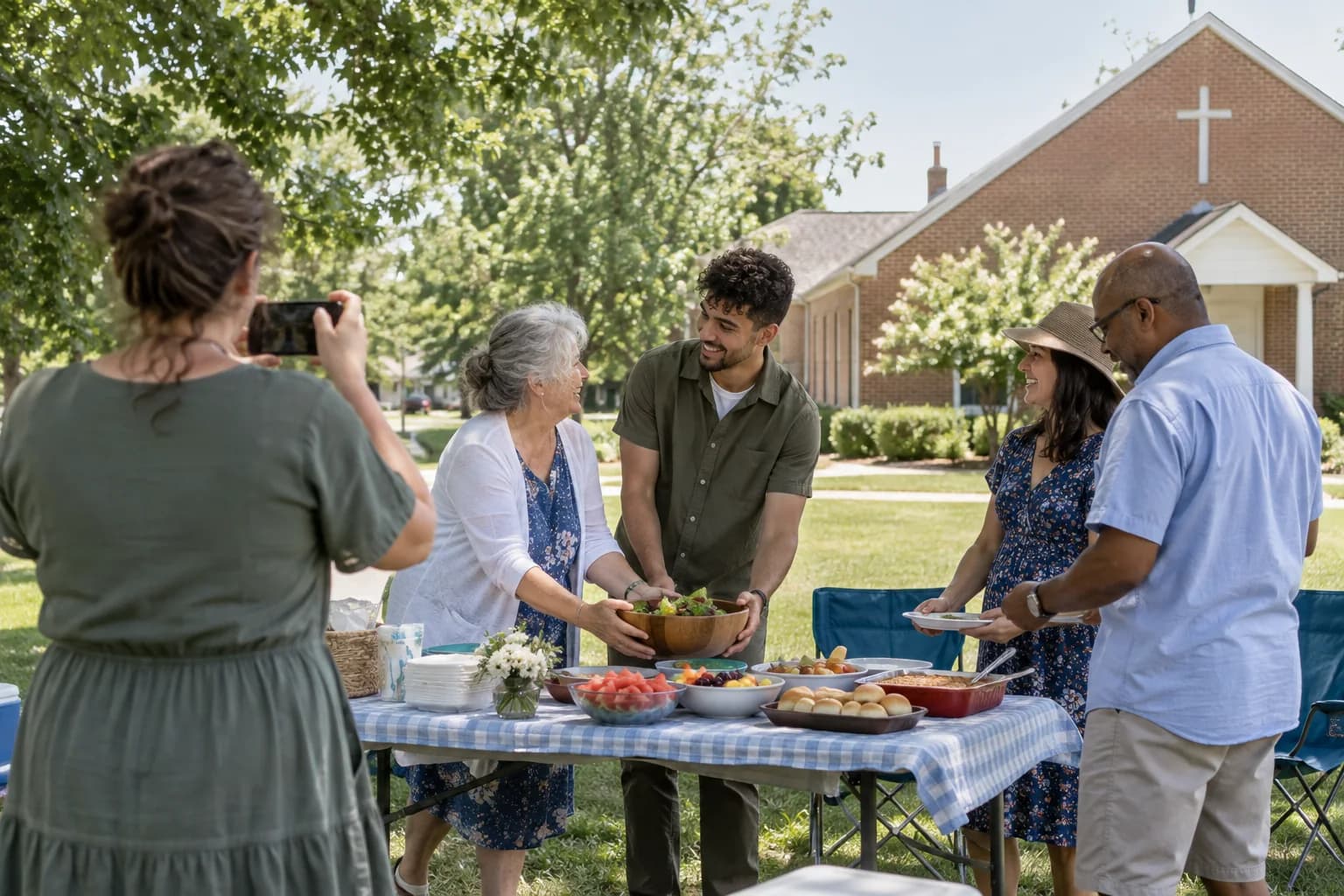
The moments guests actually photograph at confirmations
Why confirmations work better on Picsui
Written for the person hosting this one, and checked against what the product actually does.
A guestbook the sponsor can write in
A sponsor or godparent has agreed to something at a Confirmation, and most of them would say so in writing if asked. Set the guestbook question to "What do you hope for them in the years ahead?" and the sponsor, the grandparents and the aunts leave something the confirmand will read at eighteen.
Delivered to the confirmand, not just kept by the parents
The parents host and pay, but the day belongs to a teenager who was not thinking about photo galleries. Name them as the recipient and the finished gallery is emailed to them on a date you choose, at a private link, so the messages from their sponsor arrive on their next birthday rather than sitting in a parent's account.
Church etiquette, kept by you
Most parishes ask that nobody photograph during the Mass, and a few relatives always do. With host review on, a photo of the altar taken from the third pew waits in your queue rather than going straight to the family, and you keep the gallery to the steps, the sponsor and the lunch.
No app. No account. One scan.
Guests point their camera at a QR code and are uploading in seconds. Nobody installs anything, nobody creates a login, and the grandparents can do it as easily as the teenagers.
A guestbook with your own question
Replace the generic prompt with one that fits the day. Written messages are collected alongside the photos and kept with the gallery.
You approve before anyone sees
Turn on host review and every upload waits in your queue until you approve it. It is optional, it works from your phone, and anything you never approve is never seen by anyone else.
Private by default, never indexed
The gallery is only reachable by the link or code you share. Guest pages are blocked from search engines and named AI crawlers, and you can close the gallery whenever you choose.
Deliver the finished gallery to someone else
Name a recipient and the completed gallery is emailed to them on a private link on the date you choose. They browse and download without an account.
Full-resolution downloads
Download any photo, or the whole event as one archive, at original quality. What guests uploaded is what you keep — no compression, no watermark on paid events.
How it works
Set up in a minute. Collect for the whole event.
Create the event with the confirmand's name, and their Confirmation name if they chose one, a week before the Mass.
Print the QR code on the lunch place cards and one for the restaurant table, and text the link to the sponsor and grandparents the night before.
Photos from the church steps and the lunch go straight to the gallery. The sponsor and the grandparents write in the guestbook while the table waits for dessert.
Set the confirmand as the recipient, so the gallery with everyone's messages reaches them on the date you choose.
Try uploading as a guest.
Scan this with your phone the way a guest at your event would. Choose a sample photo and upload it from your browser, then open the demo gallery to see it land. In this public demo, photos appear at once and videos wait for a person to approve them; at your own event, you decide.
- Scan the code with your phone camera — it opens straight in the browser.
- Upload a sample photo. Look for the upload confirmation so you know it reached the host.
Use a sample you are comfortable sharing with Picsui. Please keep personal or sensitive photos out of the demo.
M2FDV8LW
This is the same kind of code your guests scan at your event.
Getting the most from confirmations
Ask the parish what is permitted before the day, and pass it on to the relatives. Many churches allow photos before Mass and afterward with the bishop, and none during the anointing; some have a parish photographer whose group photo will be shared with every family. Tell the grandparents where to stand for the moment on the steps, since that is the one photo of the confirmand in their robe or their new clothes that the whole family will want, and it happens in a crowd of forty other families with the same idea. The QR code is for that moment and everything after, not for the Mass.
Make the lunch the center of the gallery. The Mass is shared with the whole parish, but the lunch is yours, and it is where the sponsor gives the gift, the grandmother tells the story of her own Confirmation and the cousins are all in one place. Put the code on the place cards so the relatives who arrive late scan it while they sit, and set the guestbook question before anyone arrives. A sponsor asked to write down what they promised the confirmand will do it at the table; asked a month later by email, they will not.
Send the gallery to the confirmand on a date that means something. The recipient delivery goes out to the address you give on the day you pick, so the teenager who barely looked at the photos in May receives, on their next birthday or the anniversary of the day, a private link with every photo and every message from their sponsor and grandparents. Download the full archive yourself before the 365 days on an Event Pass run out, so the family has it on a drive alongside the certificate, and the sponsor's message survives whatever phone the confirmand has by then.
Common questions about confirmations
Are we allowed to take photos during the Confirmation Mass?
Usually not during the sacrament itself, and the rules vary by parish and by bishop, so ask the parish office or the catechist the week before. Most churches permit photos before Mass begins, on the steps afterward, and often a moment with the bishop after the recessional, and many have a parish photographer whose group photo of all the confirmands is sent to every family. Plan the family photos around those moments. The gallery is for what you are allowed to photograph and for the lunch, where nobody minds.
The parish is sharing photos of everyone. Why would we want our own gallery?
Because the parish gallery has forty families in it and yours has one. The parish photographer's group photo is worth having, but the photos your family wants are the confirmand with their sponsor, with the grandparents on the steps, and at the lunch table with the cousins, and those come from your relatives' phones. A private gallery gives them one place to put those photos and lets the sponsor and grandparents leave a written message alongside them, which a parish page will never do. It is a family album for one confirmand, not a class record.
Can the sponsor and grandparents leave a message, not just photos?
Yes. The guest page has a guestbook with a question you set, so you can ask something specific to the day rather than "Leave a message." Relatives can also record a voice message of up to 60 seconds from the same page, which grandparents often prefer to typing. Written and recorded messages sit in the gallery with the photos. If you name the confirmand as the recipient, the finished gallery with those messages is emailed to them on the date you choose, at a private link they open without an account.
Who can see our family's photos?
Only the people you share the link or code with. The gallery is private by default, never listed anywhere, and guest pages are blocked from search engines and AI crawlers. Turn on host review if you want to approve each upload before other relatives can see it, which also catches the photo somebody took during Mass. Relatives open the link without an account. The gallery stays live for 365 days on an Event Pass, and you can download everything at full resolution before then.
What does it cost for a Confirmation and a lunch?
An Event Pass is $39 one time for one event, and it covers the church steps and the restaurant together. It includes unlimited uploads with a 25 GB fair-use bound, the guestbook, voice messages, host review, recipient delivery, full-resolution downloads and 365 days of hosting. There is no per-guest fee and no subscription. If two cousins are confirmed at the same Mass, each family creates its own event so each confirmand gets a gallery and a set of messages that is only theirs.
Every photo from confirmations, in one place
One-time Event Pass, $39. No subscription, no per-guest fee.
Also planning one of these?
Explore other use cases
One QR code, every kind of event. See how Picsui fits yours.
More occasions