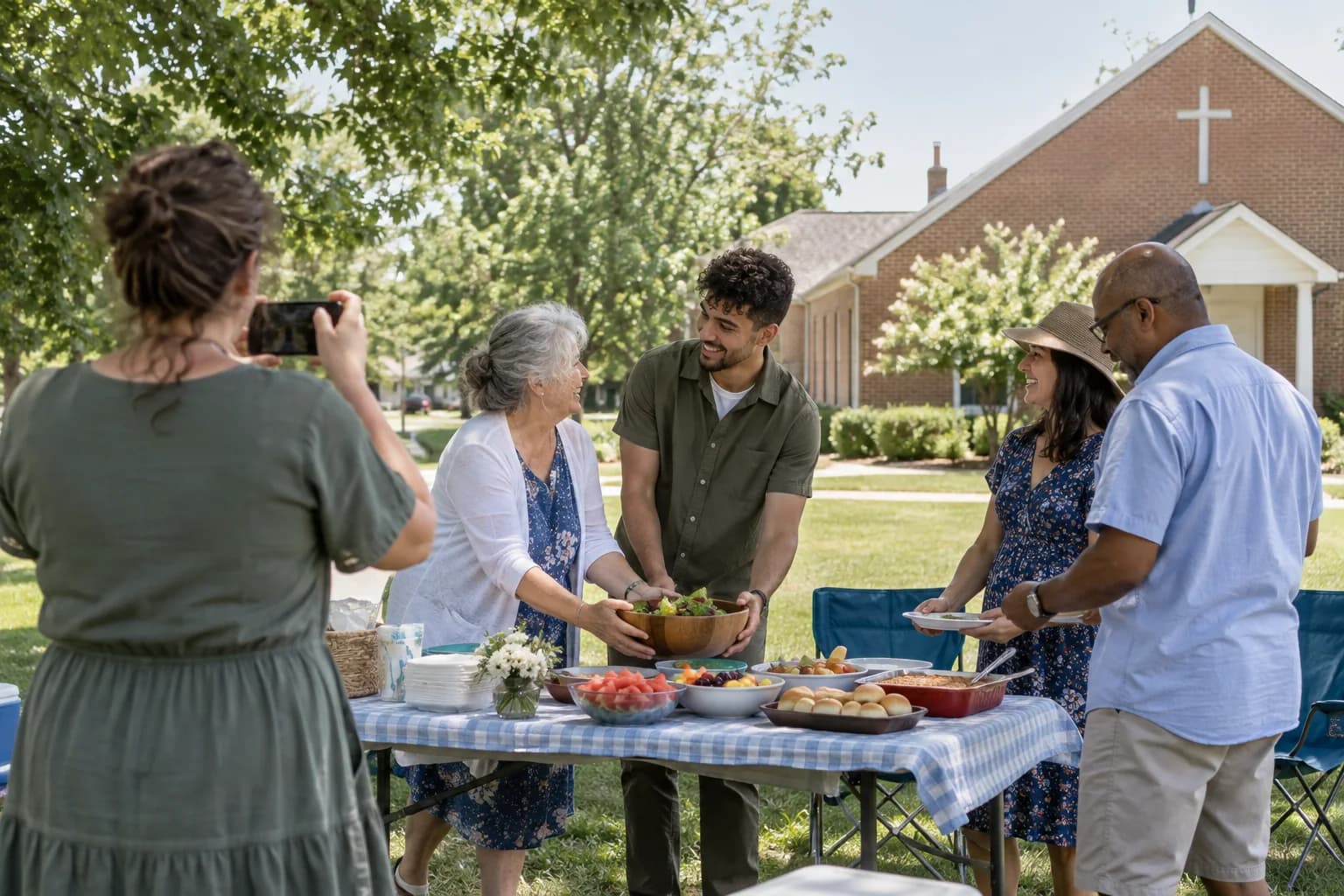
One gallery for the church, the family, and the lunch afterwards.
First Communion and Confirmation days run in three parts, and no single person photographs all of them. One QR code collects the ceremony, the group photo on the steps, and the meal after it into the same place.
Pay once · No app for guests · 30-day unused-event money-back guarantee
The private live stream is included with the Event Pass.
Works for one child or a whole class
Parishes run these for a dozen families at once. Every family uploads to the same gallery, so each of them ends up with photos of their own child that somebody else happened to take.
No app for anyone's grandparents
Scan a code, pick photos, done. No account, no install, nothing to explain twice.
Approval before anything is shared
When a gallery is shared across families, you can hold every upload for review so you decide what the group sees.
Full-resolution downloads
The photo that goes in the frame needs to be the original file, not a copy that has been through three group chats.
Godparents and relatives who could not come
One link lets them see the day and download what they want, without making an account.
One purchase, nothing renewing
Buy it for the day. There is no subscription sitting on the parish or the family's card afterwards.
How it works
- 1
Create the event
Name it for the child or the parish group, set the date, add a cover photo.
- 2
Share the code with the families
On the printed program, in the parish email, or on a card at the door.
- 3
Photos arrive from every phone
Ceremony, steps, and lunch — all into one gallery, in seconds.
- 4
Everyone downloads what they want
Each family takes full-quality copies of the photos of their own child.
Try uploading as a guest.
Scan this with your phone the way a guest at your event would. Choose a sample photo and upload it from your browser, then open the demo gallery to see it land. In this public demo, photos appear at once and videos wait for a person to approve them; at your own event, you decide.
- Scan the code with your phone camera — it opens straight in the browser.
- Upload a sample photo. Look for the upload confirmation so you know it reached the host.
Use a sample you are comfortable sharing with Picsui. Please keep personal or sensitive photos out of the demo.
M2FDV8LW
This is the same kind of code your guests scan at your event.
Questions
Can several families share one gallery?
Yes, and that is usually the point — the best photo of your child was probably taken by another family. Everyone uploads to the same event, and everyone can download from it.
Can the parish control what gets posted?
Yes. With approval turned on, no upload appears in the shared gallery until someone reviews it. Anything you reject is never shown.
How long do the photos stay available?
Paid events keep every photo at full quality for a year, so families are not chased to download within a week.
Do guests need the church WiFi?
No. Uploads work over cellular data, and if signal is poor in the building, people can upload later from home into the same gallery.
One gallery for the church, the family, and the lunch afterwards.
Set it up in about ten minutes. Guests scan one code — no app, no accounts, nothing to install.
Get Event Pass for $3930-day unused-event money-back guarantee No subscription
The private live stream is included with the Event Pass.
Explore other use cases
One QR code, every kind of event. See how Picsui fits yours.
More occasions