Everyone is covered in gulal.
Every photo is in one place.
You are running the Holi party, whether that is a backyard with a hose and a bag of gulal, a temple lawn, or a campus event with a few hundred students. The thing about Holi is that nobody can safely use their phone once it starts. It goes in a ziplock bag, the color goes everywhere, and the photos that do get taken are spread across whoever was brave enough to take the phone out. One QR code, shared before and after, gathers all of it.
One-time. No account needed to buy — about a minute.
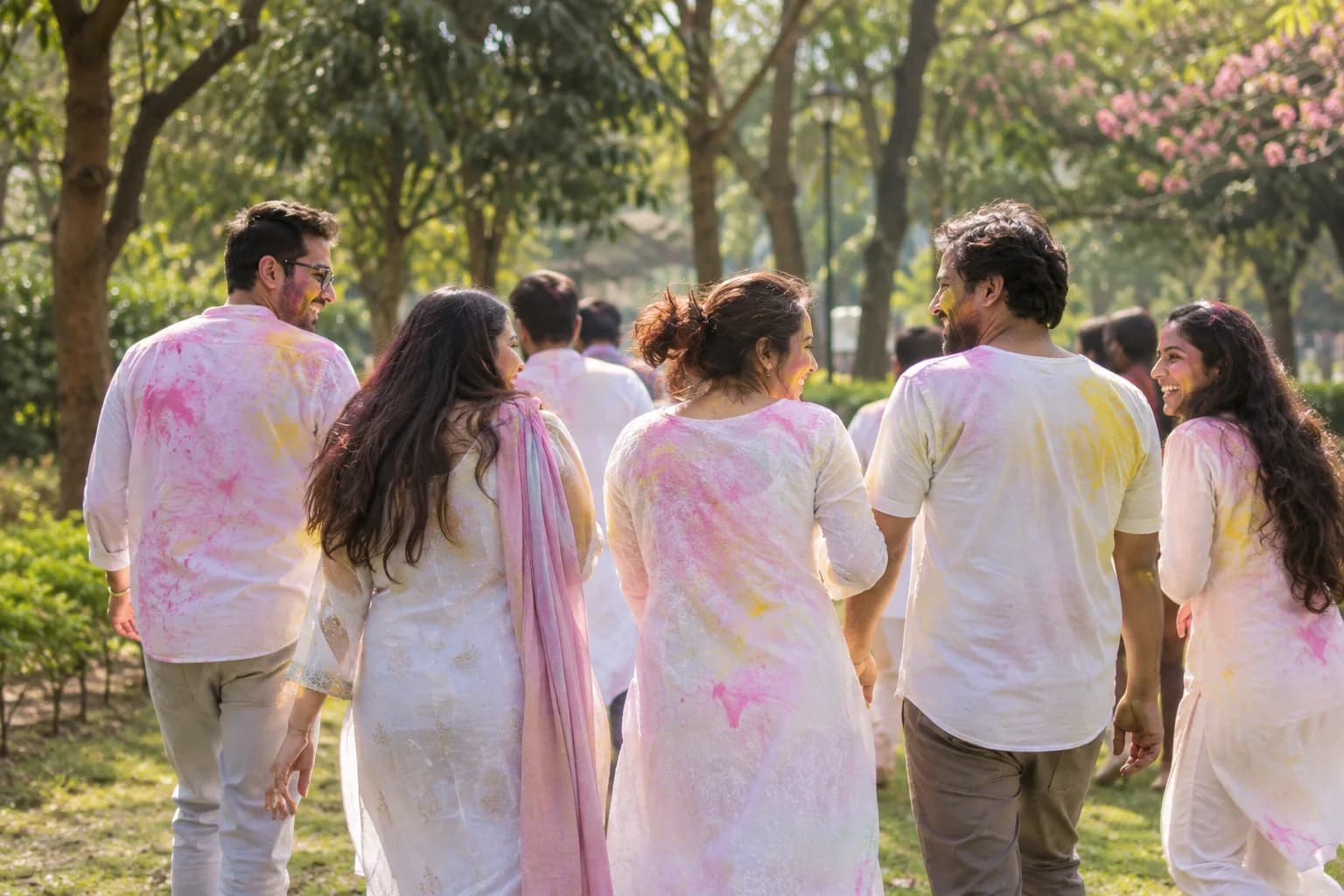
The moments guests actually photograph at Holi parties
Why Holi parties work better on Picsui
Written for the person hosting this one, and checked against what the product actually does.
The photos from the phones that stayed dry
At every Holi party a few people keep their phones out, in a bag or from the edge of the lawn, and they end up with the best photos of everyone else. Those guests upload to one gallery, so the person who spent the afternoon with a fistful of gulal still gets the photo of themselves with green hair.
Host review for a crowd you did not all invite
Community and campus Holi events draw people who found them on a flyer. Turn on host review and every upload waits in your queue, before it reaches the gallery. What gets shared with the whole crowd is what you approved, not whatever happened to land.
The wall of color afterwards
Once the hoses are off and people are eating, put the slideshow on a screen. Uploads appear as they arrive, so the crowd sees itself covered in pink and yellow while the memory is fresh, and the guests who forgot to upload get exactly the reminder they need.
No app. No account. One scan.
Guests point their camera at a QR code and are uploading in seconds. Nobody installs anything, nobody creates a login, and the grandparents can do it as easily as the teenagers.
unlimited photo and video uploads
Every guest can send as much as they like: phone photos, iPhone HEICs, short videos, up to a fair-use bound of 25 GB per event. Originals are kept at full resolution.
You approve before anyone sees
Turn on host review and every upload waits in your queue until you approve it. It is optional, it works from your phone, and anything you never approve is never seen by anyone else.
Live photo wall on any screen
Open the slideshow on a TV, projector or laptop and new uploads appear as they arrive. Grid and collage layouts, transition presets, and a phone remote to control it from across the room.
Private by default, never indexed
The gallery is only reachable by the link or code you share. Guest pages are blocked from search engines and named AI crawlers, and you can close the gallery whenever you choose.
Full-resolution downloads
Download any photo, or the whole event as one archive, at original quality. What guests uploaded is what you keep — no compression, no watermark on paid events.
How it works
Set up in a minute. Collect for the whole event.
Create the event and turn on host review if the party is open to the public or a campus crowd.
Print the QR code large, laminate it, and put it at the entrance and by the food, the two places people stop before and after the color.
Guests upload the before photos on arrival, the middle from whoever kept a phone dry, and the after photos while the thandai goes round.
Download the originals that night and send the link out while everyone is still scrubbing gulal out of their ears.
Try uploading as a guest.
Scan this with your phone the way a guest at your event would. Choose a sample photo and upload it from your browser, then open the demo gallery to see it land. In this public demo, photos appear at once and videos wait for a person to approve them; at your own event, you decide.
- Scan the code with your phone camera — it opens straight in the browser.
- Upload a sample photo. Look for the upload confirmation so you know it reached the host.
Use a sample you are comfortable sharing with Picsui. Please keep personal or sensitive photos out of the demo.
M2FDV8LW
This is the same kind of code your guests scan at your event.
Getting the most from Holi parties
Laminate the code. A paper sign is purple within ten minutes of the first handful of gulal, and a QR code that is half covered in powder will not scan. Print it large, seal it in plastic, and put it in the two dry zones every Holi party has: the entrance, where people arrive clean and take the before photo, and the food table afterwards, where they are wiping their hands to eat. Say once at the start, before the color, that the code is there and that the photos will be shared, and again when the music slows down and people start looking for their shoes.
Assign two or three people to be the dry photographers. Give them a phone in a ziplock bag or a cheap waterproof pouch and ask them to stay on the edge of the action for the first half hour, which is when the best photos happen. They upload straight from the pouch, since the upload page works through the plastic. Everyone else uploads the before and after shots, and the gallery ends up with the middle as well, which is the part people actually want to see and the part that otherwise never exists.
For a public or campus event, turn on host review before anyone arrives. Holi crowds are big, strangers photograph strangers, and a few people will not want a picture of themselves soaked and covered in color circulating. Review the queue that evening, approve the wide shots and the ones people clearly posed for, and hold anything that singles someone out unflatteringly. Sharing the gallery link the next morning, once you have been through it, is better than sharing an open gallery during the party. Tell people at the start that the photos will be reviewed before they go out, and the ones who were nervous about being photographed will relax and join in.
Common questions about Holi parties
How do people upload when their phones are covered in gulal?
They upload before and after, and the few people who kept a phone in a bag upload during. Scanning the QR code with the camera opens an upload page in the browser, and it works through a ziplock bag or a waterproof pouch, so the designated dry photographers can send photos without unsealing anything. Everyone else scans on arrival to upload the clean before photo, and again at the food table once hands are washed. The gallery collects all three phases in one place.
We are a student association running Holi on campus. Does this scale?
Yes. There is no cap on the number of guests, only on total uploads, which is unlimited on an Event Pass with a fair-use bound of 25 GB, and a campus Holi comes nowhere near it. Print the code large on the entrance banner and the sponsor board, and put it on the event page you already share. Turn on host review so a committee member approves what goes public, and put the slideshow on a screen near the food.
Can we approve photos before they are shared with everyone?
Yes. Turn on host review and every upload waits in your queue until you approve it, and you can approve from your phone as the day goes instead of scrolling through every image later. For a community event this is the setting to use, because people will photograph strangers and not everyone wants their color-soaked photo shared. Approve what is fine, hold what is not, and share the gallery link once you have been through the queue.
Is the gallery public?
No. It is private by default and reachable only by the link or code you share. Guest pages are blocked from search engines and AI crawlers, and nothing is listed anywhere. For a community Holi where the code was on a public flyer, that still means only people who scanned it can see the gallery, and with host review on, only what you approved. You can close the gallery to new uploads whenever you like.
What does it cost for one Holi party?
An Event Pass is $39, one time, for one event. It includes unlimited uploads, host review, full-resolution downloads and 365 days of hosting. There is no subscription and no per-guest fee, so a backyard party and a temple lawn with several hundred people pay the same. A student association that runs Holi every spring creates a new event each year, so the galleries stay separate and last year's link keeps working for the members who want to look back.
Every photo from Holi parties, in one place
One-time Event Pass, $39. No subscription, no per-guest fee.
Explore other use cases
One QR code, every kind of event. See how Picsui fits yours.
More occasions