Pre-formal, arrivals, after party.
One gallery, reviewed by an adult.
This page is for the teacher or year coordinator running the formal, and for the parent committee that runs it when the school will not. The formal is three events in one day: the pre-formal in someone's garden where every parent takes the same photo, the arrivals at the venue, and then the night itself, which the parents leave at the door. The students have the best photos and no reason to send them to anyone. One QR code, reviewed by whoever hosts it, brings the whole day into one gallery the year group can keep.
One-time. No account needed to buy — about a minute.
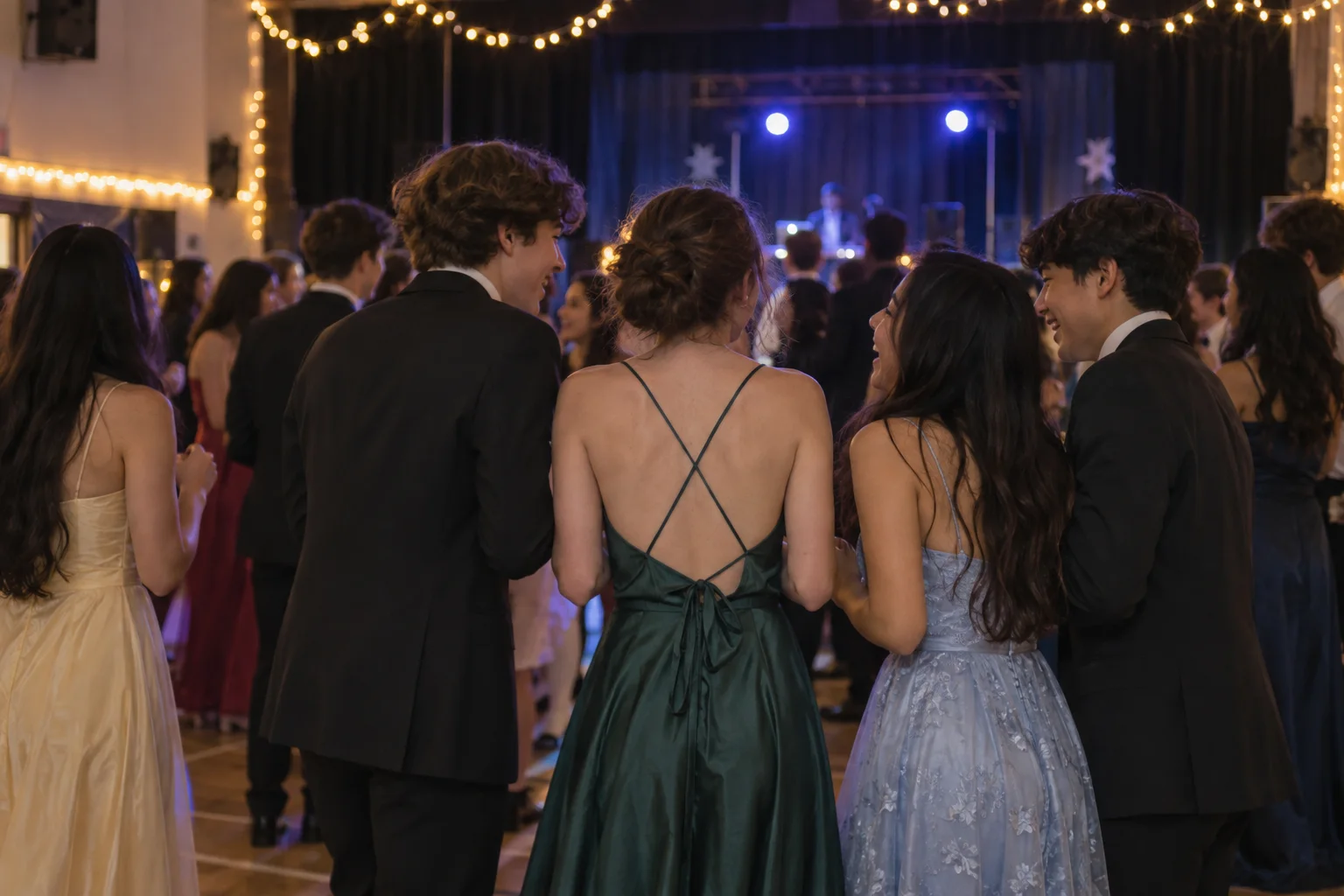
The moments guests actually photograph at school formals
Why school formals work better on Picsui
Written for the person hosting this one, and checked against what the product actually does.
Reviewed before the year group sees it
A room full of eighteen-year-olds will upload what eighteen-year-olds photograph. With host review on, every upload waits in the queue until the coordinator or a parent approves it, and nothing is visible to anyone before that. The students still get their gallery; the school still gets to sleep that night.
The photo wall on the venue screen
Most function rooms have a screen nobody uses. Put the slideshow on it and the pre-formal photos parents uploaded that afternoon are playing when the students walk in, then the arrivals and the dance floor fill in through the night. A phone remote controls it from the staff table.
Every original, for the yearbook and the parents
The parents who took two hundred photos in the garden want the students' photos from the night, and the yearbook committee wants both. Download any photo or the whole gallery at full resolution, iPhone HEICs included, and the year group has its record without a single request in the group chat.
No app. No account. One scan.
Guests point their camera at a QR code and are uploading in seconds. Nobody installs anything, nobody creates a login, and the grandparents can do it as easily as the teenagers.
You approve before anyone sees
Turn on host review and every upload waits in your queue until you approve it. It is optional, it works from your phone, and anything you never approve is never seen by anyone else.
Private by default, never indexed
The gallery is only reachable by the link or code you share. Guest pages are blocked from search engines and named AI crawlers, and you can close the gallery whenever you choose.
Live photo wall on any screen
Open the slideshow on a TV, projector or laptop and new uploads appear as they arrive. Grid and collage layouts, transition presets, and a phone remote to control it from across the room.
Song requests for the DJ
Guests request tracks from the same page they upload photos to. The host or DJ sees the queue and plays what the room actually wants.
Full-resolution downloads
Download any photo, or the whole event as one archive, at original quality. What guests uploaded is what you keep — no compression, no watermark on paid events.
How it works
Set up in a minute. Collect for the whole event.
Create the event before the pre-formals. If parents host separately from the school, agree on one event and one host, so there is a single gallery rather than two half-full ones.
Share the link with parents for the afternoon photos and print the QR code for the venue tables and the photo backdrop. Announce it once during the welcome.
Uploads arrive from the garden, the arrivals and the dance floor. The host approves the queue from a phone, and the slideshow on the venue screen plays what has been approved.
Close uploads the morning after, download the archive for the yearbook, and send the year group the gallery link.
Try uploading as a guest.
Scan this with your phone the way a guest at your event would. Choose a sample photo and upload it from your browser, then open the demo gallery to see it land. In this public demo, photos appear at once and videos wait for a person to approve them; at your own event, you decide.
- Scan the code with your phone camera — it opens straight in the browser.
- Upload a sample photo. Look for the upload confirmation so you know it reached the host.
Use a sample you are comfortable sharing with Picsui. Please keep personal or sensitive photos out of the demo.
M2FDV8LW
This is the same kind of code your guests scan at your event.
Getting the most from school formals
Settle the school-run or parent-run question early, because it decides who reviews the photos. When the school hosts, a staff member controls host review, the gallery follows the school's photo consent list, and the link goes out through the usual school channels. When parents host, one parent on the committee holds the login and the same responsibility. What does not work is both: two galleries with the same code on different posters, and students uploading to whichever they found first. If the school is hosting the formal but wants nothing to do with the after party, the parent committee can run a second event for that night.
Turn on host review and mean it. The formal is a night where students photograph each other, and some of what they upload should not sit in a gallery that parents, teachers and younger siblings will open. Host review means nothing appears until an adult approves it, and approving works from a phone, so the approval queue for a formal of two hundred students is usually a few minutes of work at the table and a few more the next morning. Tell the students this is happening. Knowing that a teacher sees every upload first changes what gets uploaded, which is the point.
The pre-formal is where the best photos are taken and where they scatter the most, because each family photographs their own child in their own garden. Send parents the link the day before with one line: upload your pre-formal photos here and they will be on the screen when the students arrive. It gives parents a reason to upload that afternoon, gives the students a surprise at the venue, and gives the year group a record of every pre-formal in one place. The song request queue on the same page is worth turning on too; the DJ will thank you for it.
Common questions about school formals
Should the school run the gallery or the parents?
Whoever is legally and practically responsible for the students on the night. If the school is running the formal, the school should host: a coordinator controls host review, the gallery follows the school's existing photo consent list, and the link goes out through the school. If the formal is entirely parent-run, as many leavers' balls are, one parent on the committee hosts and holds the login. Either way, choose one host and one event. Two galleries with two codes means every student uploads to the wrong one and nobody has the full night.
How do we keep inappropriate photos out of the gallery?
Turn on host review when you create the event. Every upload then waits in the host's queue until it is approved, and nothing is visible to other students or parents before that. The reviewer can approve from a phone in small batches through the night. Announce that review is on; students upload differently when they know an adult sees it first. Anything that slips through can be removed later, and the gallery can be closed to new uploads at any time, which most coordinators do the morning after the formal.
Can parents upload the pre-formal photos from home?
Yes. The same link or QR code works anywhere, so a parent in a garden across town uploads the pre-formal photos from their own phone before the students have left for the venue. There is no app and no account, and iPhone HEIC files upload as they are. Send the link to parents the day before with a short note about what to upload, and put the slideshow on the venue screen so those afternoon photos are playing when the students walk in. The parents will be pleased to have been useful.
Who can see the photos, and can we stop them being shared?
The gallery is private by default: it is reachable only by the link or code you share, it is never listed publicly, and guest pages are blocked from search engines and named AI crawlers. Anyone with the link can open it, so share it with the year group and the parents rather than posting it anywhere public. You cannot stop a student from downloading a photo and reposting it, and no service can, but host review means only approved photos are there to be downloaded in the first place. Photos a family asks to remove come down immediately.
How much does it cost for a formal of two hundred students?
An Event Pass is $39 one time for the event, regardless of how many students and parents upload. It includes unlimited uploads with a 25 GB fair-use bound, host review, the slideshow, song requests, full-resolution downloads and 365 days of hosting. There is no subscription and no per-guest fee, so it fits inside a formal budget as a single line, and the after party can be a second event if the parents want it kept separate from the school's gallery.
Every photo from school formals, in one place
One-time Event Pass, $39. No subscription, no per-guest fee.
Also planning one of these?
Explore other use cases
One QR code, every kind of event. See how Picsui fits yours.
More occasions