Four questions. One table.
Every seat in one gallery.
You are hosting the seder, which means you have been making charoset and hiding the afikomen while the family arrives from three cities. A note first: many observant families do not use phones or cameras on yom tov, and this is not a tool for that table. It is for seders where phones are already out, for the cooking and the family arriving beforehand, and for the outings on chol hamoed, when everyone is together and the week is worth keeping.
One-time. No account needed to buy — about a minute.
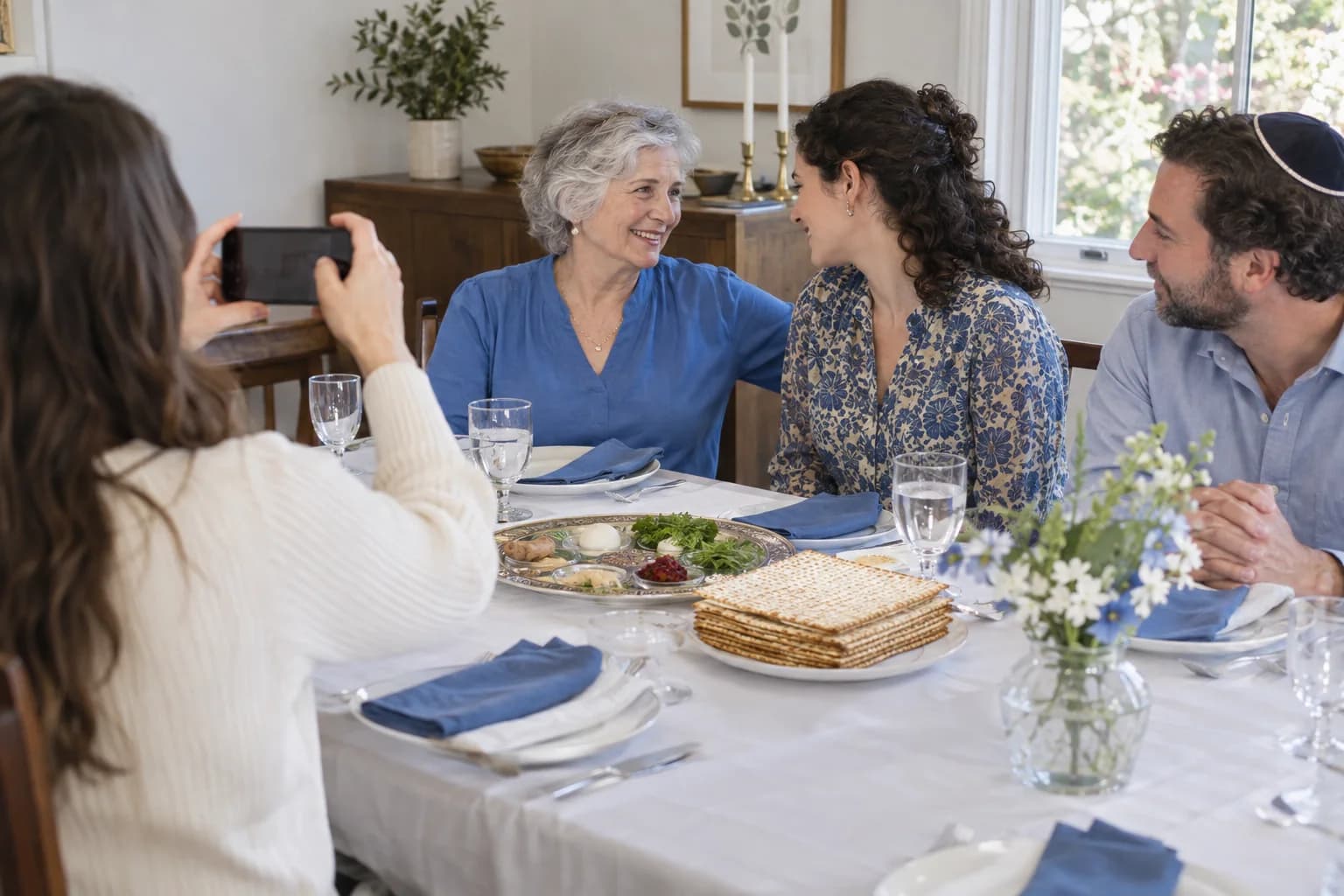
The moments guests actually photograph at Passover seders
Why Passover seders work better on Picsui
Written for the person hosting this one, and checked against what the product actually does.
Family arriving from everywhere
A seder gathers relatives who see each other once a year, and everyone photographs the same table from a different seat. Uploads from every phone land in one gallery, so the cousin who flew in for the night and the grandmother who cooked for a week both get the whole evening, not only the frames they took themselves.
The afikomen hunt from the kids' side
The hunt is the part the children remember, and the adults are usually still at the table when it happens. A photo scavenger hunt on the guest page turns it into a game the kids run themselves, uploading each clue they find, and every entry lands in the gallery next to the photos of the seder plate.
Private, and closed when you say
A seder is a family table, and the gallery stays a family gallery. It is only reachable by the link you share, it is never indexed, and host review lets you approve each upload before the wider family sees it. For families who put phones away at candle lighting, uploads can wait until chol hamoed, when the same code still works.
No app. No account. One scan.
Guests point their camera at a QR code and are uploading in seconds. Nobody installs anything, nobody creates a login, and the grandparents can do it as easily as the teenagers.
unlimited photo and video uploads
Every guest can send as much as they like: phone photos, iPhone HEICs, short videos, up to a fair-use bound of 25 GB per event. Originals are kept at full resolution.
Games that get phones out for the right reason
Photo challenges, caption contests, guess-who rounds and table battles run from the guest page, and every game entry lands in the gallery as another photo.
A guestbook with your own question
Replace the generic prompt with one that fits the day. Written messages are collected alongside the photos and kept with the gallery.
Private by default, never indexed
The gallery is only reachable by the link or code you share. Guest pages are blocked from search engines and named AI crawlers, and you can close the gallery whenever you choose.
Full-resolution downloads
Download any photo, or the whole event as one archive, at original quality. What guests uploaded is what you keep — no compression, no watermark on paid events.
How it works
Set up in a minute. Collect for the whole event.
Create the event before the holiday and decide with your family whether the code comes out at the seder itself or only for the days around it.
For a table where phones are welcome, put a small card by the Haggadot. For an observant home, share the link for the cooking beforehand and the chol hamoed outings.
Guests upload as the evening goes, from the seder plate to the youngest child asking the four questions to whoever finds the afikomen.
After the holiday, download the originals and send the gallery link to every household that was at the table, and the ones that could not travel.
Try uploading as a guest.
Scan this with your phone the way a guest at your event would. Choose a sample photo and upload it from your browser, then open the demo gallery to see it land. In this public demo, photos appear at once and videos wait for a person to approve them; at your own event, you decide.
- Scan the code with your phone camera — it opens straight in the browser.
- Upload a sample photo. Look for the upload confirmation so you know it reached the host.
Use a sample you are comfortable sharing with Picsui. Please keep personal or sensitive photos out of the demo.
M2FDV8LW
This is the same kind of code your guests scan at your event.
Getting the most from Passover seders
Decide the phone question before the first guest arrives, and say it plainly on the invitation. Some families photograph freely through the seder, some put phones away at candle lighting and bring them out again on chol hamoed, and a mixed table often includes both. The code works either way. If phones are staying away for yom tov, the best use of the gallery is the day before, when the kitchen is full and the tables are being set, and the intermediate days, when the family goes out together. Say which it is and nobody at the table has to guess whether taking a picture will offend the person beside them.
Turn the afikomen hunt into a photo scavenger hunt on the guest page. Give the children a short list, the matzah cover, Elijah's cup, the youngest reader, a grandparent laughing, and let them upload each one as they find it. It keeps them at the table longer and every entry becomes part of the gallery. For the guestbook, ask a question that fits the night, such as "What does freedom mean to you this year?" and you will get answers from the teenagers that surprise the adults, and answers from the adults that the teenagers will read back in twenty years.
If relatives are hosting their own seder in another city, create your event and send them the code too. Two tables uploading to one gallery, then a call on the last day of the holiday to look through both, is the closest thing to sharing the night. Keep the gallery private until after the holiday ends, then send the link with the leftover recipes. Families that wait until the summer to trade photos usually never do, and the seder is the one night a year the whole family is at a table, so it is worth the small effort of collecting it while it is fresh.
Common questions about Passover seders
We do not use phones on yom tov. Is this still useful?
It depends on your household, and it is your call, not ours. Many observant families will not photograph at the seder itself, and this page is not asking you to. Where the gallery earns its place is the day before, when the family is cooking and setting tables, and chol hamoed, when the same people go on outings together and phones are back out. Create the event, keep the code aside until the intermediate days, and you still end up with the week in one gallery.
How do we get photos from relatives who came in from other cities?
Put the code where they will see it, on a small card by the Haggadot or by the door, and mention it once when the seder begins, before the first cup. Scanning opens an upload page in the phone's browser with no app and no account, so uploading takes a few seconds and the photos are in the gallery before the meal. After the holiday, every household that was at the table gets one link and can download originals, rather than trading forwarded images for a month.
Can the kids use it for the afikomen hunt?
Yes. Games run from the same guest page, and a photo scavenger hunt is a natural fit for the afikomen. Write the clues yourself, the children upload a photo for each one they find, and every entry is saved in the gallery as another picture from the night. The youngest ones will need an older cousin to scan the code for them, and after that they manage on their own. Guess-who and caption contests are there too if the table wants a round after dessert.
Who can see the gallery?
Only people with the link or code you share. The gallery is private by default, is never listed publicly, and guest pages are blocked from search engines and AI crawlers. If some relatives would rather not have images of their children circulating, turn on host review and every upload waits for your approval before anyone else sees it. You can close uploads whenever you like and the gallery stays online for 365 days on an Event Pass.
What does it cost for one seder?
An Event Pass is $39, paid once. It includes unlimited uploads, host review, full-resolution downloads and 365 days of hosting, which covers both seder nights and chol hamoed under one event if you want it to. There is no subscription and no per-guest fee, so a table of forty and a table of eight pay the same, and a second seder at a relative's house can share the code at no extra cost.
Every photo from Passover seders, in one place
One-time Event Pass, $39. No subscription, no per-guest fee.
Also planning one of these?
Explore other use cases
One QR code, every kind of event. See how Picsui fits yours.
More occasions