Four ports and one formal night.
Everyone goes home with all of it.
You organized the trip, which means you collected the deposits, made the group dinner reservation for twenty-two and are the one people find when their cabin key stops working. A week away produces more photos than any wedding: the sail-away from the top deck, four ports, the formal night, the excursion where half the group got lost, and the last night when nobody wants to go to bed. They are spread across every phone in the group and half will never be shared. One code, sent to the group chat before departure, brings the whole week home.
One-time. No account needed to buy — about a minute.
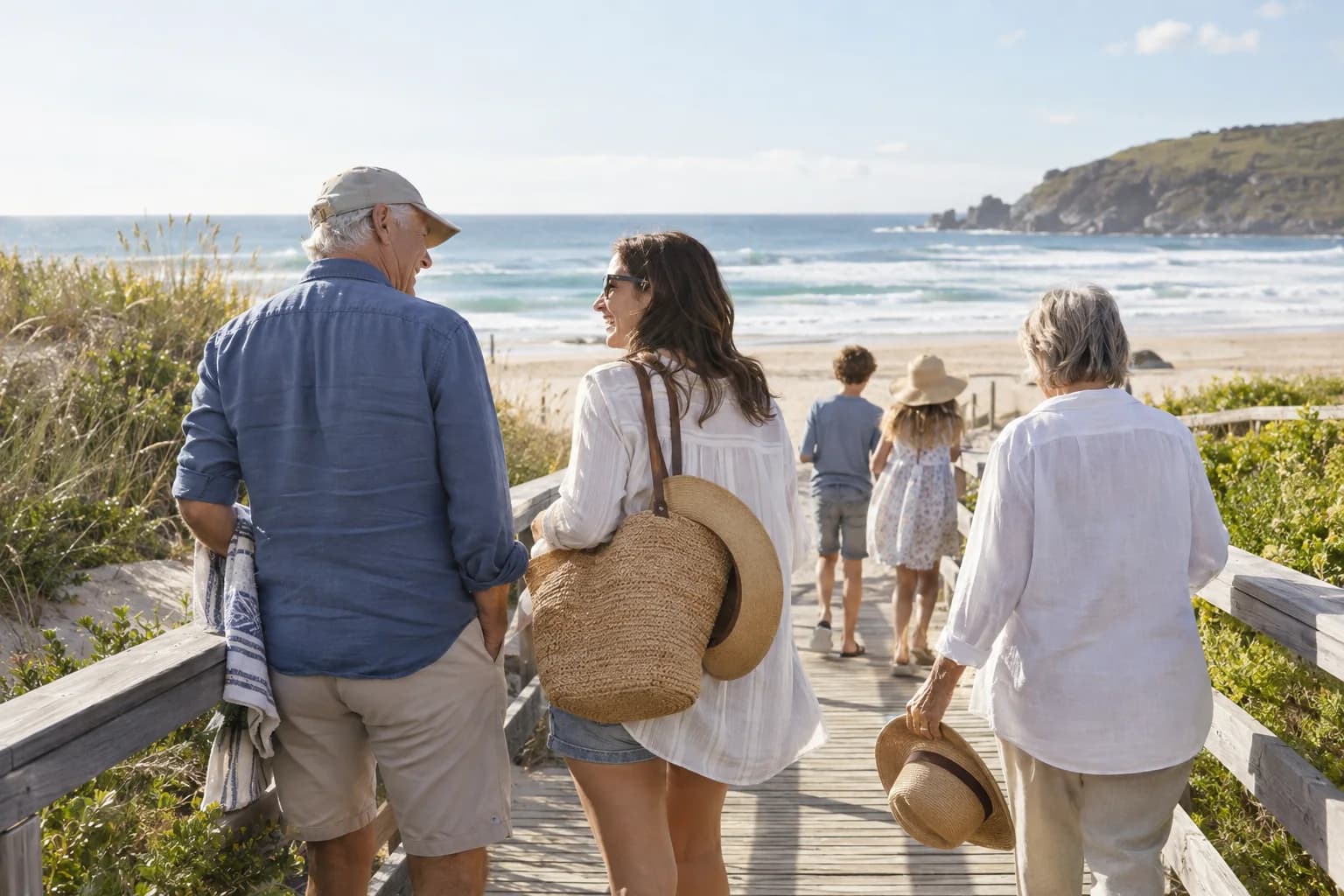
The moments guests actually photograph at group trips
Why group trips work better on Picsui
Written for the person hosting this one, and checked against what the product actually does.
Every port is its own day under one code
Create the sail-away, each port, the sea days and the formal night as sub-events and the group has the whole itinerary in one place. One code covers the week, every upload lands in one shared gallery, and nobody has to collect photos from twelve cabins when the ship docks.
Upload when there is signal, not before
Ship wifi is slow and port signal comes and goes. The upload page is a web page, so guests open it whenever they have a connection, at the cafe in port or on the balcony that night, and add what they took that day. Nothing has to happen live, and the link keeps working for the whole hosting window.
Everyone goes home with the whole trip
At the end of the week the organizer downloads the full archive at original quality and shares the gallery link with the group. Everyone gets everyone else's photos, including the ones they are in, without a chain of transfers at the airport gate or a group chat that shrinks every image to a thumbnail.
No app. No account. One scan.
Guests point their camera at a QR code and are uploading in seconds. Nobody installs anything, nobody creates a login, and the grandparents can do it as easily as the teenagers.
Several days, one gallery
Multi-day celebrations get sub-events under one code: the rehearsal, the ceremony and the brunch each have their own time and RSVP, every photo lands in one shared gallery, and one link covers the lot.
Games that get phones out for the right reason
Photo challenges, caption contests, guess-who rounds and table battles run from the guest page, and every game entry lands in the gallery as another photo.
unlimited photo and video uploads
Every guest can send as much as they like: phone photos, iPhone HEICs, short videos, up to a fair-use bound of 25 GB per event. Originals are kept at full resolution.
Full-resolution downloads
Download any photo, or the whole event as one archive, at original quality. What guests uploaded is what you keep — no compression, no watermark on paid events.
12 months of hosting
An Event Pass keeps the gallery live for 365 days, so the link on the thank-you card still works long after the event.
How it works
Set up in a minute. Collect for the whole event.
Create the trip on land before departure and add a sub-event for each day: the sail-away, every port, the sea days and the formal night.
Send the link to the group chat and put the QR code on the cabin door decoration and the itinerary, and ask everyone to open it once while they still have signal.
Guests upload whenever they have a connection, in port or from the balcony at night, and the scavenger hunt gives every port day a reason to take photos.
On the last night, ask everyone to record a message. Afterwards, download the archive and share the gallery so the whole group has the whole trip.
Try uploading as a guest.
Scan this with your phone the way a guest at your event would. Choose a sample photo and upload it from your browser, then open the demo gallery to see it land. In this public demo, photos appear at once and videos wait for a person to approve them; at your own event, you decide.
- Scan the code with your phone camera — it opens straight in the browser.
- Upload a sample photo. Look for the upload confirmation so you know it reached the host.
Use a sample you are comfortable sharing with Picsui. Please keep personal or sensitive photos out of the demo.
M2FDV8LW
This is the same kind of code your guests scan at your event.
Getting the most from group trips
Do the setup on land. Create the event, add a sub-event for each day with the port name and the date, and send the link to the group chat a week before departure with one instruction: open it once now. A page that has already been opened on the phone is one people find again in the browser history when they have a bar of signal in port. Print the QR code on the cabin door decoration, which every cruise group makes anyway, and on the printed itinerary, so the cousin who never reads the group chat finds it on the way to breakfast.
Do not buy the ship's wifi just for this, and tell the group not to either. Port days are when uploads happen: the cafe by the pier, the excursion bus, the ferry back. Tell everyone that the page does not care when they upload, only that they do, and that the link keeps working for 365 days, so the person who never gets around to it on the ship can do it on the couch at home. Run a photo scavenger hunt per port to give each day a list, since a group with a list photographs the town and a group without one photographs the bar.
Make the last night the one where you collect the rest. Change the guestbook question to ask for the best moment of the week, and at the farewell dinner pass one phone around the table for voice messages, which takes about ten minutes for twenty people and is the part of the archive the group will replay. If the trip is for someone in particular, a milestone birthday or a retirement, name them as the recipient so the finished gallery is delivered to them on a date you choose. Then download the archive once the stragglers have uploaded and send the gallery link to everyone.
Common questions about group trips
Will uploads work at sea without paying for ship wifi?
No, and it is better to know that in advance. The upload page is a web page and it needs a connection to send photos, so it will not push anything through while the phone is in airplane mode in the middle of the ocean. What it also does not need is any particular moment. Guests open the same page in port, on an excursion, or at home a week later, and upload what they took. The gallery accepts uploads for the whole hosting window, so the trip fills in over the days after it ends.
How do we keep a whole week of trip photos in one place?
Create the trip as one event and put the itinerary on its schedule as sub-events: the sail-away, every port by name, the sea days and the formal night, each with its own time and RSVP. They all share the single code you sent to the group, and every upload from every day goes into the one gallery. The photos are not split into sections by day, so tell the group to upload each evening while the day is fresh. A land-based group trip works the same way, with a sub-event per city or per day.
Does everyone get all the photos at the end?
Yes, that is the point. The organizer shares the gallery link with the group once the stragglers have uploaded, and everyone can browse the whole week and download any photo, or the entire trip as one archive, at original quality. Nobody is dependent on the friend with the good camera remembering to send things, and nobody gets a compressed version from a group chat. The gallery stays online for 365 days on an Event Pass, and the organizer can download the full archive before then to keep permanently.
Is the trip gallery private?
Yes. Only people with the link or the code can open it, the gallery is never listed publicly, and guest pages are blocked from search engines and AI crawlers. The link lives in your group chat, not on a website. If the group includes people who would rather not have every photo from the pool deck shared even within the group, turn on host review and the organizer approves each upload before it appears. Guests can be told that plainly on day one, and it usually results in more photos, not fewer.
How much does it cost for a week-long trip?
One Event Pass at $39 covers the whole trip as a single event, with as many sub-events as there are days, unlimited uploads with a fair-use bound of 25 GB, games, full-resolution downloads and 365 days of hosting. Most organizers add it to the shared trip kitty alongside the group dinner deposit, and split across twenty people it is the price of one drink each. There is no subscription and no per-guest fee, so a group of eight and a group of forty pay the same.
Every photo from group trips, in one place
One-time Event Pass, $39. No subscription, no per-guest fee.
Also planning one of these?
Explore other use cases
One QR code, every kind of event. See how Picsui fits yours.
More occasions