They never hold still.
Every phone catches a different second.
Whether you run the shelter's Saturday adoption fair, own the doggy daycare that hosts the Halloween costume parade or are throwing your dog a birthday party with six of his friends, the photo problem is the same: the animals do not hold still and the good shots are on other people's phones. A shelter needs every adoptable dog and cat from several angles; a party host wants the zoomies from every phone at the park. One QR code on the sign-in table, the treat station or the kennel cards gets all of it into one gallery.
One-time. No account needed to buy — about a minute.
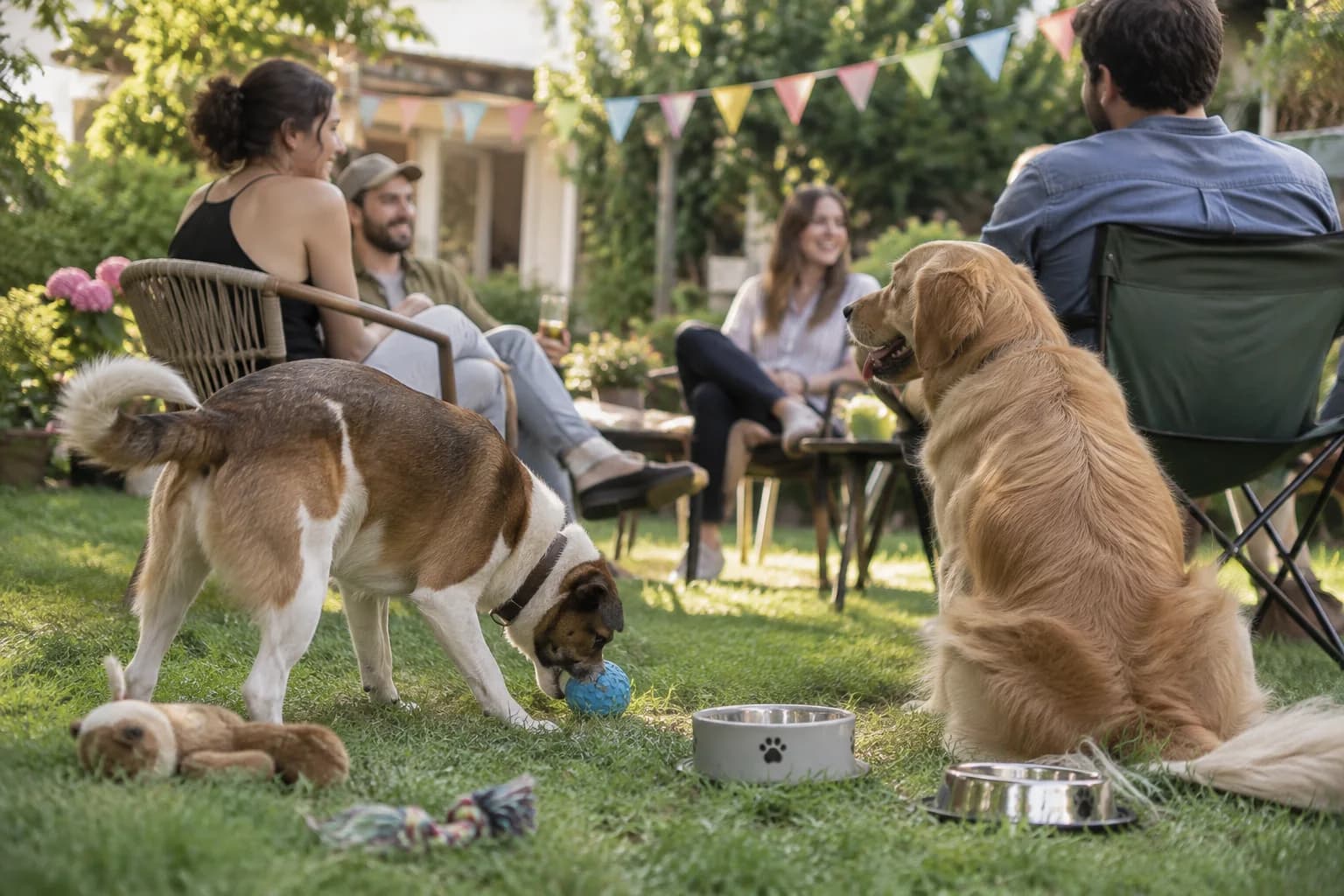
The moments guests actually photograph at pet parties
Why pet parties work better on Picsui
Written for the person hosting this one, and checked against what the product actually does.
Every angle of every adoptable animal
A shelter's listing photo is usually one blurry shot through a kennel door. At an adoption fair, every volunteer and visitor with a phone can upload the same dog playing, sitting, being held and meeting a child, at full resolution, so the listing that goes up on Monday shows the animal a family will actually meet.
Best costume, decided by the gallery
Run a best-costume contest or a photo scavenger hunt from the guest page: the dog in the tutu, the cat asleep in a box, the owner who matches their pet. Every entry lands in the gallery, and the host has a reason to get every phone pointed at the animals instead of at the snack table.
Zoomies from every phone, at original quality
The moment a dog birthday is really about lasts a few seconds and happens on the far side of the yard. With every guest uploading, the host gets the burst somebody else caught, in full resolution and short video, and downloads the whole party as one archive instead of begging for it in the group chat.
No app. No account. One scan.
Guests point their camera at a QR code and are uploading in seconds. Nobody installs anything, nobody creates a login, and the grandparents can do it as easily as the teenagers.
unlimited photo and video uploads
Every guest can send as much as they like: phone photos, iPhone HEICs, short videos, up to a fair-use bound of 25 GB per event. Originals are kept at full resolution.
Games that get phones out for the right reason
Photo challenges, caption contests, guess-who rounds and table battles run from the guest page, and every game entry lands in the gallery as another photo.
You approve before anyone sees
Turn on host review and every upload waits in your queue until you approve it. It is optional, it works from your phone, and anything you never approve is never seen by anyone else.
Full-resolution downloads
Download any photo, or the whole event as one archive, at original quality. What guests uploaded is what you keep — no compression, no watermark on paid events.
Private by default, never indexed
The gallery is only reachable by the link or code you share. Guest pages are blocked from search engines and named AI crawlers, and you can close the gallery whenever you choose.
How it works
Set up in a minute. Collect for the whole event.
Create the event, whether it is one dog's birthday or the shelter's whole adoption fair, and turn on host review if children or adopters will be in the photos.
Print the QR code on the sign-in table, the treat station and, for a shelter, on every kennel card so the animal's name is in the first frame.
Guests and volunteers scan and upload the zoomies, the costumes and every angle of every animal, and enter the costume contest from the same page.
Download the originals for the adoption listings or the party album, and share the gallery link with the guests or the adopters.
Try uploading as a guest.
Scan this with your phone the way a guest at your event would. Choose a sample photo and upload it from your browser, then open the demo gallery to see it land. In this public demo, photos appear at once and videos wait for a person to approve them; at your own event, you decide.
- Scan the code with your phone camera — it opens straight in the browser.
- Upload a sample photo. Look for the upload confirmation so you know it reached the host.
Use a sample you are comfortable sharing with Picsui. Please keep personal or sensitive photos out of the demo.
M2FDV8LW
This is the same kind of code your guests scan at your event.
Getting the most from pet parties
For a shelter, put the code on the kennel card and ask people to get the card in the first frame. An adoption fair produces hundreds of photos of dogs that all look alike by Monday, and the one thing that makes them usable for a listing is knowing which dog it is. A volunteer per row with the job of photographing each animal being held, walking and sitting, plus every visitor who scans the card, gives the shelter a set of full-resolution photos of every adoptable animal from several angles in one afternoon. Upload the adopters' handoff photos too, with their permission, because those are what the next family sees.
For a dog birthday or a daycare party, tell people to shoot short video and stop trying to frame anything. The zoomies last a few seconds, the pup cake is gone in one, and a phone held at hip height pointed at the yard catches more than a careful photo ever will. The upload page takes iPhone video and HEIC files as they are, and a guest can also record a video message on the spot, which is how you get the owner talking about the dog rather than the dog. Run the best-costume contest as a game from the guest page so every costume gets photographed by more than its owner.
Sort out the people in the photos before you sort out the animals. A shelter's adoption fair is a public event with children and families in it, and a family that came to meet a dog did not necessarily agree to appear in the shelter's social feed. Turn on host review, keep the gallery private, and ask an adopter directly before their handoff photo goes into a listing or a fundraising appeal. At a private pet party the same review setting keeps the neighbor's kid out of the album if their parents would prefer. The animals do not mind either way.
Common questions about pet parties
Can shelter volunteers and visitors upload without an account?
Yes. Anyone who scans the code on the kennel card or the sign-in table gets a web page where they upload from their camera roll or take a photo there and then. There is no app to install and no login, which is what makes it work at an adoption fair where the people with the best photos are visitors who will never come back. Everything lands in one gallery the shelter controls, and if host review is on, a staff member approves each photo before it is visible to anyone else.
Can we use the photos in adoption listings and on the shelter's social media?
Yes. Every approved photo can be downloaded at full resolution, individually or as one archive, and the shelter can use its photos of its own animals however it likes. The care is with the people in them. A visitor or a child holding a dog did not sign up to be in a fundraising post, so put a sign at the sign-in table saying photos may be used to promote the animals and the shelter, and ask adopters before their handoff photo is shared. Host review means only what staff approved is ever in the gallery.
Do videos work? The best moments are zoomies.
Yes. Guests upload phone video from their camera roll the same way they upload photos, including iPhone HEIC and the video formats phones actually produce, and it is kept at original quality within the event's 25 GB fair-use bound. A guest can also record a video message up to 30 seconds, or a voice message up to 60 seconds, directly on the upload page, which is how the owner ends up telling the story of the day instead of just filming it. For a dog party, short clips from many phones beat one long recording.
Is the gallery public?
No. The gallery is private by default, reachable only by the link or code you share, never listed, and blocked from search engines and AI crawlers. For a private pet party that means the album stays among the guests. For a shelter it means the raw uploads from a public adoption fair, including the children and families in them, are never a public feed; the shelter chooses which photos of which animals to download and publish. Host review adds a step before that, so nothing is visible even to other visitors until staff has approved it.
How much does it cost for one adoption event or a dog birthday?
An Event Pass is $39, paid once for one event, with unlimited uploads with a fair-use bound of 25 GB, games, host review, full-resolution downloads and 365 days of hosting. A shelter that runs a fair every month creates an event each time; a daycare that hosts one costume parade a year does it once. There is no subscription and no per-guest fee, and for a shelter it is usually less than the cost of one bag of the good food.
Every photo from pet parties, in one place
One-time Event Pass, $39. No subscription, no per-guest fee.
Explore other use cases
One QR code, every kind of event. See how Picsui fits yours.
More occasions