The crowd shot, from inside the crowd.
Reviewed before it is posted.
You are the field organizer, the campaign's volunteer coordinator or the civic group running the town hall, and the night's photos matter almost as much as the night. The crowd shot goes out before the speaker is back in the car, the local paper wants three images by deadline, and the one staff photographer is in front of the podium, where every photo looks the same. One QR code on the sign-in table, the volunteer lanyards and the printed program lets a hundred volunteers upload from inside the crowd, and lets you choose which of those photos represents you.
One-time. No account needed to buy — about a minute.
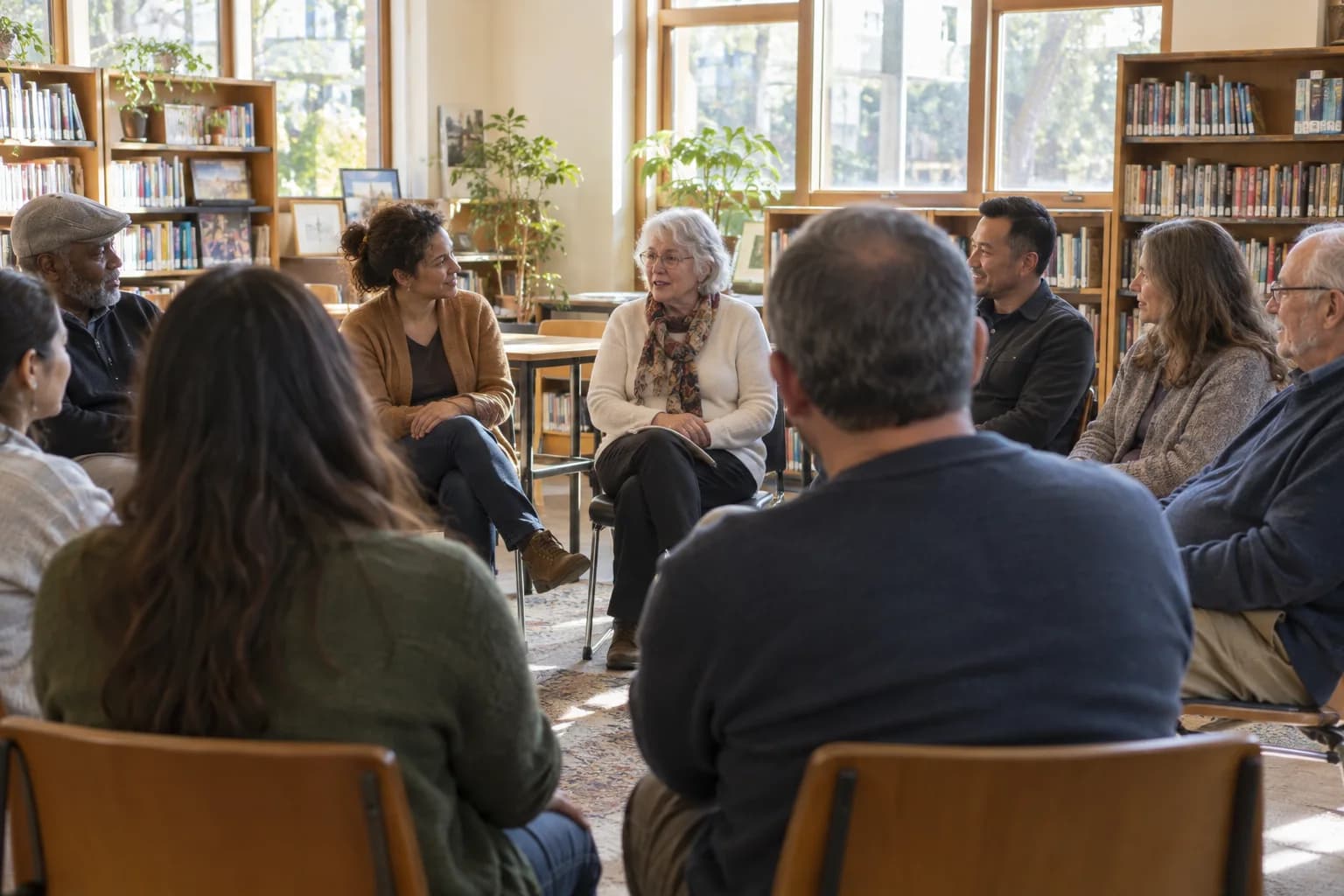
The moments guests actually photograph at rallies and town halls
Why rallies and town halls work better on Picsui
Written for the person hosting this one, and checked against what the product actually does.
Review before it becomes a post
A rally gallery is a brand-safety problem until someone has looked at it. Host review holds every upload until a staffer approves it, so the sign in the background, the heckler and the unflattering angle never reach the shared gallery, and the photos your team pulls for social the same night are ones you have already cleared.
The speech on a private link, not a public feed
Live Stream streams the speech or the town hall for up to 90 minutes to 100 viewers on a link you control, with audio. Supporters who could not get in, coalition partners in another city and the donor who asked to watch see the whole thing without a comment section underneath it.
A headcount the venue and the fire marshal believe
The venue asks for a number, the advance team asks for a number, and the sign-up form on the website does not know who actually turns up. Send personal invite links, collect replies with party sizes, and check people in at the door from a phone so the count you quote from the podium is the real one.
No app. No account. One scan.
Guests point their camera at a QR code and are uploading in seconds. Nobody installs anything, nobody creates a login, and the grandparents can do it as easily as the teenagers.
You approve before anyone sees
Turn on host review and every upload waits in your queue until you approve it. It is optional, it works from your phone, and anything you never approve is never seen by anyone else.
Stream it to the people who couldn't come
A private live stream is included with the Event Pass: stream up to 90 minutes to 100 viewers on a private link, with sound. Keeping the recording afterwards is an optional add-on.
Guest list and RSVPs in the same place
Import your list, send each guest a personal invite link, collect replies and party sizes, and check people in at the door from your phone.
Door check-in from your phone
See who has arrived, who is still expected, and how many are in each party — without a clipboard at the entrance.
Full-resolution downloads
Download any photo, or the whole event as one archive, at original quality. What guests uploaded is what you keep — no compression, no watermark on paid events.
How it works
Set up in a minute. Collect for the whole event.
Create the event, turn on host review, and import the RSVP list so every supporter gets a personal invite link and the venue gets a real expected count.
Print the QR code on the sign-in table, the volunteer lanyards and the program, and brief the volunteer photographers on where to stand.
Volunteers upload from the crowd during the speech while a staffer clears the queue in real time. Supporters who could not get in watch on the private live link.
Pull the ten cleared photos for social before the room empties, download the originals for the press list, and send the gallery link in the follow-up email.
Try uploading as a guest.
Scan this with your phone the way a guest at your event would. Choose a sample photo and upload it from your browser, then open the demo gallery to see it land. In this public demo, photos appear at once and videos wait for a person to approve them; at your own event, you decide.
- Scan the code with your phone camera — it opens straight in the browser.
- Upload a sample photo. Look for the upload confirmation so you know it reached the host.
Use a sample you are comfortable sharing with Picsui. Please keep personal or sensitive photos out of the demo.
M2FDV8LW
This is the same kind of code your guests scan at your event.
Getting the most from rallies and town halls
Assign four volunteers to be the crowd's photographers and tell them exactly where to stand. One at the very back for the wide shot with every head in it, one on each side at the halfway point for the candidate with the crowd behind, and one on the rope line for the handshakes. The staff photographer is in front of the podium, where the paper's photographer is too, and those photos all look alike. Volunteers upload immediately from the QR code on their lanyard, with no account and no app, so the back-of-room wide shot is in the queue while the speech is still going.
Clear the queue during the speech, not after. Put one staffer on host review with a charged phone, approving in batches every few minutes, and have the social team pull from the approved set only. The gallery is private and nothing in it is visible until it is approved, so the sign you did not want in the frame and the attendee who did not come to be a campaign image never leave the queue. A town hall attendee who stood up to ask a question did not agree to be your featured photo; ask before using anyone identifiable as the subject of a post.
Use the RSVP list to make the headcount honest and the follow-up worth opening. Personal invite links tell you who replied and with how many, the door check-in tells you who actually came, and the difference between the two is the number your field team needs for the next event. Put the gallery link in the thank-you email the next morning: supporters open an email with their own photo in it, and a gallery of the night is a reason to forward it. Download the full-resolution originals for the press list the same night, because a newsroom will not wait.
Common questions about rallies and town halls
Can volunteers upload photos from the crowd without an account?
Yes. A volunteer scans the QR code on their lanyard or the program, a web page opens, and they upload from their phone's camera roll or take a photo on the spot. There is no app to install and no account to create, which matters when you have a hundred volunteers who were recruited the week before and a speech that starts in ten minutes. Uploads land in the review queue immediately, and iPhone HEIC files and short videos are accepted as they are.
How do we make sure nothing embarrassing ends up in the shared gallery?
Turn on host review. Every upload waits in a queue that only your staff can see, and it stays invisible to everyone else until a staffer approves it. The reviewer is making judgment calls, so brief them on what to hold back: the sign in the background, the counter-protester, the attendee who would not want to be a campaign image. The social team pulls only from the approved set, so what goes out the same night has already been cleared. Anything you decide against never leaves the queue and can be deleted.
Can we stream the speech to supporters who could not attend?
Yes, with Live Stream, included with the Event Pass, which streams up to 90 minutes to 100 viewers on a private link, with audio, viewable in the browser on any phone. It is built for a private audience: the overflow room, the coalition partner in another city, the donor who asked to watch, the phone bank on break. It is not a public stream and it has no comment section. For a public livestream to an open audience, keep using your usual social channels alongside it.
Can we count attendance?
Two numbers, both real. Before the event, import your list and every supporter receives a personal invite link where they reply with a party size, so the venue and the advance team have an expected count instead of a guess. At the door, a volunteer checks people in from a phone as they arrive, so you know who actually came and how many are in the room. The gap between the two is the number your field team wants for the next event, and it is on the event page before the speech ends.
Who can see the photos, and can attendees be identified?
The gallery is private by default: only people with the link or code you share can open it, it is never listed publicly, and guest pages are blocked from search engines and AI crawlers. With host review on, only what a staffer approves is ever visible. That still leaves the campaign or the organization responsible for how it uses the photos it downloads. Crowd shots are what people expect at a rally; a photo where one attendee is the clear subject should get that person's yes before it becomes a featured post or an advertisement.
What does it cost per event?
An Event Pass is $39, paid once per event, with unlimited uploads with a fair-use bound of 25 GB, host review, the RSVP list and door check-in, full-resolution downloads and 365 days of hosting. The private stream of the speech is included with the Event Pass. A multi-stop tour on consecutive days can run as sub-events under one code and one pass. There is no per-attendee fee and no subscription, so a rally of three hundred and a rally of three thousand cost the same.
Every photo from rallies and town halls, in one place
One-time Event Pass, $39. No subscription, no per-guest fee.
Explore other use cases
One QR code, every kind of event. See how Picsui fits yours.
More occasions