The parade, the floats, the crowd.
Shared only by the people in it.
You are on the organizing committee, which means you have spent the spring on permits, security, the parade route, sponsor decks and the volunteer roster, and you know the festival will be photographed ten thousand times whether you plan for it or not. What you can plan is where those photos go. One QR code on the parade lineup sheet, the stage and the info tent brings the floats, the community groups and the crowd into a gallery your organization controls, reviews and keeps private, with the people in it deciding what is shared.
One-time. No account needed to buy — about a minute.
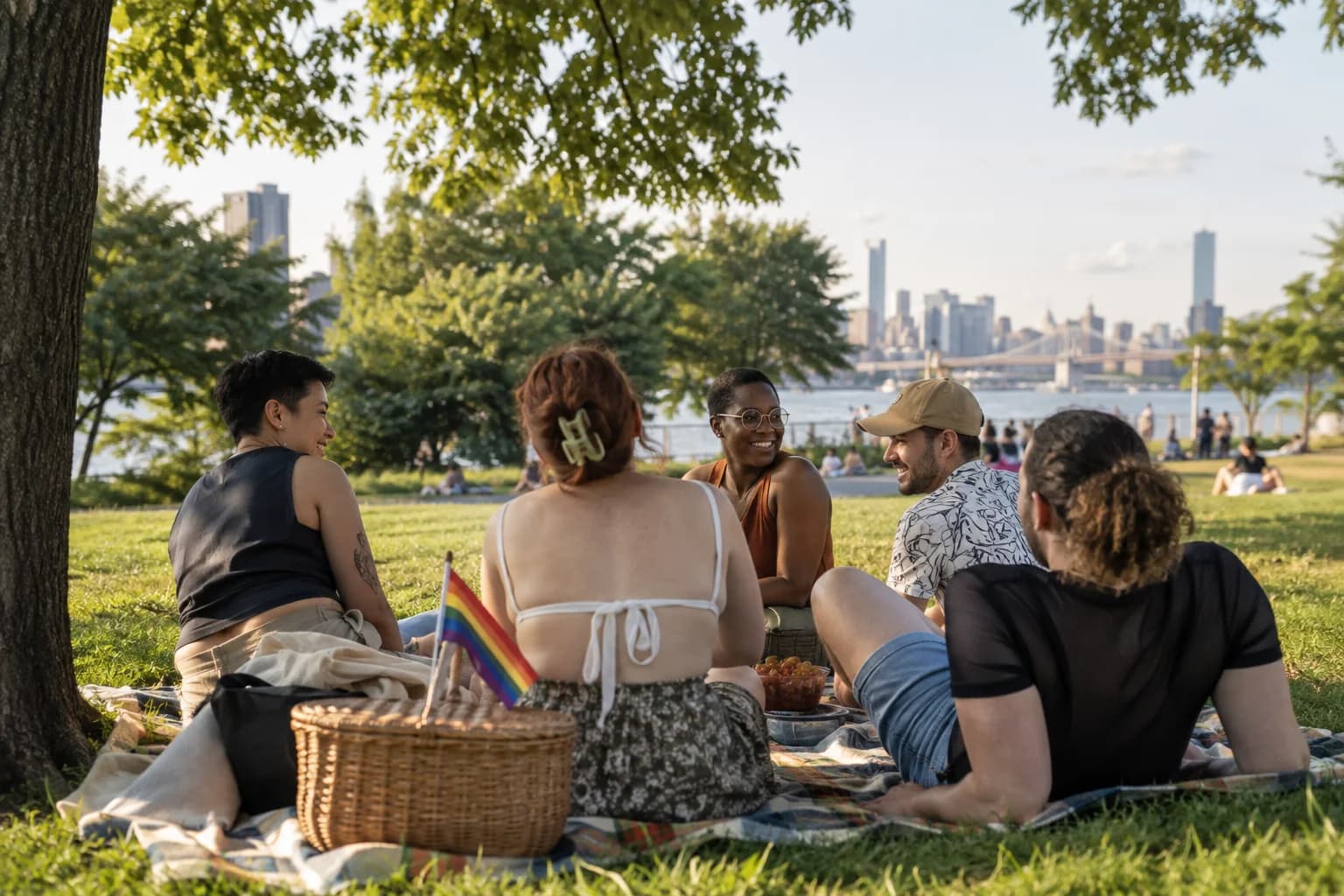
The moments guests actually photograph at Pride events
Why Pride events work better on Picsui
Written for the person hosting this one, and checked against what the product actually does.
Private because it has to be
Not everyone at Pride is out at work, at home or in the country they came from. The gallery is reachable only by the link you share, is blocked from search engines and AI crawlers, and is never listed anywhere. Attendees can be in the photos knowing the album is not a public feed with their name attached.
The committee reviews before anyone sees
Turn on host review and every upload waits for a committee member. That is where you remove a photo of someone who asked not to be identifiable, hold back anything a sponsor should not sit next to, and keep the album about the day. Volunteers can share the queue in shifts, approving from their phones.
A page that speaks to the whole crowd
Pride crowds are multilingual, and the guest page follows the phone's own language across English, Spanish, French, and Russian. A newly arrived attendee can upload, leave a written message or record one in the language they think in, while the committee still runs one event with one code and one gallery.
No app. No account. One scan.
Guests point their camera at a QR code and are uploading in seconds. Nobody installs anything, nobody creates a login, and the grandparents can do it as easily as the teenagers.
Private by default, never indexed
The gallery is only reachable by the link or code you share. Guest pages are blocked from search engines and named AI crawlers, and you can close the gallery whenever you choose.
You approve before anyone sees
Turn on host review and every upload waits in your queue until you approve it. It is optional, it works from your phone, and anything you never approve is never seen by anyone else.
Guest pages in 4 languages
The upload page speaks English, Spanish, French, and Russian, chosen from the guest's phone settings, so a mixed-language crowd is never guessing what a button does.
unlimited photo and video uploads
Every guest can send as much as they like: phone photos, iPhone HEICs, short videos, up to a fair-use bound of 25 GB per event. Originals are kept at full resolution.
Full-resolution downloads
Download any photo, or the whole event as one archive, at original quality. What guests uploaded is what you keep — no compression, no watermark on paid events.
How it works
Set up in a minute. Collect for the whole event.
Create the festival, turn on host review, and write a guestbook question that tells attendees plainly that the gallery is private and checked before anything is shared.
Print the QR code on the parade lineup sheet each contingent marshal carries, the stage banner, the info tent and the back of the volunteer shirts.
Attendees upload the floats, the groups and the crowd along the route. Committee volunteers review in shifts so nothing is visible until it has been looked at.
Share the gallery link the day after through your own channels, and download the originals for sponsors and next year's outreach with the permission of the people in them.
Try uploading as a guest.
Scan this with your phone the way a guest at your event would. Choose a sample photo and upload it from your browser, then open the demo gallery to see it land. In this public demo, photos appear at once and videos wait for a person to approve them; at your own event, you decide.
- Scan the code with your phone camera — it opens straight in the browser.
- Upload a sample photo. Look for the upload confirmation so you know it reached the host.
Use a sample you are comfortable sharing with Picsui. Please keep personal or sensitive photos out of the demo.
M2FDV8LW
This is the same kind of code your guests scan at your event.
Getting the most from Pride events
Make the no-photo signal real and explain it to every marshal. Many Pride events already hand out a sticker or a wristband color meaning do not photograph me, and it only works if the reviewers know to look for it. Put a line about it in the marshal briefing, on the info tent sign and in the guestbook question itself, and instruct whoever is reviewing that anything showing the signal is removed without discussion. Say out loud at the stage that the gallery is private, reviewed and never public. People who would otherwise stay out of every frame will join in when the rules are clear and the committee is visibly enforcing them.
A parade is a long line of separate groups, so the code has to travel with them. Give each contingent marshal the lineup sheet with the code on it and ask them to share it inside their own group before step-off, when everyone is standing around waiting. The marching band, the elders' contingent and the youth group all photograph each other from inside the line, and that is the material nobody standing on the curb can get. At the festival grounds, the stage MC reads one line between acts and the info tent has it on a board. Sponsors get a reviewed set afterwards, never live access to the queue.
Staff the review queue in shifts and never share the link before the queue is clear. Two volunteers for two hours each, in the shade with a charged phone, is enough for most festivals, and each of them approves from a phone. The rule is that the gallery goes out the day after, through the organization's own mailing list and social accounts, once a committee member has seen everything in it. Then download the archive at full resolution so the organization keeps its own record of the year, and ask the specific people before any photo where they are the subject goes into a sponsor deck or a grant report.
Common questions about Pride events
Some attendees are not out. How do we keep them safe in the photos?
Say it plainly and build it in. The gallery is private by default, reachable only by the link the committee shares, never listed, and blocked from search engines and AI crawlers, so it cannot be found by a search for someone's name. Host review means nothing an attendee uploads is visible to anyone until a committee member approves it, which is where a photo of someone showing the no-photo signal is removed. Tell attendees at the stage, at the info tent and in the guestbook question that this is how it works, and honor a removal request the same day, every time.
Who can see the Pride gallery?
Only people you give the link or code to, and only the photos the committee has approved. The gallery is not a public page, it does not appear in search, and there is no browsing from one event to another. You decide when and where to share the link, and most committees send it the day after through their own mailing list once the review queue is empty. You can close the gallery to new uploads at any time. It stays reachable for 365 days on an Event Pass, and the archive can be downloaded before then.
Can our sponsors use the photos?
The committee can download every approved photo at full resolution and pass a set to sponsors, and the committee decides which set. Sponsors never get access to the review queue or the raw uploads. The honest rule for Pride specifically is that a crowd shot or a float is fine to share, and any photo where one identifiable person is the subject needs that person's yes before it appears in a sponsor's advertising. Put a line about promotional use on the festival website and the info tent sign so attendees know the deal before they upload.
Does the upload page work in Spanish and French?
Yes. The guest page is available in English, Spanish, French, and Russian, chosen automatically from the language the attendee's phone is set to, so the upload buttons, the guestbook and the voice and video message prompts appear in their language with nothing to select. The committee's side, where uploads are reviewed and the archive is downloaded, is in English. For a crowd that speaks languages beyond those 4, the page shows in English, and scanning a code and tapping a camera button needs very little reading.
How much does it cost for a festival with thousands of attendees?
An Event Pass is $39, paid once for the event, and the price does not change with the size of the crowd. It includes unlimited uploads with a fair-use bound of 25 GB, optional host review, guest pages in 4 languages, full-resolution downloads and 365 days of hosting. The parade and the festival grounds can be sub-events under the same code. There is no per-attendee fee and no subscription, which is what a volunteer-run committee with one sponsor check needs.
Every photo from Pride events, in one place
One-time Event Pass, $39. No subscription, no per-guest fee.
Explore other use cases
One QR code, every kind of event. See how Picsui fits yours.
More occasions