Chosen family, one table.
One gallery for the whole night.
Friendsgiving is the dinner you host the weekend before Thanksgiving, or the Wednesday night before everyone flies home, for the people you chose rather than the people you were assigned. The sign-up sheet has been circulating for a week, someone is bringing a second mac and cheese because nobody read it, the folding table is borrowed and the chairs do not match. You are the one who owns the apartment, so you are also the one refilling drinks and rescuing the rolls while the good moments happen at the far end of the room. Every phone at the table will take photos, and every one of those photos will be posted to the group chat once and scroll away by Monday. One QR code on the table gives them somewhere permanent to land.
One-time. No account needed to buy — about a minute.
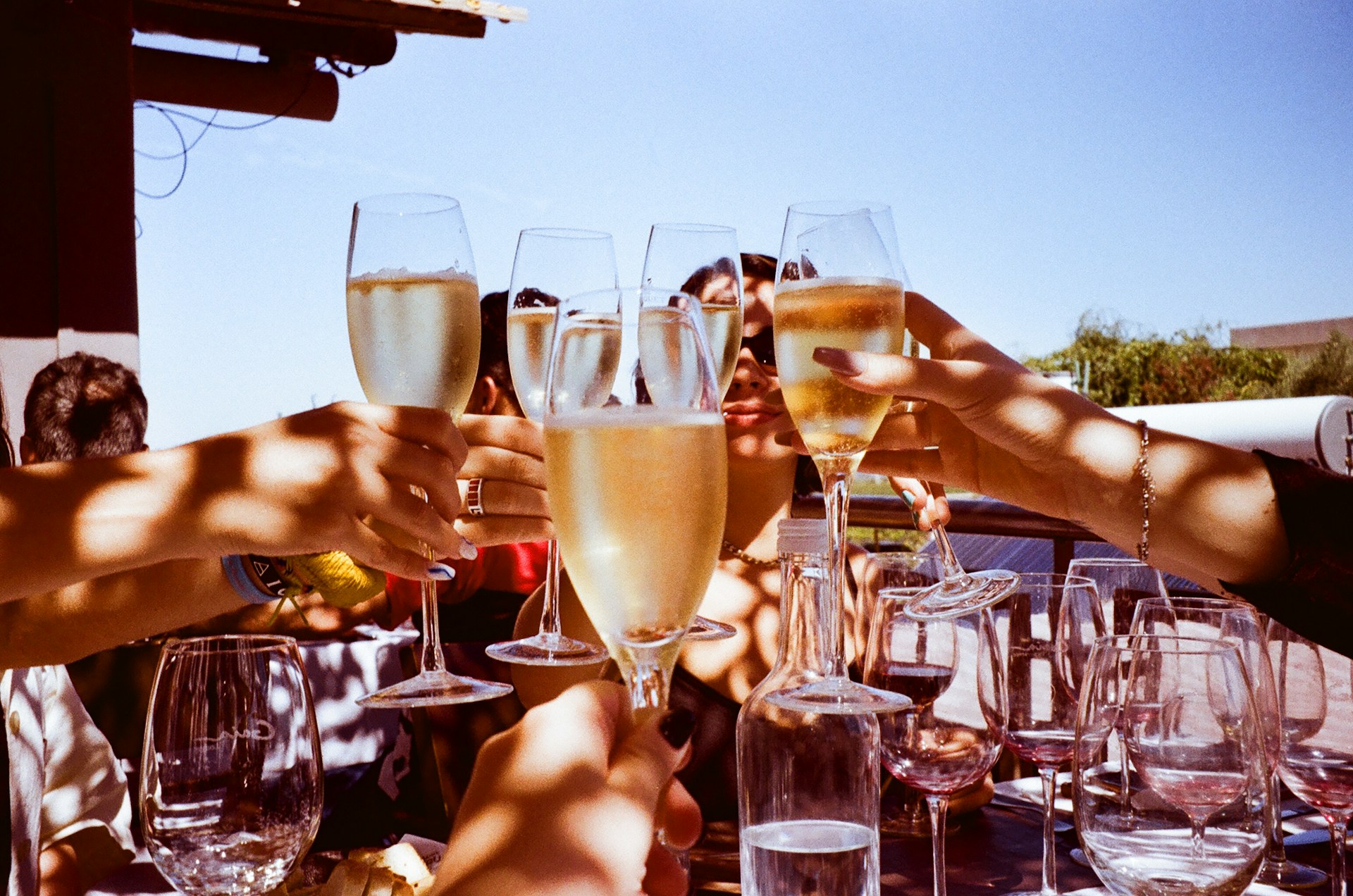
The moments guests actually photograph at Friendsgivings
Why Friendsgivings work better on Picsui
Written for the person hosting this one, and checked against what the product actually does.
Photos the group chat would have buried
Friendsgiving photos have a shorter life than any other holiday's: posted to the chat on Saturday night, scrolled past by Sunday, gone by the time the next thread starts. Everyone uploads to one gallery from the phone browser as they shoot, so the turkey coming off the fire escape and the toast nobody planned are still findable in March, when someone asks who was there.
Every dish, credited to whoever brought it
The potluck is the point, and the sign-up sheet is the only record of who made what. Turn on the written guestbook with a question about what each person brought and why, and the gallery becomes a menu of the night with the cook's name beside the dish, which is exactly what people want when they ask for the recipe in January.
The playlist and the games, in the same gallery
Half of Friendsgiving happens after the plates are cleared: the song requests fought over on the speaker, the card game that ran past midnight, the friend asleep under a pile of coats. Guests queue songs from the same code and keep uploading through the late part of the night, so the gallery covers the whole evening, not just the sit-down.
No app. No account. One scan.
Guests point their camera at a QR code and are uploading in seconds. Nobody installs anything, nobody creates a login, and the grandparents can do it as easily as the teenagers.
unlimited photo and video uploads
Every guest can send as much as they like: phone photos, iPhone HEICs, short videos, up to a fair-use bound of 25 GB per event. Originals are kept at full resolution.
A guestbook with your own question
Replace the generic prompt with one that fits the day. Written messages are collected alongside the photos and kept with the gallery.
Song requests for the DJ
Guests request tracks from the same page they upload photos to. The host or DJ sees the queue and plays what the room actually wants.
Live photo wall on any screen
Open the slideshow on a TV, projector or laptop and new uploads appear as they arrive. Grid and collage layouts, transition presets, and a phone remote to control it from across the room.
Full-resolution downloads
Download any photo, or the whole event as one archive, at original quality. What guests uploaded is what you keep — no compression, no watermark on paid events.
How it works
Set up in a minute. Collect for the whole event.
Create the event when you send out the sign-up sheet, and drop the gallery link into the same group chat so people expect it.
Print one QR code and tape it to the wall above the drinks, where everyone stops, and prop a second card beside the pies.
Friends scan, upload and queue songs while they eat. Cast the slideshow to the TV after dinner and watch the night fill in from a dozen phones.
Download the originals on Sunday and post the link once in the chat, pinned, where the photos used to disappear.
Try uploading as a guest.
Scan this with your phone the way a guest at your event would. Choose a sample photo and upload it from your browser, then open the demo gallery to see it land. Photos pass a quick AI check first; videos wait for a person.
- Scan the code with your phone camera — it opens straight in the browser.
- Upload a sample photo. Look for the upload confirmation so you know it reached the host.
Use a sample you are comfortable sharing with Picsui. Please keep personal or sensitive photos out of the demo.
M2FDV8LW
This is the same kind of code your guests scan at your event.
Getting the most from Friendsgivings
Send the code out with the sign-up sheet, not on the night. When you share the potluck sheet a week ahead, share the event link with it and say that this is where the photos go this year. People arrive already knowing, and the first arrivals upload the pre-dinner chaos, the turkey rig on the fire escape and the roommate assembling the borrowed folding table, before anyone has sat down. On the night, one code on the wall above the drinks and one propped against the pies covers the two places every person visits more than once, which matters in an apartment where nobody stays seated for long.
Take the couch photo before the second bottle of wine, while everyone can still fit in one frame and hold a straight line. Have three different friends take it from three phones and upload each one; the version with nobody blinking is always someone else's. Then turn on the written guestbook with a question that suits the crowd, something like what you brought and what you would bring next year, or who at this table you met most recently. Friendsgiving guests type longer answers than relatives do, and reading them back a year later is the best argument for hosting again.
Keep the gallery open through the late part. The dinner is the reason everyone came, but the photos people love are from after the dishes: the game that turned competitive, the friend who fell asleep under the coats, the walk to the corner store for more ice. Put the slideshow on the TV once the table is cleared and leave it running; guests who see themselves on the screen keep uploading without being asked. Close uploads on Sunday afternoon, download the originals, and put the link in the chat exactly once, pinned, so it does not scroll away like every previous year's photos did.
Common questions about Friendsgivings
How is this different from just posting everything in the group chat?
The group chat is where Friendsgiving photos go to die. They arrive compressed, out of order, mixed in with the argument about who owes whom for the turkey, and by the following weekend nobody can find them. A QR code opens an upload page in the phone browser, no app and no account, and every photo lands in one private gallery at full resolution, in one place, in order. You post the link once, pinned, instead of a hundred loose photos that scroll away.
It is a potluck in a small apartment. Where does the code even go?
Two places, both at eye level. Tape one card to the wall above the drinks or the kitchen counter where everyone stops to pour, and stand another beside the desserts. In an apartment that fits twelve people standing, guests circulate more than they sit, so a code on the table gets hidden under a casserole dish within minutes. Mention it once when you call people to eat, and again when the pie comes out, and the phones come out at the same time.
Can friends who moved away or already went home to their families see it?
Yes. Send them the gallery link and they can watch the photos arrive through the night from wherever they are, with no account needed. If you want them at the table properly, Live Broadcast is included with the Event Pass: up to 90 minutes with sound on a private link for as many as 100 viewers. Point a phone at the couch for the toast and the friend who moved to another city gets to heckle it live.
Does the Friendsgiving need its own event if I also host actual Thanksgiving?
Treat them as two events with two galleries. Friendsgiving has a different guest list, a different mood and photos your relatives probably do not need to see, so a separate code keeps the two apart and each group gets a link to only its own night. If the same friends attend both, or you host a cocktail hour the night before and the dinner the next day, sub-events under one code keep the nights in one gallery with their own sections.
What does it cost, and can we split it like the turkey?
An Event Pass is $29, paid once for the event, with no subscription and nothing charged per guest. It includes unlimited uploads from everyone at the table, the written guestbook, song requests, the slideshow for the TV, full-resolution downloads and 365 days of hosting, and Live Broadcast is included for the friends who could not come. Add it to the potluck sheet as a line item if you like; split twelve ways it costs less than the wine.
Who can see the photos from the night?
Only the people you give the link or code to. The gallery is private by default, never listed publicly, and blocked from search engines and AI crawlers. If some photos from after midnight should not go out to the wider group, turn on host review and each upload waits for you before it shows. You can close uploads once the weekend is over while the gallery stays up for everyone who was there to browse and download.
Every photo from Friendsgivings, in one place
One-time Event Pass, $29. No subscription, no per-guest fee.
Also planning one of these?
Explore other use cases
One QR code, every kind of event. See how Picsui fits yours.
More occasions