You organised the D&D.
Now you get to see it.
This page is for the HR committee, the three volunteers from Finance and the one person from Marketing who have organised the company's year-end Dinner & Dance since August and will spend the night itself behind the emcee, chasing the lucky draw prizes and the hotel banquet manager. Somewhere in the ballroom the colleagues are in their theme outfits, a department is winning best-dressed, and the boss is on the dance floor, and every bit of it is on staff phones that will never reach the committee. One QR code on each table brings it all in, and the slideshow puts it on the ballroom screens before dessert.
One-time. No account needed to buy — about a minute.
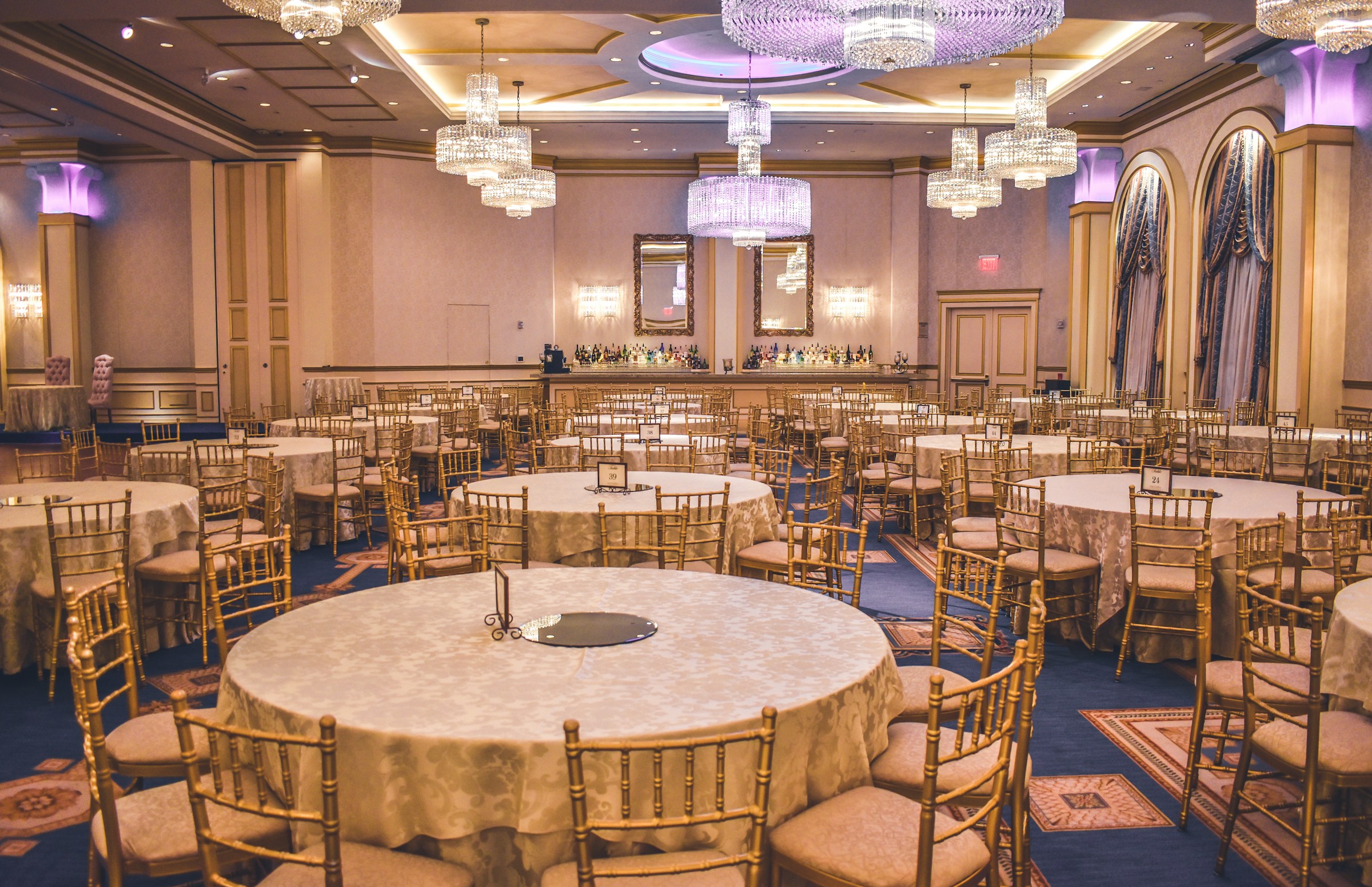
The moments guests actually photograph at dinner and dance nights
Why dinner and dance nights work better on Picsui
Written for the person hosting this one, and checked against what the product actually does.
The committee finally gets to see the night
The organisers spend the evening backstage with the run sheet, the lucky draw box and the hotel's banquet captain, and see none of what they built. With a code on every table, colleagues upload from their seats, and the committee opens one gallery on Monday holding the whole ballroom from every table's angle, not the two shots someone remembered to send.
Nothing goes company-wide until HR says so
A Dinner & Dance is the one night colleagues photograph each other freely, and not every shot from the dance floor belongs in the staff gallery. Host review holds every upload until a committee member approves it, so what the company sees is the theme outfits, the awards and the group photos, chosen by a person rather than published by default.
The ballroom screens fill themselves
Most hotel ballrooms have two screens flanking the stage showing the same static welcome slide all night. Put the live slideshow on them and the arrival photos and department group shots are already playing before the first course, which sends people to the code faster than any emcee reminder.
No app. No account. One scan.
Guests point their camera at a QR code and are uploading in seconds. Nobody installs anything, nobody creates a login, and the grandparents can do it as easily as the teenagers.
unlimited photo and video uploads
Every guest can send as much as they like: phone photos, iPhone HEICs, short videos, up to a fair-use bound of 25 GB per event. Originals are kept at full resolution.
Live photo wall on any screen
Open the slideshow on a TV, projector or laptop and new uploads appear as they arrive. Grid and collage layouts, transition presets, and a phone remote to control it from across the room.
You approve before anyone sees
Turn on host review and every upload waits in your queue until you approve it. AI screening flags anything questionable so you are not scrolling through hundreds of photos at midnight.
Private by default, never indexed
The gallery is only reachable by the link or code you share. Guest pages are blocked from search engines and named AI crawlers, and you can close the gallery whenever you choose.
Door check-in from your phone
See who has arrived, who is still expected, and how many are in each party — without a clipboard at the entrance.
How it works
Set up in a minute. Collect for the whole event.
Create the event once the theme and the hotel are confirmed, and turn on host review before you print anything so the gallery starts curated.
Print the QR code on a tent card for every table and load the guest list for door check-in at the ballroom entrance.
Colleagues scan and upload through the courses, the awards and the lucky draw. Put the slideshow on the ballroom screens and approve photos from the committee table.
On Monday, download the originals for the company newsletter and send the gallery link to all staff, with the award photos already approved.
Try uploading as a guest.
Scan this with your phone the way a guest at your event would. Choose a sample photo and upload it from your browser, then open the demo gallery to see it land. Photos pass a quick AI check first; videos wait for a person.
- Scan the code with your phone camera — it opens straight in the browser.
- Upload a sample photo. Look for the upload confirmation so you know it reached the host.
Use a sample you are comfortable sharing with Picsui. Please keep personal or sensitive photos out of the demo.
M2FDV8LW
This is the same kind of code your guests scan at your event.
Getting the most from dinner and dance nights
Put the code on the table, not on the ballroom door. Colleagues arriving at a D&D are looking for their table number, collecting a door gift and posing at the photo wall, and a sign at registration gets walked past. A tent card by the centrepiece, in the same design as the menu card, is read while people wait for the first course. Ask the emcee to mention it once between the welcome speech and the first dish, and again just before the lucky draw when everyone's phone is already out checking their ticket number.
Assign one committee member per shift to the review queue, the same way you assign someone to the lucky draw box. Photos come in fastest during the awards and the dance floor, and if the queue is left alone for an hour the ballroom slideshow runs dry while the staff wonder why their photos are not showing. Two people alternating on a phone from the committee table keeps it moving. Approve the department group shots quickly since those are the ones people are watching for, and hold anything from the dance floor for a calmer look on Monday.
Use the door check-in if the company has several hundred staff. Guests are marked off from the guest list at the ballroom entrance from a phone, so the committee knows who has arrived before the seating is closed and the hotel is told the final count for the kitchen. It replaces the printed name lists and the highlighter, and the same list tells you who was present when the lucky draw winners are checked. After the night, the gallery link goes out to everyone on that list without the committee building a second one.
Common questions about dinner and dance nights
Can we check photos before the whole company sees them?
Yes, and for a Dinner & Dance we recommend it. Turn on host review when you create the event and every upload waits in a queue that any committee member can approve or decline from a phone. Nothing appears in the gallery or on the ballroom screens until it is approved. That keeps the staff gallery to the theme outfits, the awards and the group shots, and lets you quietly leave out the photo of the director mid-song. It also protects the company if the gallery is later shared with clients.
We have staff in Singapore, KL and Manila at the same D&D. Will the upload page work for everyone?
The upload page opens in any phone browser, needs no app and no account, and works on the hotel's wifi or on mobile data. Guest pages are available in English, Español, Français, and colleagues who read none of those still manage because the upload is a single button that opens the camera roll. Write the welcome note in whatever mix of languages the company uses. The gallery link afterwards works the same way for everyone on the staff list.
Can the photos go on the ballroom screens during the night?
Yes. The slideshow runs from a browser, so the hotel's AV team opens the link on the laptop already feeding the stage screens and the approved photos play in a loop, with new ones joining as they are cleared by the committee. A phone remote lets you pause it during the speeches and the lucky draw and restart it for the dance. It works alongside whatever the emcee is showing, so you do not need to change the run sheet.
Is a staff photo gallery private? Our company is careful about this.
The gallery is private by default: reachable only with the link or the code, never listed publicly, and blocked from search engines and AI crawlers. With host review on, nothing is visible until approved. The committee can close uploads after the night and keep the gallery for staff to browse for 365 days on an Event Pass, then download every original for the company archive. Ask the hotel's photographer to upload their set into the same gallery so staff have one place to look.
How does the door check-in work for a ballroom of several hundred?
You load the guest list before the night, and at the ballroom entrance a committee member marks each arrival off from a phone by name. Table numbers can be shown at the same moment so nobody has to hunt the seating board. The list updates live, so the person at the committee table knows how many have arrived when the hotel asks for the final count and when the lucky draw is about to start, and nobody is standing at the door with a printout and a highlighter.
What does it cost for one D&D?
An Event Pass is $29, paid once for the night, no subscription and no per-head charge, which matters when the guest list is the whole company plus partners. It includes unlimited uploads, host review, the slideshow for the ballroom screens, door check-in, full-resolution downloads and 365 days of hosting. Next year's D&D is a new event, so each year's gallery stays its own.
Every photo from dinner and dance nights, in one place
One-time Event Pass, $29. No subscription, no per-guest fee.
Also planning one of these?
Explore other use cases
One QR code, every kind of event. See how Picsui fits yours.
More occasions