Stream your service without buying equipment.
Members who are sick, homebound, travelling, or serving overseas can still be in the room. The private live broadcast is included with the $49 Event Pass, with one private viewing link and the photo gallery alongside it.
Pay once · No app for guests · 30-day unused-event money-back guarantee
The private live broadcast is included with the Event Pass.
No equipment to buy
A phone or laptop is the camera. No encoder, no capture card, no install — which is the difference between streaming this Sunday and streaming next year.
Private by default
The stream lives at a link you share with your congregation, not on a public platform where anyone can find it. Add a password if you want a second lock.
Clear live-event limits
Each pass covers up to 90 live minutes and 100 concurrent viewers from one private link.
Weddings, funerals, baptisms
The same setup covers the services families ask you to stream — including relatives who cannot travel for a funeral on short notice.
Collect photos from church events
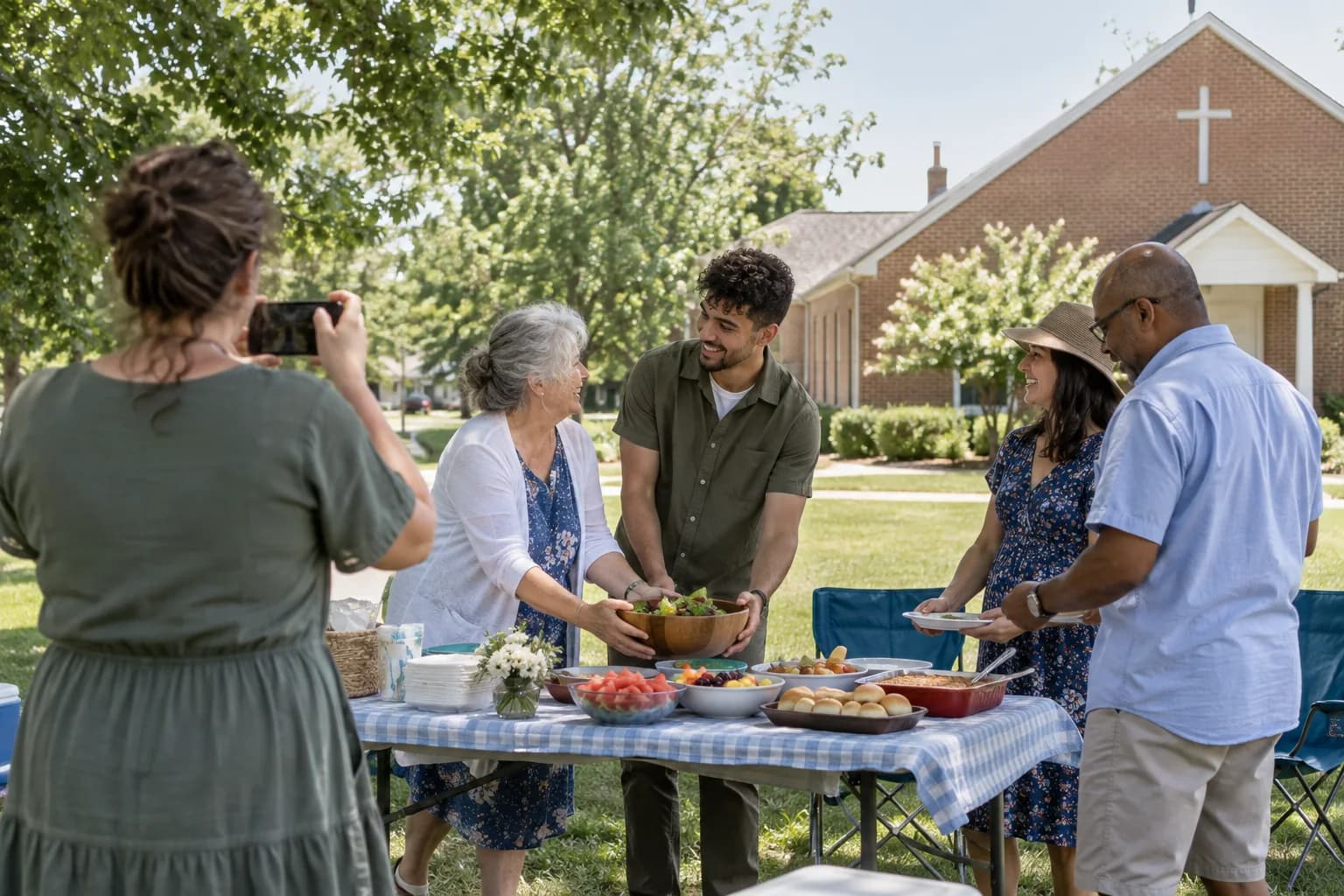
Photo collection is a separate Picsui product you can add for potlucks, VBS, youth trips, and the Christmas program when you need it.
Someone else can run it
A volunteer starts the stream from their phone. There is nothing to configure, so it does not depend on one technical person being there.
How it works
- 1
Create the service as an event
Name it, set the date. Takes about a minute.
- 2
Share the link with the congregation
Email the private viewer link or put it in the bulletin. Viewers need no account or app.
- 3
Start the stream from a phone or laptop
Point it at the pulpit and go live. Remote members open the link on any device.
- 4
End the broadcast
The host ends the live session when the service is finished. The broadcast is recorded; the family can keep the recording afterwards as an add-on.
Try uploading as a guest.
Scan this with your phone the way a guest at your event would. Choose a sample photo and upload it from your browser, then open the demo gallery to see it land. Photos pass a quick AI check first; videos wait for a person.
- Scan the code with your phone camera — it opens straight in the browser.
- Upload a sample photo. Look for the upload confirmation so you know it reached the host.
Use a sample you are comfortable sharing with Picsui. Please keep personal or sensitive photos out of the demo.
M2FDV8LW
This is the same kind of code your guests scan at your event.
Questions
Do we need a camera or streaming hardware?
No. A phone, tablet, or laptop camera is enough to start. There is no encoder to configure and nothing to install, which is what usually stops smaller congregations from streaming at all.
Is the stream public?
No. It is private to the link you share, and you can add a password. It is not published to a public video platform and is not searchable.
Can we stream funerals and weddings for families?
Yes. Families frequently have relatives who cannot travel in time for a funeral; a private link lets them attend live from any device. The broadcast is recorded; keep the recording afterwards with the Broadcast Recording add-on.
Is this a monthly contract?
No. The Event Pass is $49 once, includes the private live broadcast, and has no subscription or renewal.
Can members send in photos from church events?
Yes, as a separate product. Add Picsui photo collection when you want a QR code for members to contribute pictures from potlucks, mission trips, and holiday programs; it is not required for Live Broadcast.
Stream your service without buying equipment.
Set it up in about ten minutes. Guests scan one code — no app, no accounts, nothing to install.
Get Event Pass for $4930-day unused-event money-back guarantee No subscription
The private live broadcast is included with the Event Pass.
Explore other use cases
One QR code, every kind of event. See how Picsui fits yours.
More occasions