Collect a video from every guest.
QR upload, no app.
The video version of a guest photo book. Guests scan a QR, upload short videos from their phones, and you get everything in one shared gallery — full resolution, approved by you.
No subscription required · Set up in under 60 seconds
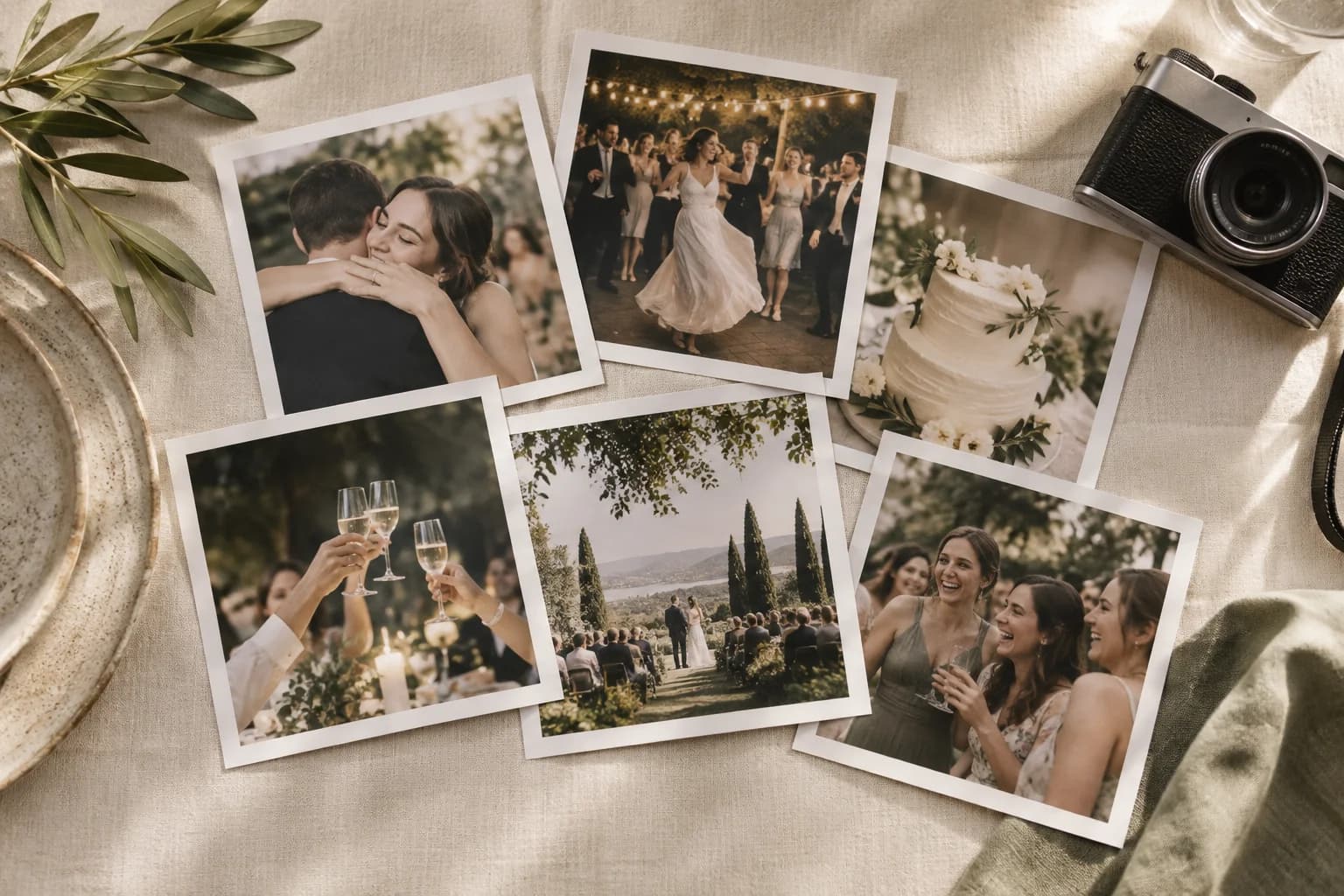
Everything your wedding video needs
QR upload, no app
Guests scan a QR code, the upload page opens, they pick a video — done. Same flow as photos, in any browser.
Photos and videos in one gallery
Both formats land in the same shared gallery. Download everything together in original quality after the event.
Audio guestbook included
Guests can record short voice messages alongside their photos and videos — heartfelt audio that doesn't fit in a standard guestbook.
Approval for videos too
Switch on approval and every video waits for you before it appears in the gallery or on the slideshow.
Full-resolution downloads
Bulk download all photos and videos as a ZIP. Original quality preserved — no platform compression.
Live on the slideshow too
Short videos play in your live wedding slideshow alongside photos for guests at the venue and remote viewers on the stream.
What guests capture
Toasts and speeches
Family members and friends record their own video toasts — including the ones who couldn't attend in person.
Dance floor moments
Group videos of the first dance, parent dances, and party highlights from every angle in the room.
Behind-the-scenes prep
Bridal party getting ready, groom and groomsmen footage, candid laughs that the videographer misses.
Audio guestbook
Voice messages from grandparents, kids, and out-of-town friends — kept alongside the gallery for 12 months, and yours to download.
FAQ
What's the max video length guests can upload?
Videos recorded in the browser through Picsui are capped at 30 seconds — enough for a toast or a candid clip. To share something longer, guests record it in their phone's camera app and upload the file, which can be up to 100 MB.
Do guests need to download an app to upload video?
No. Picsui works in any modern mobile browser. Guests scan the QR, the upload page opens, and they pick a video from their camera roll. Zero installs.
Can I download all the videos after the wedding?
Yes. Bulk-download every photo and video as a ZIP in original quality. No platform compression.
Are videos moderated like photos?
Yes. Switch on approval and every video waits for you before it reaches the gallery or live slideshow. You can remove any video at any time.
How is this different from asking guests to text or AirDrop videos?
Texting compresses video heavily and creates a mess for you to track down later. AirDrop only works for nearby Apple users. Picsui collects everything in original quality, in one shared gallery, from any phone.
What about audio messages?
The audio guestbook is built in. Guests can leave a voice message right next to their photo or video — heartfelt audio you can download and keep.
A wedding video book, from every guest
Capture toasts, dances, and behind-the-scenes moments — in original quality, with optional approval.