After the service, the family still has everything people shared.
The service ends, and the photos, voice messages and stories people shared are in one place. There is no rush. The $39 Event Pass keeps the gallery for 12 months, so the family can download it, share it with the people who could not come, and open it again at the anniversary.
Pay once · No app for guests · 30-day unused-event money-back guarantee
The private live stream is included with the Event Pass.
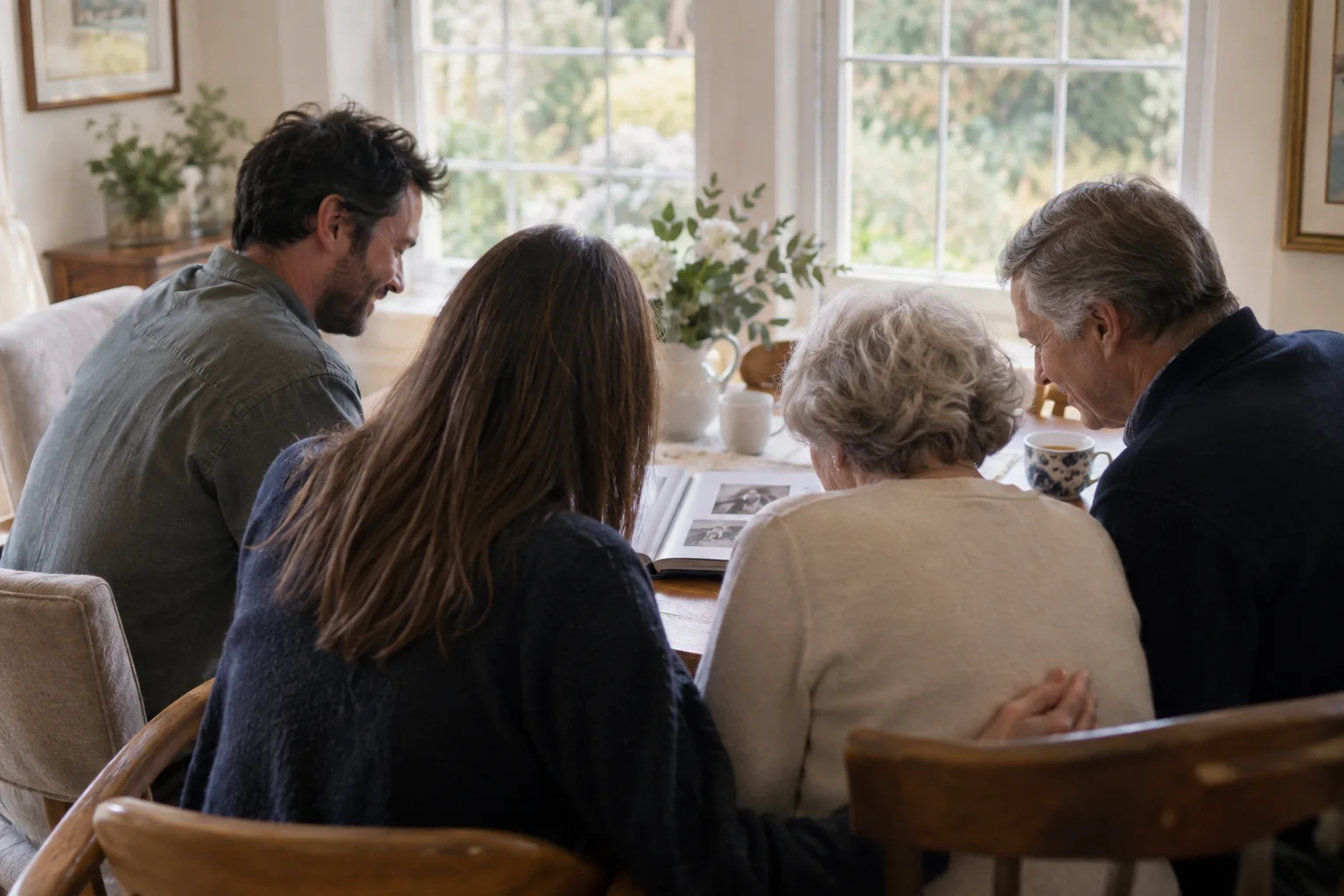
Everything stays in one gallery
Photos, voice messages and written memories sit together in one private gallery for 12 months. Nobody has to go back through messages and email to find them.
Download it all, at full quality
Every photo and recording can be downloaded singly or as one archive of the whole event, at the quality it was uploaded, with no watermark on a paid event.
Share it with the people who could not come
Send the link to relatives who were not there. They can look through it, and add their own photos and messages for 30 days after the service.
Voices kept with the pictures
Guests can record up to 60 seconds of a memory from the upload page. It is saved next to the photos, so the stories are kept along with the faces.
Delivered to the person it is for
Name a recipient, such as a widow, a widower or the children, and the finished gallery is emailed to them on a private link, on a date you choose. They need no account.
Open again at the anniversary
An ended event keeps its code, so the family can reopen the gallery when they gather again and add the next year's memories.
How it works
- 1
Give people time
Relatives often add photos days later. People can add for 30 days after the service.
- 2
Download the archive
Keep a copy on the family's own drive. It is the copy that lasts, whatever happens to the phones.
- 3
Send the link
Share the gallery with the people who could not come, or have it delivered to the person it is really for.
- 4
Reopen it when the family meets again
The same code works at the anniversary, and the gallery stays for the 12 months.
Try uploading as a guest.
Scan this with your phone the way a guest at your event would. Choose a sample photo and upload it from your browser, then open the demo gallery to see it land. In this public demo, photos appear at once and videos wait for a person to approve them; at your own event, you decide.
- Scan the code with your phone camera — it opens straight in the browser.
- Upload a sample photo. Look for the upload confirmation so you know it reached the host.
Use a sample you are comfortable sharing with Picsui. Please keep personal or sensitive photos out of the demo.
M2FDV8LW
This is the same kind of code your guests scan at your event.
Questions
What should we do with the photos after a funeral?
Download the whole gallery as one archive and keep a copy on the family's own drive, then share the link with relatives who could not attend. The Event Pass keeps the gallery online for 12 months, so there is time to do it when you are ready.
How long do we have access?
The gallery stays online for 12 months with the $39 Event Pass, and guests can add photos and messages for 30 days after the service.
Can we keep a recording of the live stream?
The stream is recorded when recording is available, and the family can keep the recording afterwards with the Stream Recording add-on. Keep the page open until it says the recording is saved.
Can someone who was not there add a memory?
Yes. Share the link and they can add photos and messages for 30 days after the service.
Is it private?
Yes. The gallery is reachable only through its link and QR code and is never listed on search engines.
After the service, the family still has everything people shared.
Set it up in about ten minutes. Guests scan one code — no app, no accounts, nothing to install.
Get Event Pass for $3930-day unused-event money-back guarantee No subscription
The private live stream is included with the Event Pass.