San Diego, CA
Wedding Photo Sharing in San Diego
Collect every guest's photos and videos at your San Diego wedding with a single QR code. Real-time gallery, live slideshow, and bulk download — no app install required.
One-time passes from $39 — no subscription required · Set up in a couple of minutes
Built for San Diego Weddings
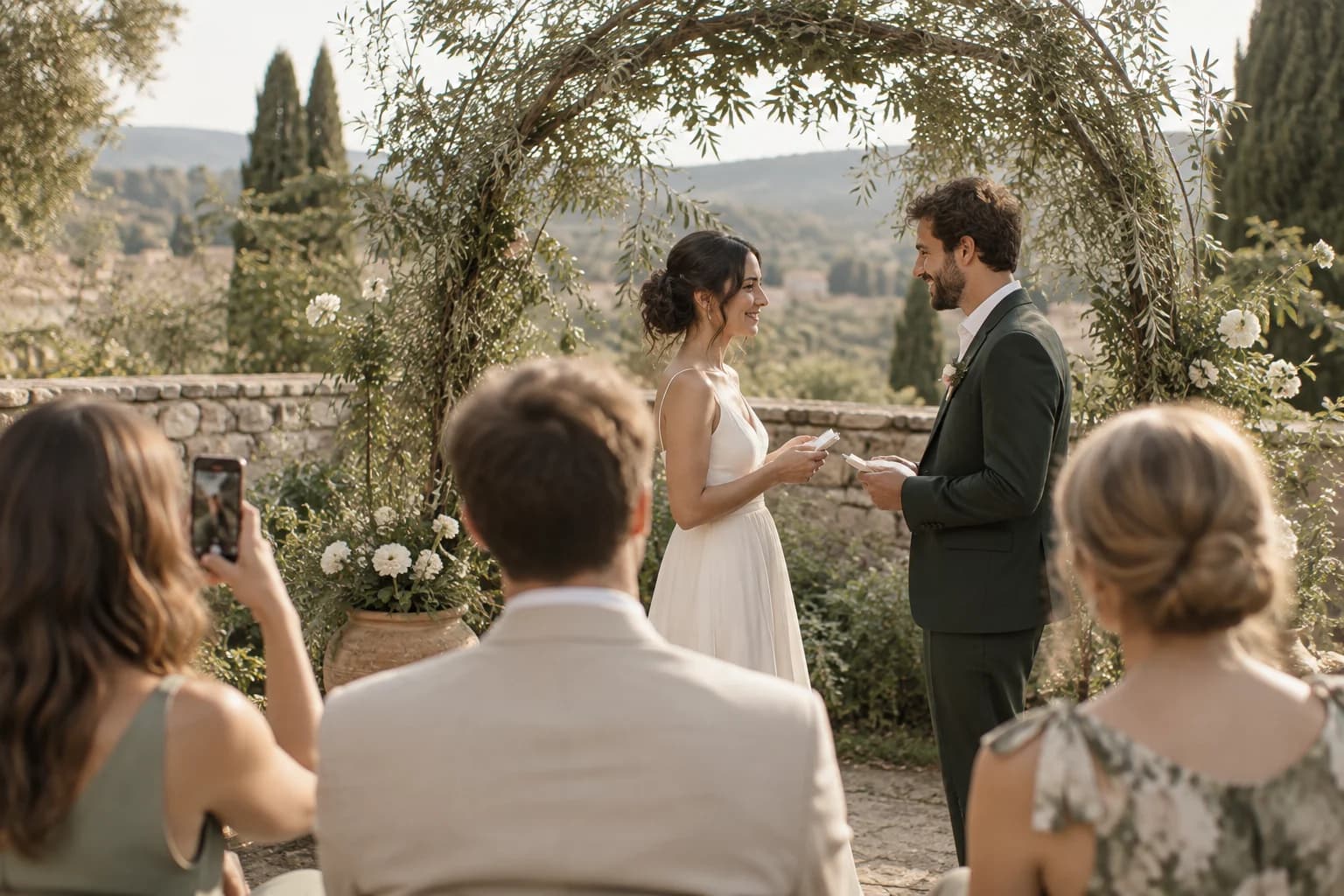
San Diego weddings enjoy near-perfect weather with beach ceremonies, garden receptions, and stunning sunset backdrops year-round.
With 100-150 guests typical for breezy coastal San Diego celebrations and peak season running Year-round, peak September through November, you need a photo sharing solution that just works. Picsui gives every guest a one-scan upload experience that collects every candid moment — no app downloads, no sign-ups, no friction.
How it works on the day
Three steps to collect every guest's photos
Create & Print Your QR Code
Sign up, name your event, and download your QR code in seconds. Print it on table cards, display it on a welcome sign at the venue, or add it to your invitations.
Guests Scan & Upload
Guests point their phone camera at the QR code and upload photos. No app download, no account — works in the browser on iPhone and Android.
View, Share & Download
Photos appear in your real-time gallery within moments. Display them on a live slideshow at the venue, or bulk-download every image in original quality after the event.
Everything you need for the wedding
Purpose-built features for collecting wedding photos from every guest.
One-Scan QR Upload
Print a QR code for the venue. Guests scan and upload in seconds — no app needed.
Real-Time Gallery
Watch the gallery fill live as guests upload throughout the ceremony and reception.
Photo Approval
Switch on approval and every upload waits for you before it reaches the gallery.
Live Slideshow
Display guest photos on screens at the venue. New uploads rotate automatically in real time.
Bulk Download
Download every guest photo in original resolution as a single ZIP file after your wedding.
Guest Email Collection
Optionally collect guest emails during upload for thank-you notes and sharing links.
Why couples choose Picsui
- Guests scan a QR code and upload in under 10 seconds
- No app download or account sign-up required
- Short guest video clips collected alongside photos
- Live slideshow turns your reception into an interactive experience
- Bulk download every photo in full original resolution
- 12 months of gallery access, plenty of time to save everything
- Works on any smartphone: iPhone, Android, old or new
- Sized for breezy coastal celebrations of 100-150 guests
Planning a wedding in San Diego
Where San Diego couples get married
San Diego weddings centre on beachfront and cliffside venues around La Jolla and Point Loma, Balboa Park's historic buildings, and resort properties in Coronado and Del Mar. Most of these are outdoors for most of the day.
Season and weather
The climate makes almost any month viable, which is why San Diego draws so many destination weddings. The local quirk is May and June overcast — the marine layer can sit over coastal venues until early afternoon, softening light that couples expected to be bright.
What guests actually photograph
Beach and cliffside ceremonies produce a wide spread of angles because guests scatter rather than sit in rows. The marine layer in late spring softens the light in a way that flatters phone photos.
Where to put the QR code at a San Diego venue
Beach and resort venues keep guests outdoors from ceremony to last dance. Weighted table cards handle the breeze better than a freestanding sign.
Will your guests have signal?
Coverage across the county is strong, including most coastal venues. Canyon-adjacent properties and some Balboa Park interiors are the modest exceptions.
Either way, uploads are resilient: a photo taken with no connection queues on the guest's phone and completes on its own once they are back in range. Nothing is lost because a corner of the venue had no bars.
Frequently asked questions
How does QR code wedding photo sharing work?
With Picsui, you print a QR code and place it at your venue. Guests scan it with their phone camera and upload photos instantly — no app download needed. Photos appear in your real-time gallery as they're uploaded.
Half our guests are flying in. Will they be able to upload easily?
Yes. There is no app to download and no account to create, so out-of-town and international guests scan the code and upload from the browser their phone already has.
Our ceremony is on the beach. Is the QR code practical there?
It works, but put it where people stop rather than where they walk. On a beach ceremony that means the bar, the welcome table and the reception tables — not a single sign at the sand entrance.
Half our guests are children. Does that change anything?
Only that you will get more photos from odd angles, which is usually what you end up loving most. There is no account or age gate; anyone with a phone camera can contribute.
When is the best time to set up photo sharing for a San Diego wedding?
Peak wedding season in San Diego is Year-round, peak September through November. We recommend setting up your Picsui event at least a week before your wedding so you can test the QR code, customize your gallery, and add it to your printed materials. Setup takes under 60 seconds.
How many photos can guests upload at a San Diego wedding?
With 100-150 guests typical for San Diego weddings, you'll collect hundreds of candid moments. Event Pass includes unlimited guest photo and video uploads for one wedding ($39 one-time, no subscription). Photographers and planners can apply for Partner pricing at $19 per event or five Event credits for $79.
Wedding photo tips by email
Join the Picsui newsletter for occasional ideas on collecting more guest photos at your wedding.
No spam, ever. Unsubscribe anytime.
Other cities we've written about
Picsui works the same anywhere with a phone signal. These are the other West Coast guides, if your venue is elsewhere.
Los Angeles, CA
Wedding photo sharing for outdoor and relaxed-luxe celebrations
Learn moreSan Francisco, CA
Wedding photo sharing for creative and intimate celebrations
Learn morePalm Springs, CA
Wedding photo sharing for mid-century glam celebrations
Learn moreSacramento, CA
Wedding photo sharing for farm-to-fork chic celebrations
Learn moreExplore More
Wedding Photo Sharing App
Everything you need to know about collecting guest photos with QR codes.
Learn moreWedding Reception Slideshow
Live photos on the big screen as your guests upload them.
Learn moreSame-Day Wedding Slideshow
Display guest photos on venue screens in real time as they upload.
Learn moreQR Code for Wedding Pictures
How to make and print a QR code that collects every guest's photos.
Learn moreGuest Video Upload
Collect short video clips from every guest — toasts, dances, candids.
Learn morePrivate Wedding Livestream
Stream the ceremony live to family who couldn't travel.
Learn moreWedding Photo Tips & Guides
Guides for getting more photos out of your guests.

Every guest photo is saved now — here's how the free preview works
We changed the free preview so no guest ever hits a wall. Every photo is captured, your first 60 show free, and the rest wait behind one tap.
Read more
Collecting Photos at a Corporate Event or Conference: A Playbook
Attendees are holding better cameras than your one hired photographer, and they're standing where the photographer isn't. Here's how to turn a room full of phones into your best content source.
Read more
Where to Put Your QR Code at a Wedding So Guests Actually Scan It
You can have the best photo-sharing setup in the world and still collect nothing if guests never scan the code. Here's where to put it, what to write on it, and when to prompt.
Read moreCollect every guest photo at your wedding
Set up Picsui in a couple of minutes and start collecting every guest's perspective of your special day.
One-time passes from $39 — no subscription required · Set up in a couple of minutes
Just need it for one event? Get the Event Pass — $39 one-time, no subscription needed.