Built for Charlotte Weddings
Charlotte weddings combine uptown skyline views with NoDa arts-district venues and rolling Piedmont vineyard ceremonies.
With 150-200 guests typical for polished Southern Charlotte celebrations and peak season running April through June and September through October, you need a photo sharing solution that just works. Picsui gives every guest a one-scan upload experience that collects every candid moment — no app downloads, no sign-ups, no friction.
How it works on the day
Three steps to collect every guest's photos
Create & Print Your QR Code
Sign up, name your event, and download your QR code in seconds. Print it on table cards, display it on a welcome sign at the venue, or add it to your invitations.
Guests Scan & Upload
Guests point their phone camera at the QR code and instantly upload photos. No app download, no account — works on every iPhone and Android.
View, Share & Download
Photos appear in your real-time gallery instantly. Display them on a live slideshow at the venue, or bulk-download every image in original quality after the event.
Everything you need for the wedding
Purpose-built features for collecting wedding photos from every guest.
One-Scan QR Upload
Print a QR code for the venue. Guests scan and upload in seconds — no app needed.
Real-Time Gallery
Watch the gallery fill live as guests upload throughout the ceremony and reception.
AI Photo Moderation
Built-in AI filters blurry, duplicate, or inappropriate uploads so your gallery stays picture-perfect.
Live Slideshow
Display guest photos on screens at the venue. New uploads rotate automatically in real time.
Bulk Download
Download every guest photo in original resolution as a single ZIP file after your wedding.
Guest Email Collection
Optionally collect guest emails during upload for thank-you notes and sharing links.
Why couples choose Picsui
- Zero friction — guests scan a QR code and upload in under 10 seconds
- No app download or account sign-up required
- Short guest video clips collected alongside photos
- Live slideshow turns your reception into an interactive experience
- Bulk download every photo in full original resolution
- 12 months of gallery access — plenty of time to save everything
- Works on any smartphone — iPhone, Android, old or new
- Sized for polished Southern celebrations of 150-200 guests
Planning a wedding in Charlotte
Where Charlotte couples get married
Charlotte couples weigh uptown and South End venues, historic estates and gardens, and lakefront properties around Lake Norman. South End's converted industrial spaces have become a local default.
Season and weather
April through June and September through October carry the calendar. Carolina summer humidity moves most receptions indoors, and the lake venues stay a few degrees cooler in the evening.
What guests actually photograph
South End lofts produce even, well-lit coverage. Lake Norman venues front-load the volume into the daylight hours and drop off sharply after sunset.
Where to put the QR code at a Charlotte venue
South End venues are open-plan; lake venues are spread out. Match the card count to the venue — one bar card is enough in a loft, not on a lakefront property.
Will your guests have signal?
Uptown and South End coverage is strong. Lake Norman properties further out are where service becomes uneven.
Either way, uploads are resilient: a photo taken with no connection queues on the guest's phone and completes on its own once they are back in range. Nothing is lost because a corner of the venue had no bars.
Frequently asked questions
How does QR code wedding photo sharing work?
With Picsui, you print a QR code and place it at your venue. Guests scan it with their phone camera and upload photos instantly — no app download needed. Photos appear in your real-time gallery as they're uploaded.
Our reception is on Lake Norman. Anything to plan for?
Signal is generally fine but thins at the more remote properties. Ask about guest wifi and print it with the QR code — uploads complete on their own once guests reconnect.
Can we remove the Picsui branding from the gallery?
Removing Picsui attribution entirely is not part of any pass currently for sale. Any paid pass does let you put your own names and date on the gallery, so it reads as your wedding rather than as a product.
Can we remove the Picsui branding?
Removing Picsui attribution entirely is not part of any pass currently for sale. Any paid pass does let you put your own names and date on the gallery.
When is the best time to set up photo sharing for a Charlotte wedding?
Peak wedding season in Charlotte is April through June and September through October. We recommend setting up your Picsui event at least a week before your wedding so you can test the QR code, customize your gallery, and add it to your printed materials. Setup takes under 60 seconds.
How many photos can guests upload at a Charlotte wedding?
With 150-200 guests typical for Charlotte weddings, you'll collect hundreds of candid moments. Event Pass includes unlimited guest photo and video uploads for one wedding ($29 one-time, no subscription). Photographers and planners can apply for Partner pricing at $19 per event or five Event credits for $79.
Free wedding photo guide
Tips for collecting more guest photos at your Charlotte wedding, plus QR code placement ideas for popular Southeast venues.
No spam, ever. Unsubscribe anytime.
Other cities we've written about
Picsui works the same anywhere with a phone signal. These are the other Southeast guides, if your venue is elsewhere.
Raleigh, NC
Wedding photo sharing for Southern-modern celebrations
Learn moreAtlanta, GA
Wedding photo sharing for Southern and modern celebrations
Learn moreCharleston, SC
Wedding photo sharing for romantic Southern celebrations
Learn moreMiami, FL
Wedding photo sharing for vibrant and tropical celebrations
Learn moreTampa, FL
Wedding photo sharing for tropical-coastal celebrations
Learn moreOrlando, FL
Wedding photo sharing for destination-glam celebrations
Learn moreExplore More
Wedding Photo Sharing App
Everything you need to know about collecting guest photos with QR codes.
Learn moreWedding Reception Slideshow
Live photos on the big screen as your guests upload them.
Learn moreSame-Day Wedding Slideshow
Display guest photos on venue screens in real time as they upload.
Learn moreQR Code for Wedding Pictures
How to create, print, and display a QR code that collects every guest's photos.
Learn moreGuest Video Upload
Collect short video clips from every guest — toasts, dances, candids.
Learn morePrivate Wedding Livestream
Stream the ceremony live to family who couldn't travel.
Learn moreWedding Photo Tips & Guides
Tips, guides, and insights to help you capture every moment.
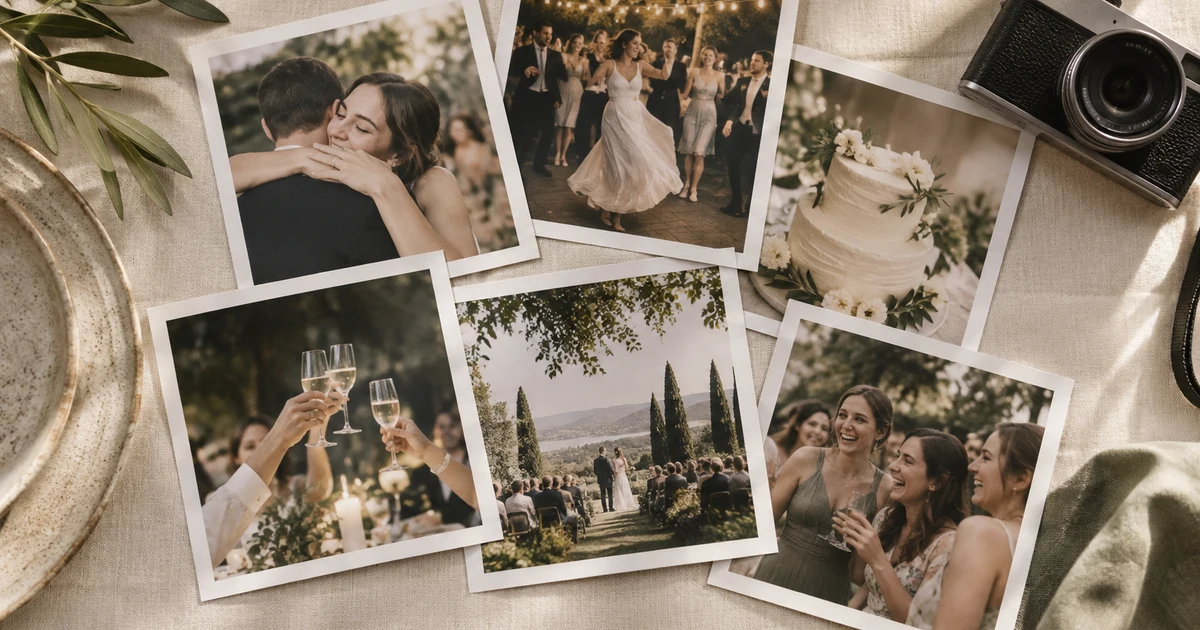
Every guest photo is saved now — here's how the free preview works
We changed the free preview so no guest ever hits a wall. Every photo is captured, your first 25 show free, and the rest wait behind a one-tap unlock.
Read moreCollecting Photos at a Corporate Event or Conference: A Playbook
Attendees are holding better cameras than your one hired photographer, and they're standing where the photographer isn't. Here's how to turn a room full of phones into your best content source.
Read more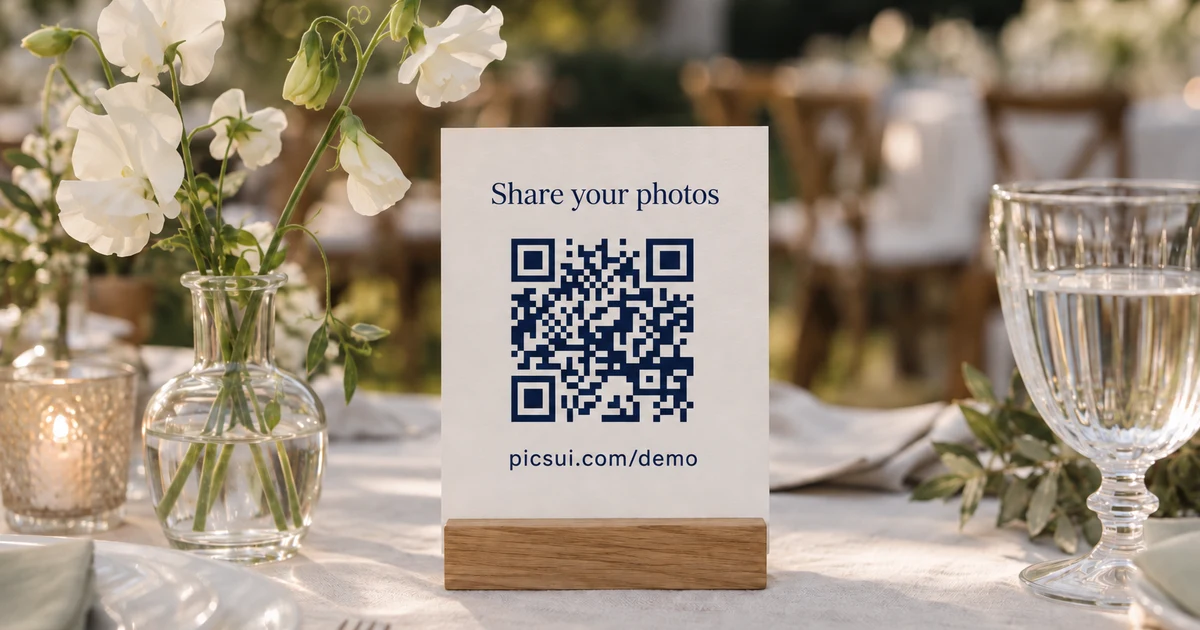
Where to Put Your QR Code at a Wedding So Guests Actually Scan It
You can have the best photo-sharing setup in the world and still collect nothing if guests never scan the code. Here's where to put it, what to write on it, and when to prompt.
Read moreCollect every guest photo at your wedding
Set up Picsui in 60 seconds and start collecting every guest's perspective of your special day.
One-time passes from $29 — no subscription required · Set up in under 60 seconds
Just need it for one event? Get the Event Pass — $29 one-time, no subscription needed.