Built for Orlando Weddings
Orlando weddings range from elegant garden estates and Lake Eola downtown ceremonies to destination resort celebrations with theme park magic.
With 120-180 guests typical for destination-glam Orlando celebrations and peak season running October through April, you need a photo sharing solution that just works. Picsui gives every guest a one-scan upload experience that collects every candid moment — no app downloads, no sign-ups, no friction.
How it works on the day
Three steps to collect every guest's photos
Create & Print Your QR Code
Sign up, name your event, and download your QR code in seconds. Print it on table cards, display it on a welcome sign at the venue, or add it to your invitations.
Guests Scan & Upload
Guests point their phone camera at the QR code and instantly upload photos. No app download, no account — works on every iPhone and Android.
View, Share & Download
Photos appear in your real-time gallery instantly. Display them on a live slideshow at the venue, or bulk-download every image in original quality after the event.
Everything you need for the wedding
Purpose-built features for collecting wedding photos from every guest.
One-Scan QR Upload
Print a QR code for the venue. Guests scan and upload in seconds — no app needed.
Real-Time Gallery
Watch the gallery fill live as guests upload throughout the ceremony and reception.
AI Photo Moderation
Built-in AI filters blurry, duplicate, or inappropriate uploads so your gallery stays picture-perfect.
Live Slideshow
Display guest photos on screens at the venue. New uploads rotate automatically in real time.
Bulk Download
Download every guest photo in original resolution as a single ZIP file after your wedding.
Guest Email Collection
Optionally collect guest emails during upload for thank-you notes and sharing links.
Why couples choose Picsui
- Zero friction — guests scan a QR code and upload in under 10 seconds
- No app download or account sign-up required
- Short guest video clips collected alongside photos
- Live slideshow turns your reception into an interactive experience
- Bulk download every photo in full original resolution
- 12 months of gallery access — plenty of time to save everything
- Works on any smartphone — iPhone, Android, old or new
- Sized for destination-glam celebrations of 120-180 guests
Planning a wedding in Orlando
Where Orlando couples get married
Orlando couples choose among resort and theme-park adjacent venues, lakefront properties around Winter Park, and garden and estate settings. The resort weddings bring large out-of-town guest lists.
Season and weather
October through April is the comfortable window; summer brings heat and near-daily afternoon storms. Because so many guests travel in, the photos people take often span several days rather than one evening.
What guests actually photograph
Destination weddings spread photos across several days rather than one night. The rehearsal dinner and farewell brunch often produce as much as the reception itself.
Where to put the QR code at an Orlando venue
Resort weddings span several days and buildings. Put the code on the welcome card in guests' rooms as well as the reception tables.
Will your guests have signal?
Coverage across the metro and the resort corridor is strong — resort properties in particular have invested heavily in guest connectivity.
Either way, uploads are resilient: a photo taken with no connection queues on the guest's phone and completes on its own once they are back in range. Nothing is lost because a corner of the venue had no bars.
Frequently asked questions
How does QR code wedding photo sharing work?
With Picsui, you print a QR code and place it at your venue. Guests scan it with their phone camera and upload photos instantly — no app download needed. Photos appear in your real-time gallery as they're uploaded.
Guests are here for several days. Can they upload from the rehearsal and brunch too?
Yes. The gallery stays open across the whole event window, so photos from the rehearsal dinner, the wedding and the farewell brunch all land in the same place.
Do international guests need anything special?
No. No app, no account, no regional restrictions — the upload page opens in any phone browser, anywhere.
Can guests upload from the rehearsal and brunch too?
Yes. One gallery covers the whole event window, so every day of a destination weekend lands in the same place.
When is the best time to set up photo sharing for an Orlando wedding?
Peak wedding season in Orlando is October through April. We recommend setting up your Picsui event at least a week before your wedding so you can test the QR code, customize your gallery, and add it to your printed materials. Setup takes under 60 seconds.
How many photos can guests upload at an Orlando wedding?
With 120-180 guests typical for Orlando weddings, you'll collect hundreds of candid moments. Event Pass includes unlimited guest photo and video uploads for one wedding ($29 one-time, no subscription). Photographers and planners can apply for Partner pricing at $19 per event or five Event credits for $79.
Free wedding photo guide
Tips for collecting more guest photos at your Orlando wedding, plus QR code placement ideas for popular Southeast venues.
No spam, ever. Unsubscribe anytime.
Other cities we've written about
Picsui works the same anywhere with a phone signal. These are the other Southeast guides, if your venue is elsewhere.
Tampa, FL
Wedding photo sharing for tropical-coastal celebrations
Learn moreMiami, FL
Wedding photo sharing for vibrant and tropical celebrations
Learn moreAtlanta, GA
Wedding photo sharing for Southern and modern celebrations
Learn moreCharleston, SC
Wedding photo sharing for romantic Southern celebrations
Learn moreJacksonville, FL
Wedding photo sharing for coastal-elegant celebrations
Learn moreRaleigh, NC
Wedding photo sharing for Southern-modern celebrations
Learn moreExplore More
Wedding Photo Sharing App
Everything you need to know about collecting guest photos with QR codes.
Learn moreWedding Reception Slideshow
Live photos on the big screen as your guests upload them.
Learn moreSame-Day Wedding Slideshow
Display guest photos on venue screens in real time as they upload.
Learn moreQR Code for Wedding Pictures
How to create, print, and display a QR code that collects every guest's photos.
Learn moreGuest Video Upload
Collect short video clips from every guest — toasts, dances, candids.
Learn morePrivate Wedding Livestream
Stream the ceremony live to family who couldn't travel.
Learn moreWedding Photo Tips & Guides
Tips, guides, and insights to help you capture every moment.
Every guest photo is saved now — here's how the free preview works
We changed the free preview so no guest ever hits a wall. Every photo is captured, your first 25 show free, and the rest wait behind a one-tap unlock.
Read moreCollecting Photos at a Corporate Event or Conference: A Playbook
Attendees are holding better cameras than your one hired photographer, and they're standing where the photographer isn't. Here's how to turn a room full of phones into your best content source.
Read more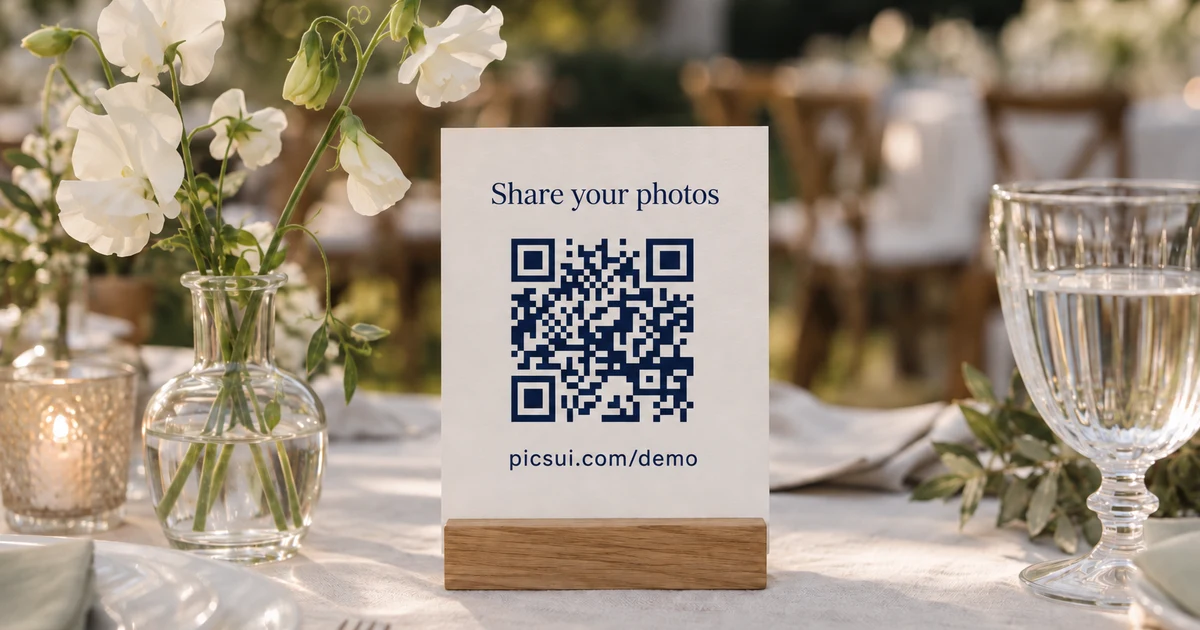
Where to Put Your QR Code at a Wedding So Guests Actually Scan It
You can have the best photo-sharing setup in the world and still collect nothing if guests never scan the code. Here's where to put it, what to write on it, and when to prompt.
Read moreCollect every guest photo at your wedding
Set up Picsui in 60 seconds and start collecting every guest's perspective of your special day.
One-time passes from $29 — no subscription required · Set up in under 60 seconds
Just need it for one event? Get the Event Pass — $29 one-time, no subscription needed.