Minneapolis, MN
Wedding Photo Sharing in Minneapolis
Collect every guest's photos and videos at your Minneapolis wedding with a single QR code. Real-time gallery, live slideshow, and bulk download — no app install required.
One-time passes from $29 — no subscription required · Set up in under 60 seconds
Built for Minneapolis Weddings
Twin Cities weddings shine in lakeside ceremonies, restored mill venues along the Mississippi, and warm winter celebrations in classic ballrooms.
With 150-200 guests typical for warm and classic Minneapolis celebrations and peak season running June through September, you need a photo sharing solution that just works. Picsui gives every guest a one-scan upload experience that collects every candid moment — no app downloads, no sign-ups, no friction.
How it works on the day
Three steps to collect every guest's photos
Create & Print Your QR Code
Sign up, name your event, and download your QR code in seconds. Print it on table cards, display it on a welcome sign at the venue, or add it to your invitations.
Guests Scan & Upload
Guests point their phone camera at the QR code and instantly upload photos. No app download, no account — works on every iPhone and Android.
View, Share & Download
Photos appear in your real-time gallery instantly. Display them on a live slideshow at the venue, or bulk-download every image in original quality after the event.
Everything you need for the wedding
Purpose-built features for collecting wedding photos from every guest.
One-Scan QR Upload
Print a QR code for the venue. Guests scan and upload in seconds — no app needed.
Real-Time Gallery
Watch the gallery fill live as guests upload throughout the ceremony and reception.
AI Photo Moderation
Built-in AI filters blurry, duplicate, or inappropriate uploads so your gallery stays picture-perfect.
Live Slideshow
Display guest photos on screens at the venue. New uploads rotate automatically in real time.
Bulk Download
Download every guest photo in original resolution as a single ZIP file after your wedding.
Guest Email Collection
Optionally collect guest emails during upload for thank-you notes and sharing links.
Why couples choose Picsui
- Zero friction — guests scan a QR code and upload in under 10 seconds
- No app download or account sign-up required
- Short guest video clips collected alongside photos
- Live slideshow turns your reception into an interactive experience
- Bulk download every photo in full original resolution
- 12 months of gallery access — plenty of time to save everything
- Works on any smartphone — iPhone, Android, old or new
- Sized for warm and classic celebrations of 150-200 guests
Planning a wedding in Minneapolis
Where Minneapolis couples get married
Twin Cities couples choose among restored North Loop warehouse venues, lakeside properties around the chain of lakes, and historic downtown ballrooms and theatres. Lakeside receptions define the local summer.
Season and weather
The season is genuinely short — June through September for anything outdoors, with a meaningful winter wedding tradition that runs entirely indoors. Summer evenings by the lakes are the peak of the local calendar and book far ahead.
What guests actually photograph
Lake sunsets drive the outdoor volume, and it ends abruptly when the bugs arrive. Winter weddings concentrate everything indoors, which counterintuitively produces more photos per guest.
Where to put the QR code at a Minneapolis venue
Lakeside receptions run indoor-outdoor until the mosquitoes win. Put cards in both zones — the lake shots happen outside, the dancing happens inside.
Will your guests have signal?
Metro coverage is strong across both cities. Lakeside venues further out and some stone-built historic theatres are the exceptions.
Either way, uploads are resilient: a photo taken with no connection queues on the guest's phone and completes on its own once they are back in range. Nothing is lost because a corner of the venue had no bars.
Frequently asked questions
How does QR code wedding photo sharing work?
With Picsui, you print a QR code and place it at your venue. Guests scan it with their phone camera and upload photos instantly — no app download needed. Photos appear in your real-time gallery as they're uploaded.
We are having a winter wedding. Does anything change?
Only that everyone is indoors, which usually means more photos rather than fewer. The gallery, slideshow and QR code work identically regardless of season.
Our venue is a historic theatre. Can we run the slideshow on their screen?
Generally yes — the slideshow runs in a browser, so any laptop the venue can connect to their projector or screen will display it. No software installation is required on their equipment.
Does this work for a winter wedding?
Yes, and winter usually produces more photos because everyone is in one warm room. Nothing about the gallery changes with the season.
When is the best time to set up photo sharing for a Minneapolis wedding?
Peak wedding season in Minneapolis is June through September. We recommend setting up your Picsui event at least a week before your wedding so you can test the QR code, customize your gallery, and add it to your printed materials. Setup takes under 60 seconds.
How many photos can guests upload at a Minneapolis wedding?
With 150-200 guests typical for Minneapolis weddings, you'll collect hundreds of candid moments. Event Pass includes unlimited guest photo and video uploads for one wedding ($29 one-time, no subscription). Photographers and planners can apply for Partner pricing at $19 per event or five Event credits for $79.
Free wedding photo guide
Tips for collecting more guest photos at your Minneapolis wedding, plus QR code placement ideas for popular Midwest venues.
No spam, ever. Unsubscribe anytime.
Other cities we've written about
Picsui works the same anywhere with a phone signal. These are the other Midwest guides, if your venue is elsewhere.
Chicago, IL
Wedding photo sharing for classic and sophisticated celebrations
Learn moreMilwaukee, WI
Wedding photo sharing for lakeside and historic celebrations
Learn moreDetroit, MI
Wedding photo sharing for soulful and stylish celebrations
Learn moreCleveland, OH
Wedding photo sharing for approachable and classic celebrations
Learn moreColumbus, OH
Wedding photo sharing for modern and creative celebrations
Learn moreCincinnati, OH
Wedding photo sharing for historic and warm celebrations
Learn moreExplore More
Wedding Photo Sharing App
Everything you need to know about collecting guest photos with QR codes.
Learn moreWedding Reception Slideshow
Live photos on the big screen as your guests upload them.
Learn moreSame-Day Wedding Slideshow
Display guest photos on venue screens in real time as they upload.
Learn moreQR Code for Wedding Pictures
How to create, print, and display a QR code that collects every guest's photos.
Learn moreGuest Video Upload
Collect short video clips from every guest — toasts, dances, candids.
Learn morePrivate Wedding Livestream
Stream the ceremony live to family who couldn't travel.
Learn moreWedding Photo Tips & Guides
Tips, guides, and insights to help you capture every moment.
Every guest photo is saved now — here's how the free preview works
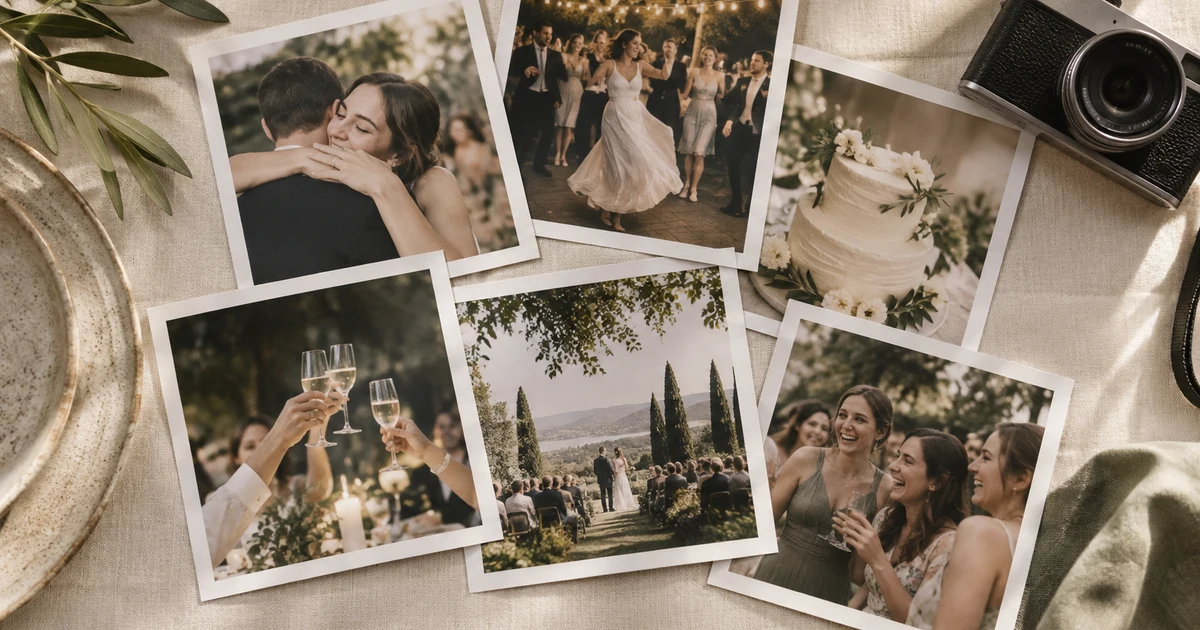
We changed the free preview so no guest ever hits a wall. Every photo is captured, your first 25 show free, and the rest wait behind a one-tap unlock.
Read moreCollecting Photos at a Corporate Event or Conference: A Playbook
Attendees are holding better cameras than your one hired photographer, and they're standing where the photographer isn't. Here's how to turn a room full of phones into your best content source.
Read more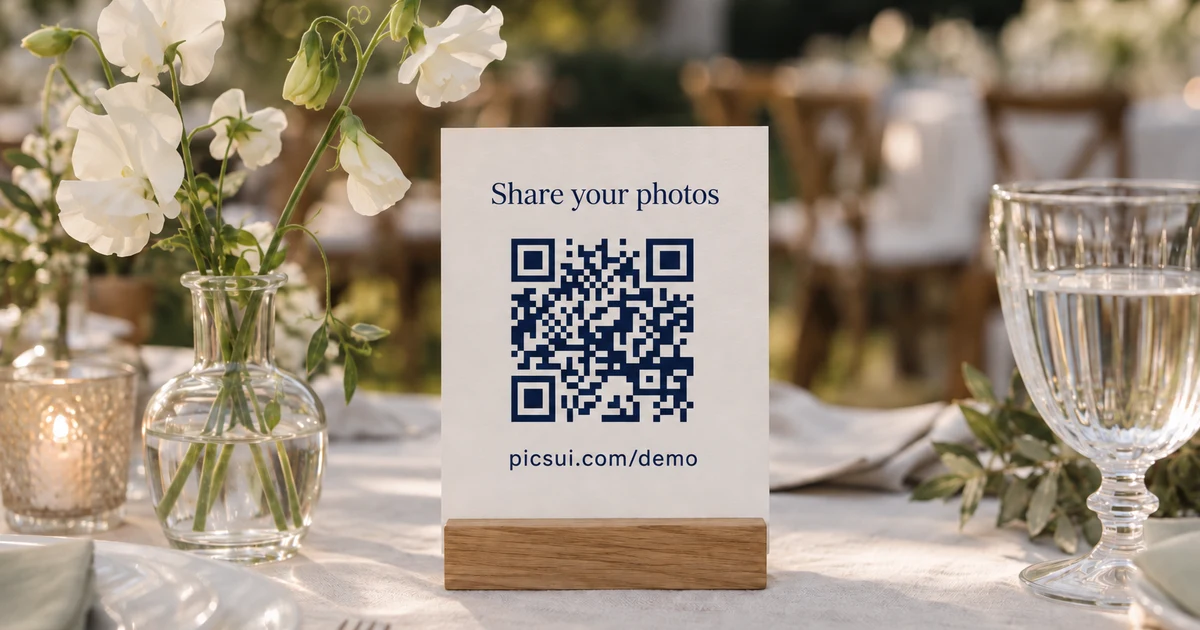
Where to Put Your QR Code at a Wedding So Guests Actually Scan It
You can have the best photo-sharing setup in the world and still collect nothing if guests never scan the code. Here's where to put it, what to write on it, and when to prompt.
Read moreCollect every guest photo at your wedding
Set up Picsui in 60 seconds and start collecting every guest's perspective of your special day.
One-time passes from $29 — no subscription required · Set up in under 60 seconds
Just need it for one event? Get the Event Pass — $29 one-time, no subscription needed.